7-36 CHAPTER 7: OPERATION
QUICK LOAD SERVO III MI
Press the key corresponding to the icon [+/-].
• The current end of bar position (Z) is displayed.
• Enter with the direction keys the correction to insert, and press the
[+] icon to add the value, or the icon [-] to subtract it. The new value
is stored.
• To exit the end of bar set mode, press the key attributed to the icon
[ESC].
Jump to point 8.
7
[TEACH IN]
[START]
[FWD]
[ENTER]
[TEACH IN] By teaching:
• Press the key attributed to the icon [TEACH IN].
• Press the key attributed to the icon [START].
• The loading channel raises and grasps a bar as it passes by. The
feeding pusher inserts the bar into the lathe spindle. The feeding
pusher returns to its reference position. The loading channel goes
down. The feeding pusher is now facing the spindle.
• Press the key [FWD] and advance the bar stock to the desired
position (see previous page).
• To validate the new top cut position, keep [ENTER] pressed until
the icon disappears.
8
[ESC]
or
[STOP]
To exit the set mode, press the keys [ESC] or [STOP].
8. POWERING DOWN
Before handling the bar feeder, stop the lathe at the end of part cycle !
When powering off the barfeed, make sure the pusher is in reference position, table in
lower position, and no bar stock is present in the guiding element.
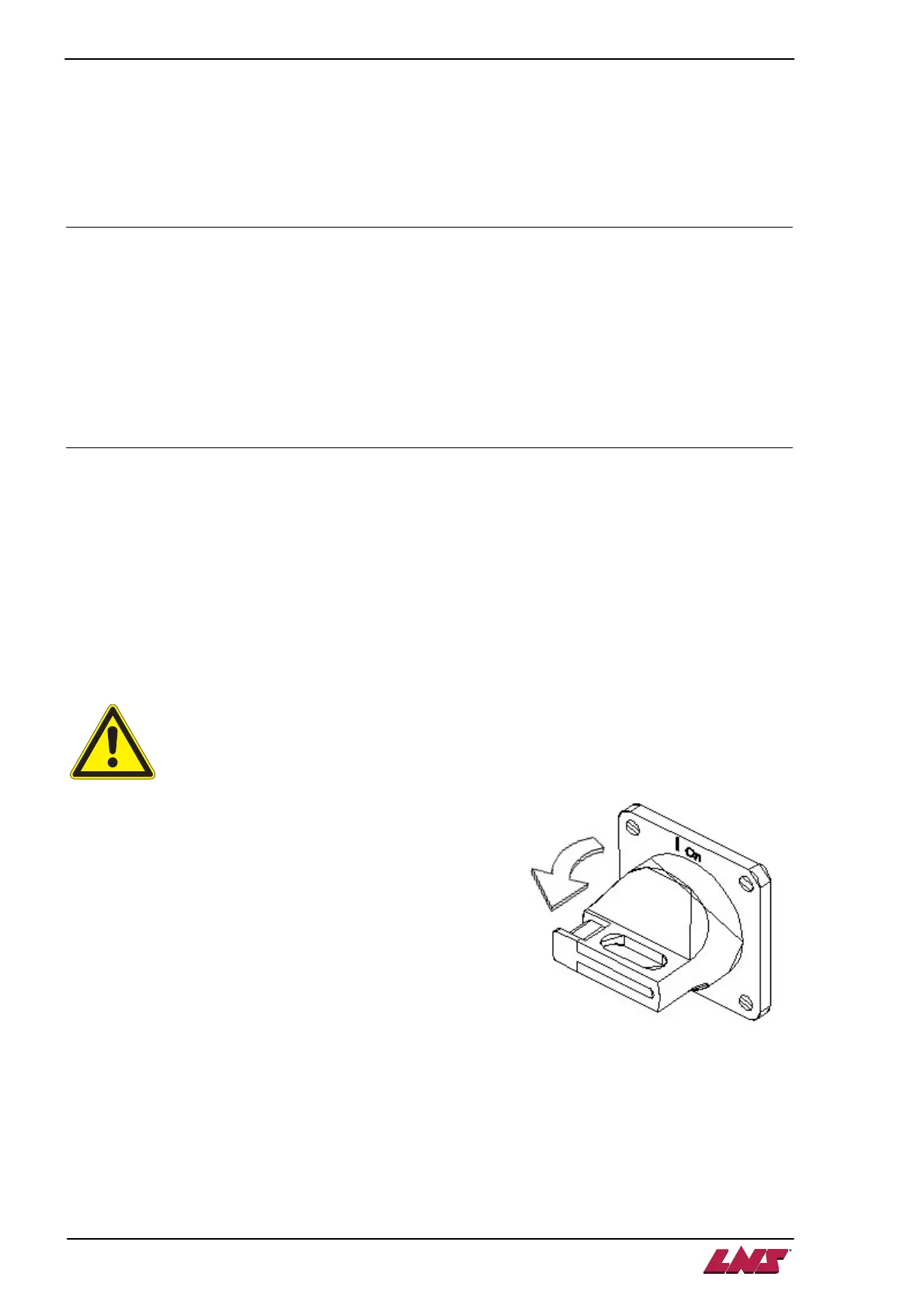
To power down, turn the switch to the left, to the 0off position.













 To Next Page