SECTION 3.414
3.4 Deleting an Access Code
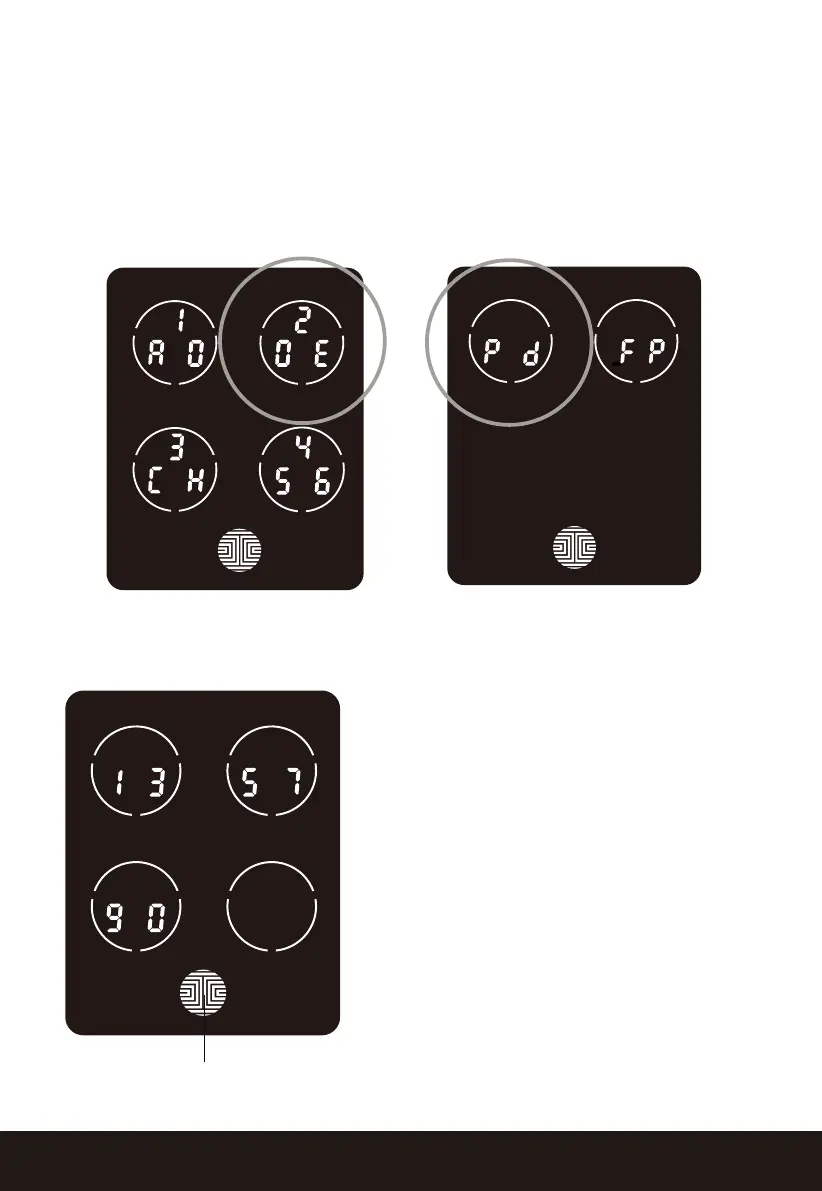
While in Programming Mode, select “2DE” to delete an Access Code. If you are
not in Programming Mode, please see Section 3.2 to enter Programming Mode.
After pressing “2DE” press “Pd” to delete an Access Code.
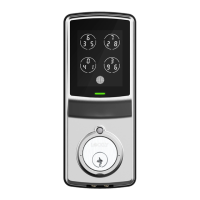
OK Button
Example Only
Active Access Codes will then be
displayed on the screen in sequence from
left to right, top to bottom. In the
example shown on the left, the Access
Code displayed is 1 3 5 7 9 0 .
Rotate through different Access Codes
shown by touching any number on the
screen. If you find the Access Code you
want to delete, simply hold the OK button
for 3 seconds. (Continue on next page)


 To Next Page