Individual 40-55 - 64 -
User guide
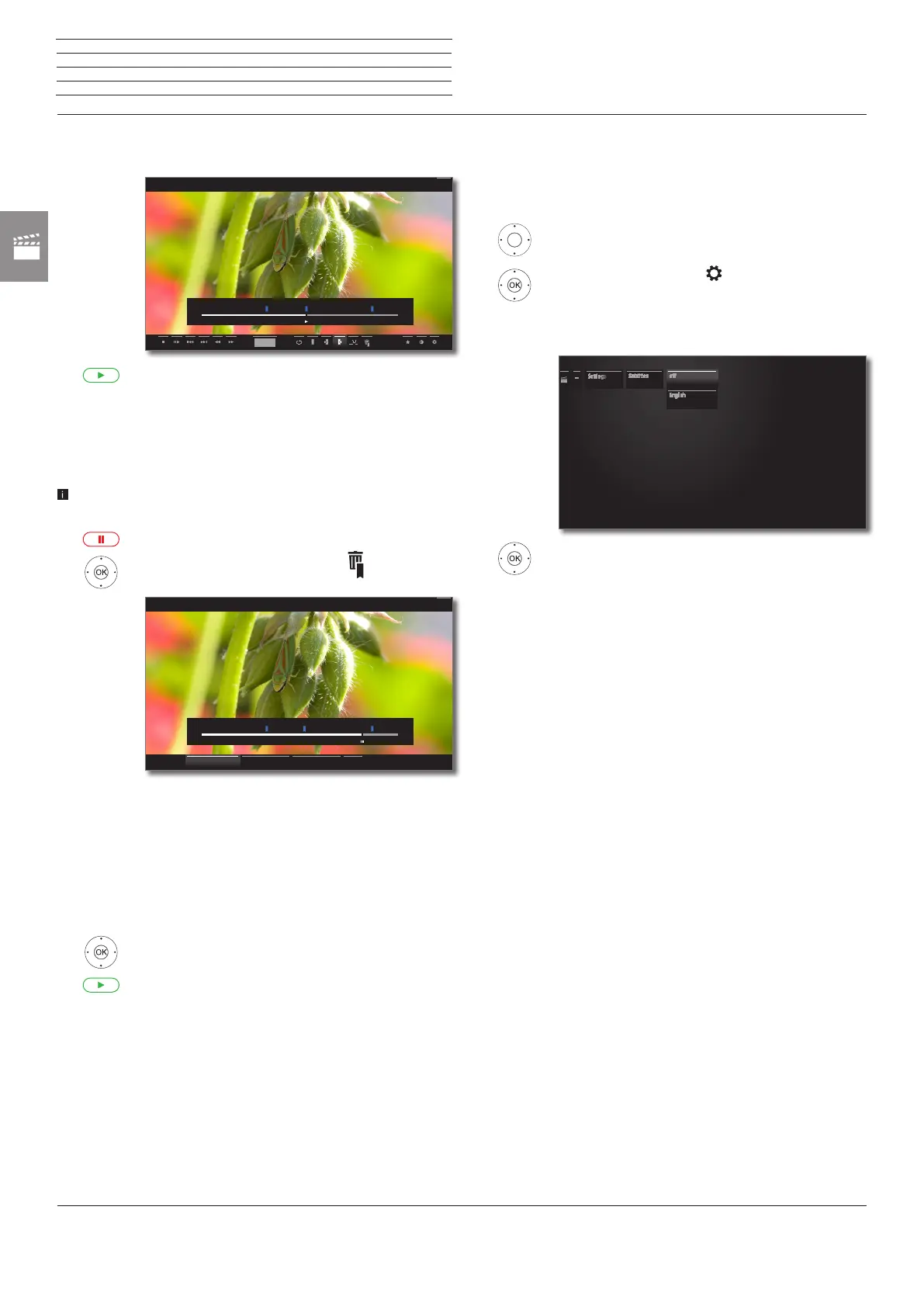
Deleting individual bookmarks
Jump to the manually set bookmark to be deleted.
Press PLAY key for a little bit longer: Delete bookmark.
Deleting the Bookmark during playback
You can delete your manually set bookmarks during the playback of
the DR+ Archive entry.
Manually set bookmarks are blue, automatically set bookmarks are
displayed in grey. Automatically set bookmarks cannot be deleted.
PAUSE key: Switch to freeze picture.
6534 mark Delete bookmark ,
OK call delete dialogue.
Delete all
bookmarks
All manually set bookmarks (blue) in the current
recording are deleted.
Delete
bookmark ←
The manually set bookmark to the left of the current
position will be deleted.
Delete
bookmark →
The manually set bookmark to the right of the current
position will be deleted.
OKConfirm selection.
PLAY key: Continue playback.
00:00
23:51 45:00
hh:mm
Back
00:00
38:42
45:00
Back
Delete bookmark ← CancelDelete bookmark →Delete all bookmarks
Subtitles
Subtitles of a broadcast can also be stored during recording (see Timer
data on page 81).
Showing recorded subtitles during playback:
56 Show status bar.
6534 mark Settings ,
OK Call settings.
6 5 mark Subtitles,
OK Call up available subtitles.
6 5 Mark the desired subtitles,
OK show/hide subtitles.
Settings
Subtitles off
English
n
Video














 To Next Page