Individual 40-55 - 79 -
User guide
New instruction: New recording
In overview of Timer Instructions:
3456 Mark Create newly,
OK call.
3456 Mark New recording,
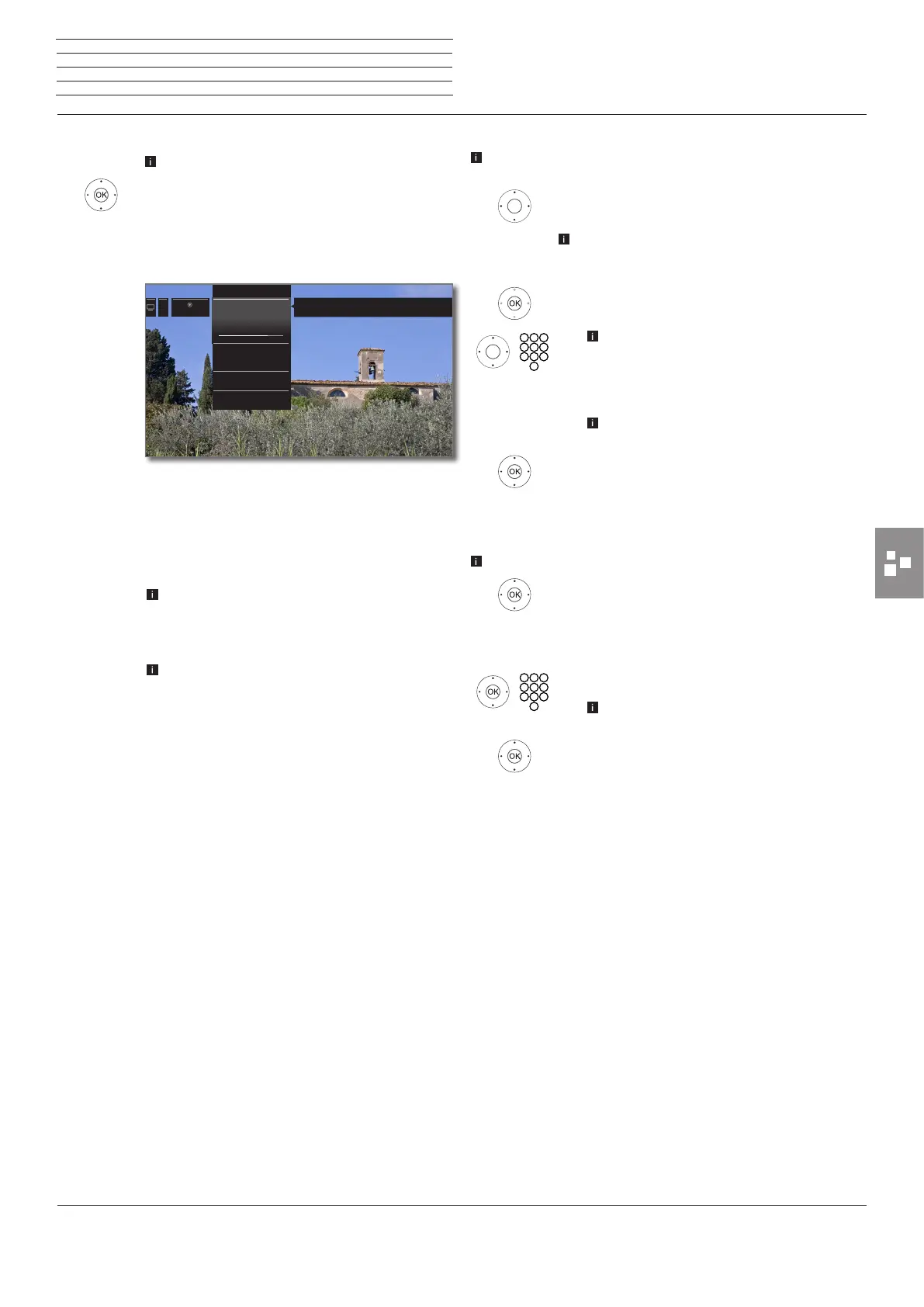
OK call. The function list for recording will be
opened.
6 5 Mark the desired option,
4 proceed.
Manual
recording
Programme the recording manually.
For further information see column on the right.
Current
programme
Record currently watched TV programme.
Menu item will only be indicated when EPG data
are available for the current station.
See page 80 for further information.
Following
programme
Record following programme.
Menu item will only be indicated when EPG data
are available for the current station.
See page 80 for further information.
Recording
via EPG
Programme recording of a programme via the elec-
tronic programme guide (EPG).
See page 40 for further information.
Open DR+
archive
opens the DR+ archive (see page 50).
9
Recording
Current programme
9 ZDF HD 20:15 - 21:45
Toskana
20:15
Following programme
9 ZDF HD 21:45 - 22:10
heute journal
Recording via EPG
Open DR+ Archive
Thereby you can record the programme currently being watched.
New recording – Manual recording (current station)
In the overview of the Timer Instructions, New recording is se-
lected.
6 5 Mark recording duration.
The selection of a recording duration programmes
always a recording of the currently viewed station.
For Any station and time see below.
OK Call Timer data dialogue.
The selected recording duration is preset in the
timer data. Check timer data and correct them,
if required. In case of a previous selection of
??? Min, enter definitely the recording dura-
tion.
For the explanation of the menu items in the
timer data see page 81.
6 5 Mark Adopt to Timer.
OK Confirm timer data and adopt timer instruction.
Recording has been started.
New recording – Manual recording (other station)
Manual recording has been selected (see above).
6 5 Mark Any station and time,
OK Call Station selection.
3465 Mark desired station,
OK Adopt station in timer data.
Check timer data and correct them, if required.
For the explanation of the menu items in the
timer data see page 81.
6 5 Mark Adopt to Timer.
OK Confirm timer data and adopt timer instruction.
n
Extras
Timer














 To Next Page