Individual 40-55 - 80 -
User guide
n
Extras
Timer
New recording – Current programme
After calling the Current programme (see page 79) the timer
data dialogue will be displayed. The current programme is preset in
the timer data.
Check timer data and correct them, if required.
For the explanation of the menu items in the timer data
see page 81.
6 5 Mark Adopt to Timer.
OK Confirm timer data and adopt timer instruction.
Recording has been started.
New recording – Following programme
After calling the Following programme (see page 79) the timer
data dialogue will be displayed. The following programme of the cur-
rent station is preset in the timer data.
Check timer data and correct them, if required.
For the explanation of the menu items in the timer data
see page 81.
6 5 Mark Adopt to Timer.
OK Confirm timer data and adopt timer instruction.
New copy job
You should copy recordings that you want to save permanently on an
external USB hard disk.
Copying recordings, which originate from a CI Plus encrypted station,
is perhaps not possible or only to a limited extent (see page 83).
In overview of Timer Instructions:
3456 Mark Create newly,
OK call.
3456 Mark New copy,
OK call.
The DR+ archive will be called. For further information
on copying refer to chapter Digital-Recorder – Over-
view of functions starting from page 46.
New memo
You memorise interesting programmes, which have not started yet,
using the electronic programme guide (EPG).
In overview of Timer Instructions:
3456 Mark Create newly,
OK call.
3456 Mark New memo,
OK call.
EPG will be called. For further information on Memorise
refer to chapter Electronic Programme Guide start-
ing from page 39.
Record conflict
If you wish to programme a new recording which overlaps a timer
recording already saved, the Recording conflict dialogue will open.
Determine whether one or both recordings are to be made here.
If you decide for both, you have to state which of the two programmes
is to be recorded fully.
BACK: Interrupt programming of the new recording.
Update timer data of the newly programmed
recording.
Delete programmed timer instruction
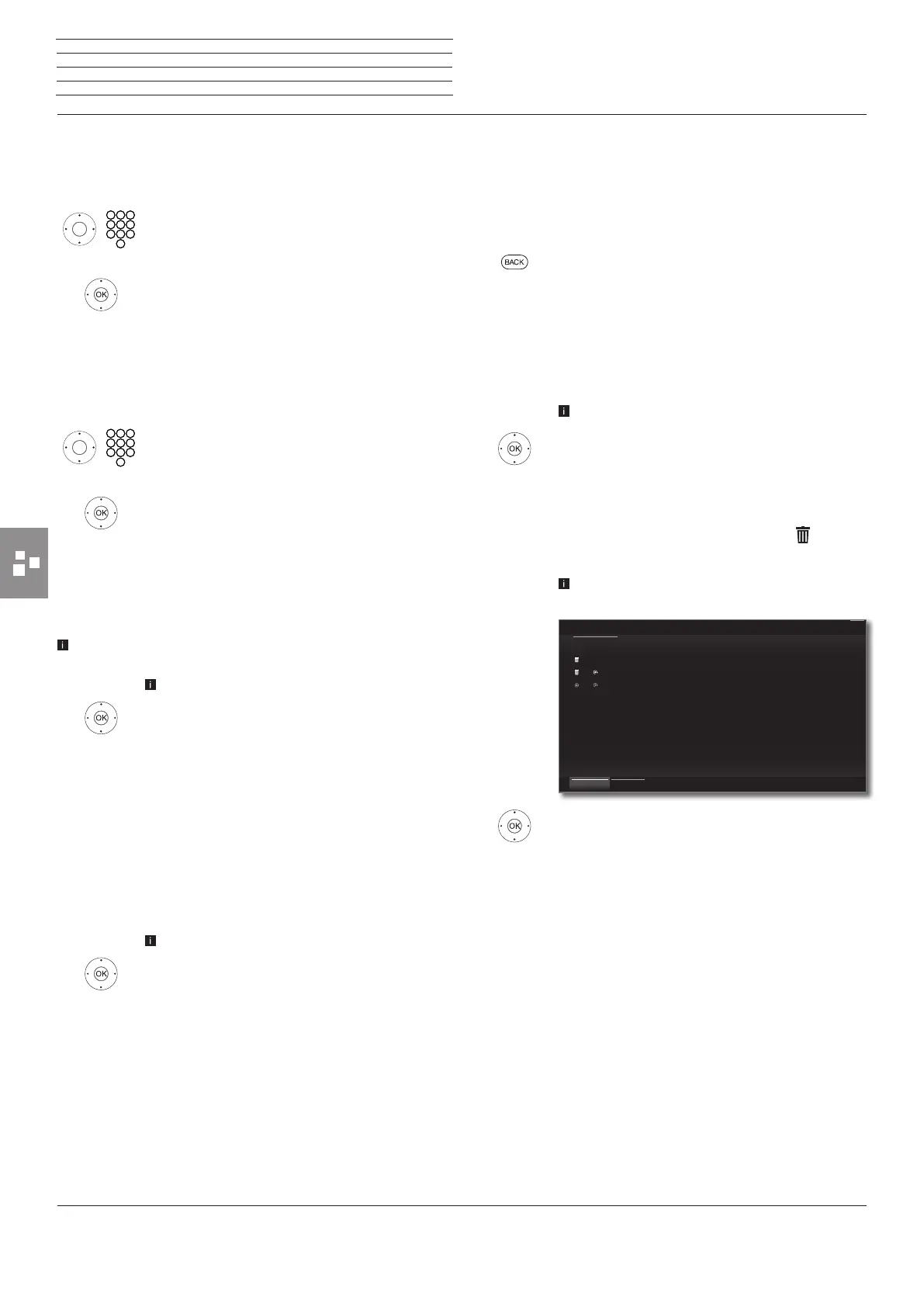
Use this function in the overview of timer Instructions if you want to de-
lete recordings already programmed or end a running timer recording.
The Timer Instructions are displayed.
3465 Mark Delete,
OK call.
65Mark the timer instruction to be deleted,
OK Memorise timer instruction for delete.
The text of a timer instruction to be deleted is white.
Ahead of the entry appears a delete icon .
If required, memorise further entries.
The text of a currently active timer instruction is red.
If you delete this timer, the recording is stopped.
3465 Mark Confirm delete,
OK Delete timer instructions.
24.09. 15:32 - 16:00 ProSieben How I Met Your Mother
24.09. 12:15 - 12:44 ProSieben Malcolm mittendrin
24.09. 20:15 - 21:15 RTL Television Wer wird Millionär?
Timer
Timer Instructions
Confirm delete
Cancel delete
Mon
Back














 To Next Page