Individual 40-55 - 95 -
User guide
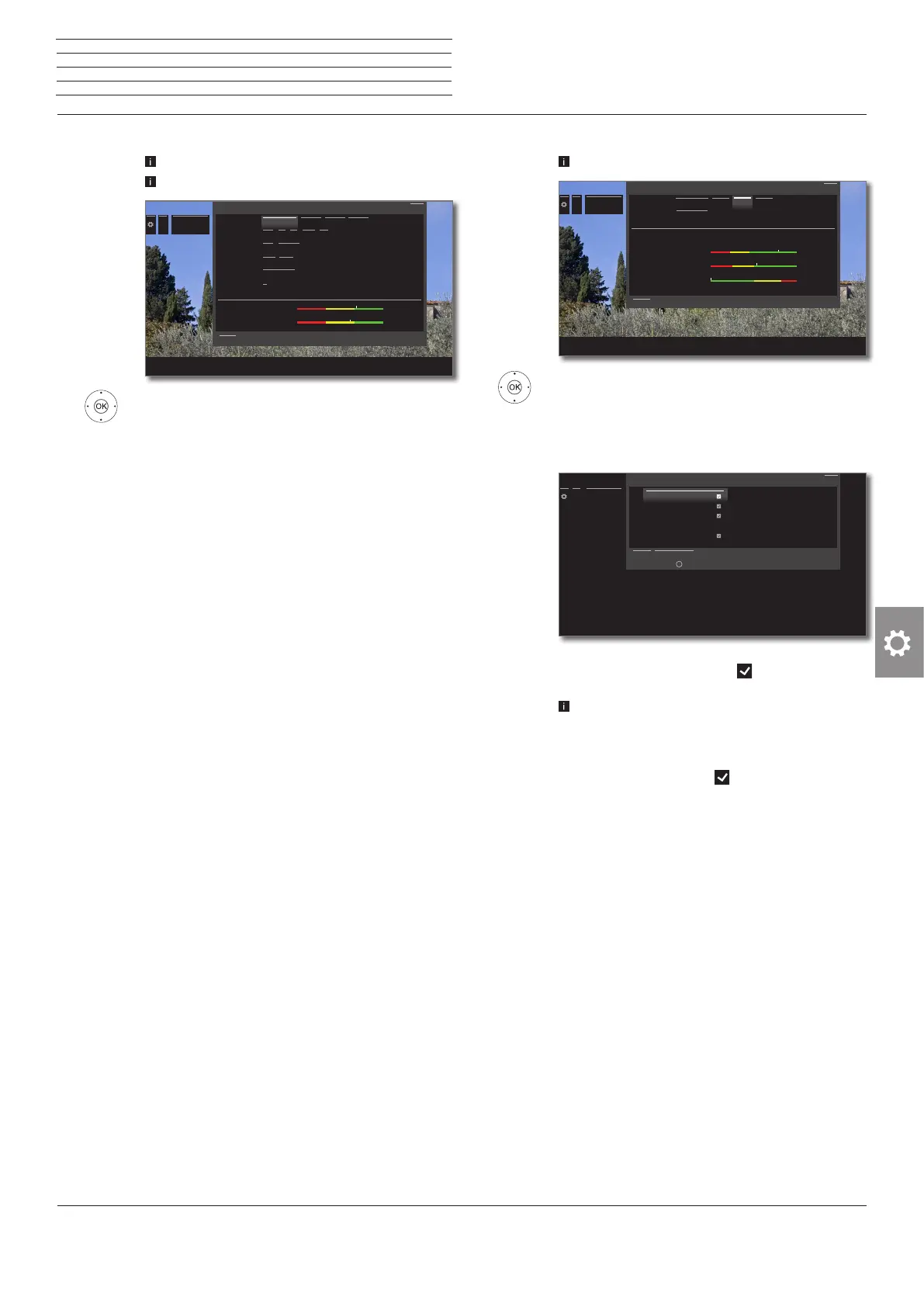
Manual search for cable analogue (analogue cable reception):
Manual search is called.
Cable analogue has been selected as signal source.
5634 Mark and adjust settings,
OK confirm as the case may be.
5634 Mark Search,
OK start search.
If a station has been found:
5634 Mark Store/Overwrite,
OK Store station.
Explanations on the search settings for cable analogue:
Signal source Selection of range in which you want to search for the
station.
TV standard
If necessary, ask your dealer which standard to se-
lect for specific channels or AV equipment.
Colour
standard
If necessary, ask your dealer which standard to se-
lect for specific channels or AV equipment.
Channel
Direct input of channel.
Frequency
Direct input of station frequency.
Range for entry: 044.75 MHz - 859.25 MHz.
Name
Here, the name of the found station is displayed. You
can change the name of the station. For the entry of
characters see page 19.
...
Manual Scan
TV
Signal source Cable analog DVB-T DVB-C DVB-S
TV standard B/G I L D/K M
Colour standard PAL SECAM
Channel E 01 S 01
Frequency 044.00 MHz
Name
C/N 40.5 dB
Level 54 dBµV
Signal source Cable analog DVB-T DVB-C DVB-S
TV standard B/G I L D/K M
Colour standard PAL SECAM
Channel E 01 S 01
Frequency 044.00 MHz
Name
C/N 40.5 dB
Level 54 dBµV
Manual Scan TV
Here you select the range within which you wish to search for stations. You can automatically search for station after station.
Search
Back
Manual DVB-T/C/S search:
Manual search is called.
5634 Mark and adjust settings,
OK confirm as the case may be.
5634 Mark Search,
OK start search.
When a DVB transponder has been found:
5634 Mark the station,
OK Station will be ticked with . If necessary,
repeat for several stations.
Stations that already exist in the station overview
will be displayed with their station number on the
left.
5634 Mark Store/Overwrite,
OK Stations marked with will be stored.
Explanations of some search settings:
Signal
source
(DVB-T/C/S)
Selection of range in which you want to search for the
station.
Channel
(DVB-T)
Direct input of channel.
Satellite
(DVB-S)
Here you can select the satellite where the stations
are to be searched for.
Band
(DVB-S)
Here you can select the frequency band in which
shall be searched.
Setting ranges: horiz/low 10694 - 11906 MHz
horiz/high 11544 - 12756 MHz
vert/low 10694 - 11906 MHz
vert/high 11544 - 12756 MHz
Frequency
(DVB-T/C/S)
DVB-T/C: Direct input of station frequency.
DVB-S: Direct input of LNC frequency
Symbol rate
(DVB-S)
Here you can specify the symbol rate
Range: 1000-45000
...
Manual Scan
TV
Signal source Cable analog DVB-T DVB-C DVB-S
Frequency 044.00 MHz
Name
C/N 71.5 dB
Level 58 dBµV
BER 0 E-7
Manual Scan TV
Here you select the range within which you wish to search for stations. You can automatically search for station after station.
Search
Back
...
Manual Scan
TV
1024 arte HD
1025 kabel eins HD
1026 SPORT1 HD
1027 Cartoon Network
1028 Spiegel TV HD
1024 arte HD
1025 kabel eins HD
1026 SPORT1 HD
1027 Cartoon Network
1028 Spiegel TV HD
Found stations
Search Store/Overwrite
Mark/unmark with
OK
Back
n
System settings
Stations














 To Next Page