EasyManua.ls Logo

LONGER Orange10 - LED Status and Control; Printer Information

LONGER Orange10
34 pages
Print Icon
To Next Page IconTo Next Page
To Previous Page IconTo Previous Page
Loading...
11
www.longer3d.com info@longer3d.com
Move the Z axis by 50mm.
Move the Z axis to the home position for leveling. Make
sure there is model below the build plate or in the resin
tank before leveling, or else it will cause damage to the
printer.
Stop the motion immediately.
Back to main menu.
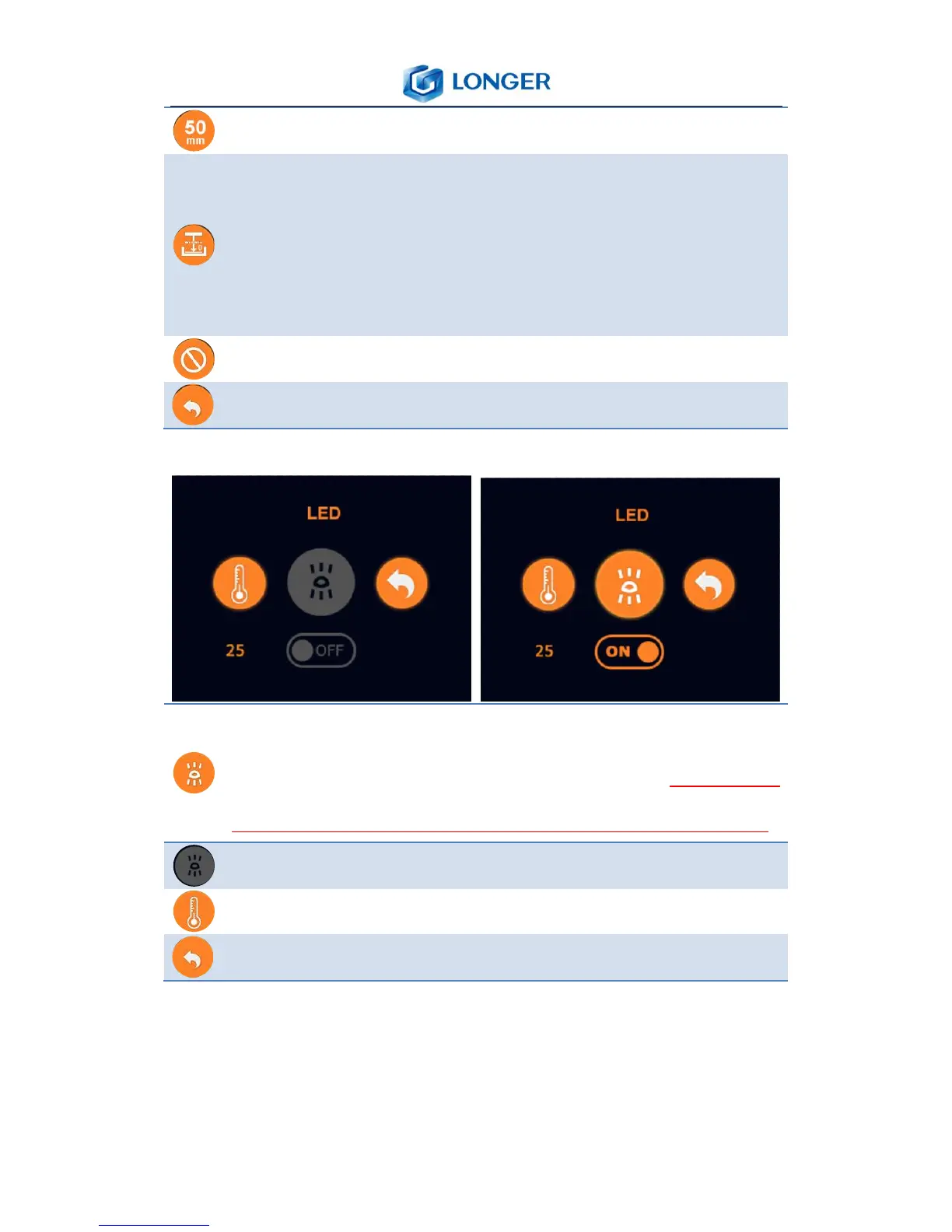
2) LED
Turn on the LED light and a white picture will be showed
to confirm that the LCD and LED are ok (make sure
there is no resin in the vat, otherwise it will be cured).
Turn off the LED light.
Real-time temperature of LED PCB.
Back to main menu.
5.5 About
About: the information of the printer

Other manuals for LONGER Orange10

Related product manuals