22
www.longer3d.com info@longer3d.com
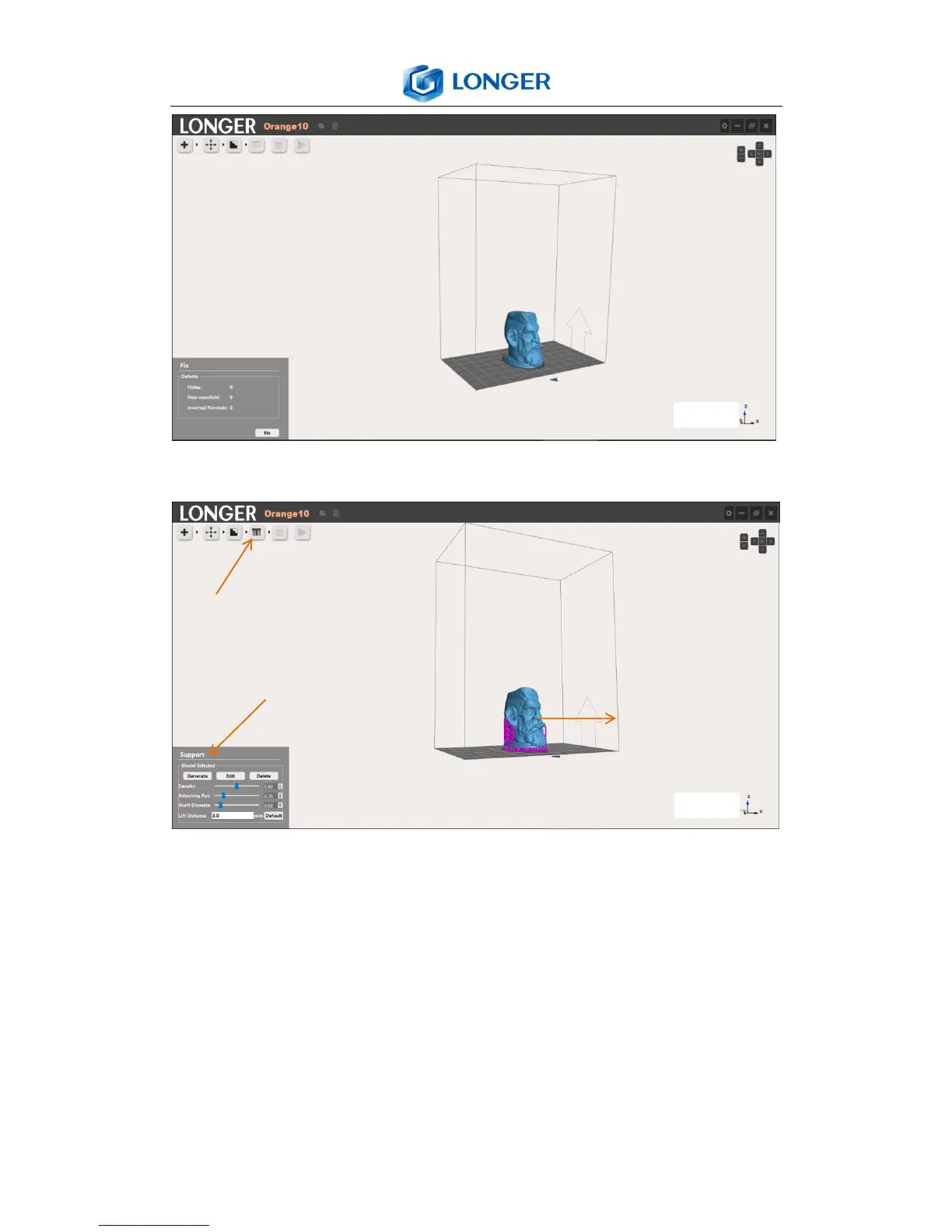
6.9 Support
Support: Select the model, click support icon, edit the
parameters, click Generate icon.
Generate: generate support for the selected model.
Edit: edit the support parameters, the support positions are
showed by purple point. Add support by left click at desired
position of the model; delete support by left click the purple



 To Next Page