5
www.longer3d.com info@longer3d.com
5 Touch Screen Description
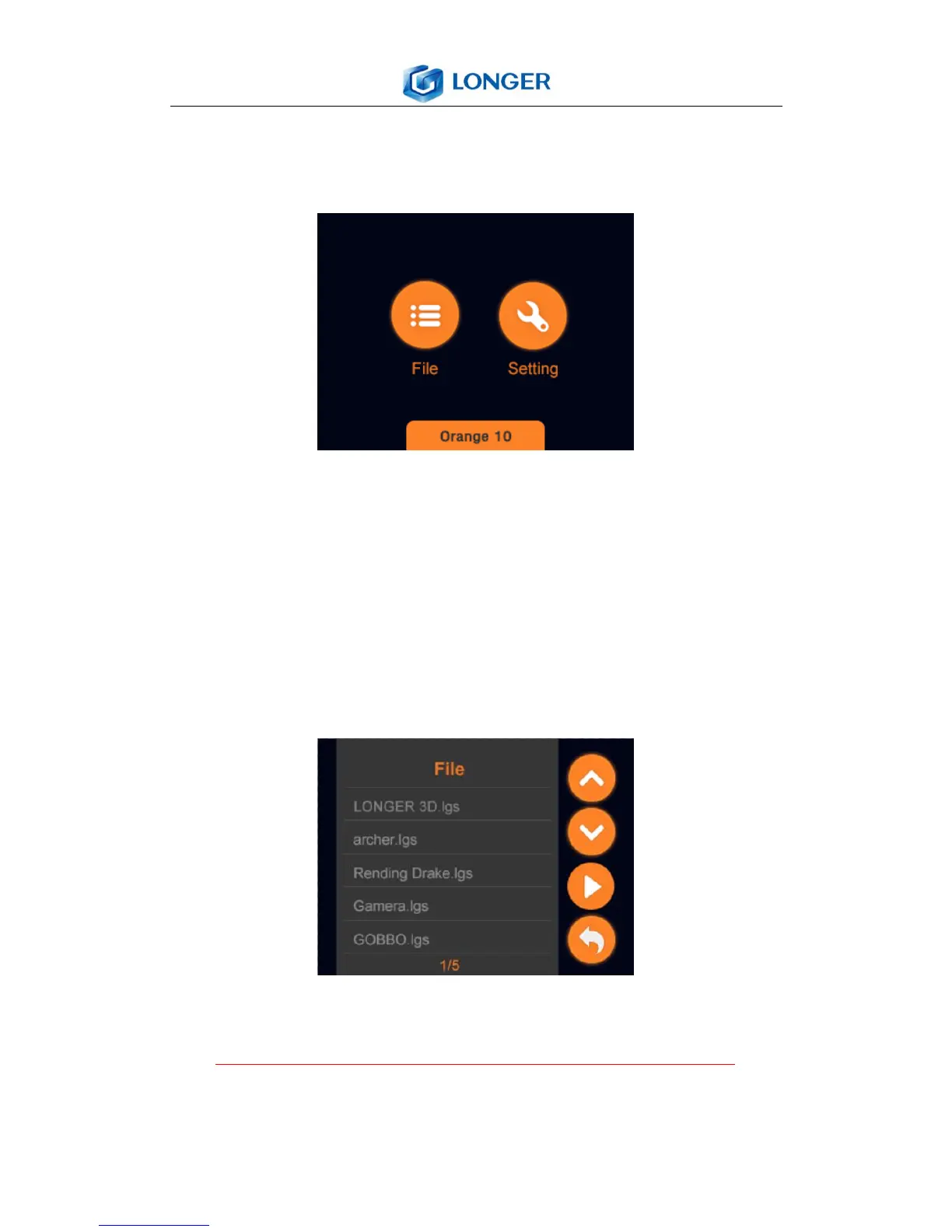
5.1 Main Menu
Home: enter into tools interface which contains “File” and
“Setting”.
File: the list of printing files, and selection of file to print.
Setting: move the Z axis; check LCD and LED; information of
the printer.
5.2 File
File: list all printing job files of TF card. The file’s suffix is lgs
and save the printing job files in TF card root directory. If
the TF card is pulled out or damaged, then it shows TF card



 To Next Page