6
www.longer3d.com info@longer3d.com
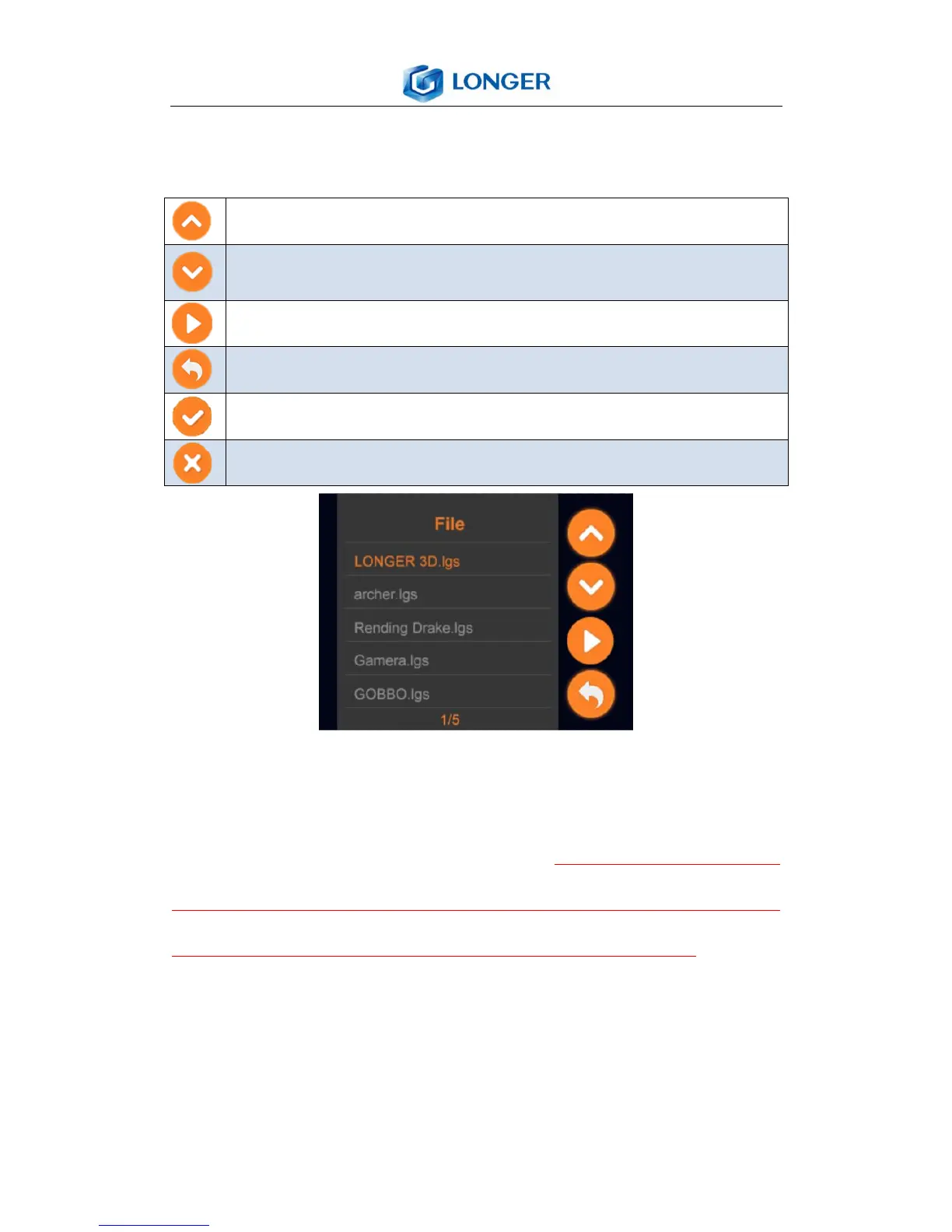
error! And it shows “This folder is empty” if there is no printing
job file in the TF card root directory.
Select the file to print from the list, the selected file’s name will
change to orange color. Click the START, a pop-up window
appears to confirm the operation and it is required to make
sure there is no model below the build plate or in the resin
tank; otherwise, it will cause damage to the printer. Choose
YES to start the printing, or select NO to cancel the printing.



 To Next Page