www.longer3d.com 11 info@longer3d.com
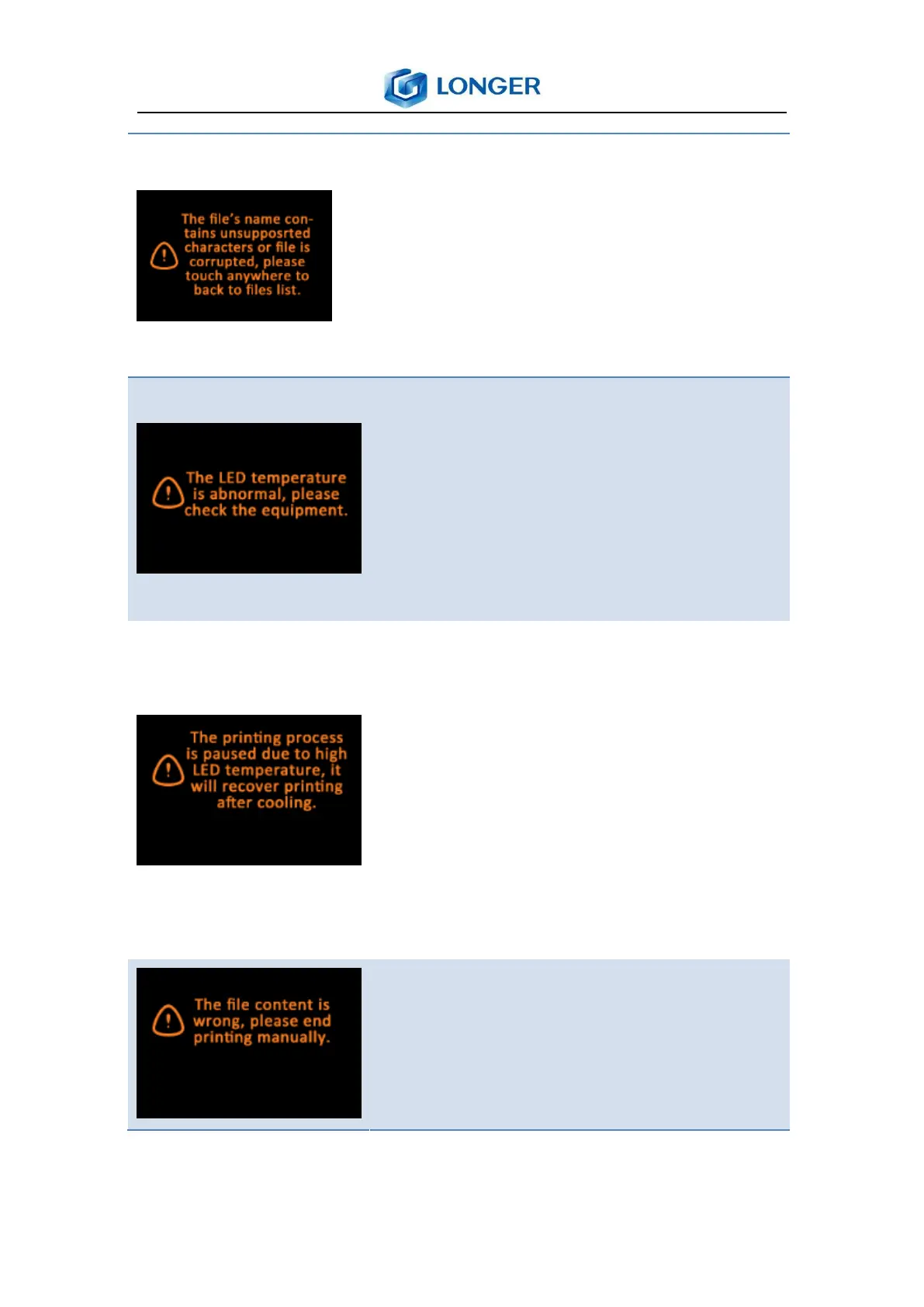
If the printing file’s name contains
unsupported characters or file is
corrupted, it shows a tip as shown in
the left picture, then touch anywhere
on the screen to back to file list.
It will detect the temperature of LED
before printing, and it will show a tip as
shown in the left picture if it is
abnormal, then it needs to check the
printer’s wiring or cooling fan.
If the temperature of LED is higher
than normal temperature during
printing, the printing process will be
paused automatically and recover after
cooling; but it will be canceled if the
temperature is too high, it needs to
check the printer.
The file is damaged, it cannot be
printed, and it returns to the main
menu by touching anywher manually.



 To Next Page