www.longer3d.com 27 info@longer3d.com
model or there are many support points on the building
platform.
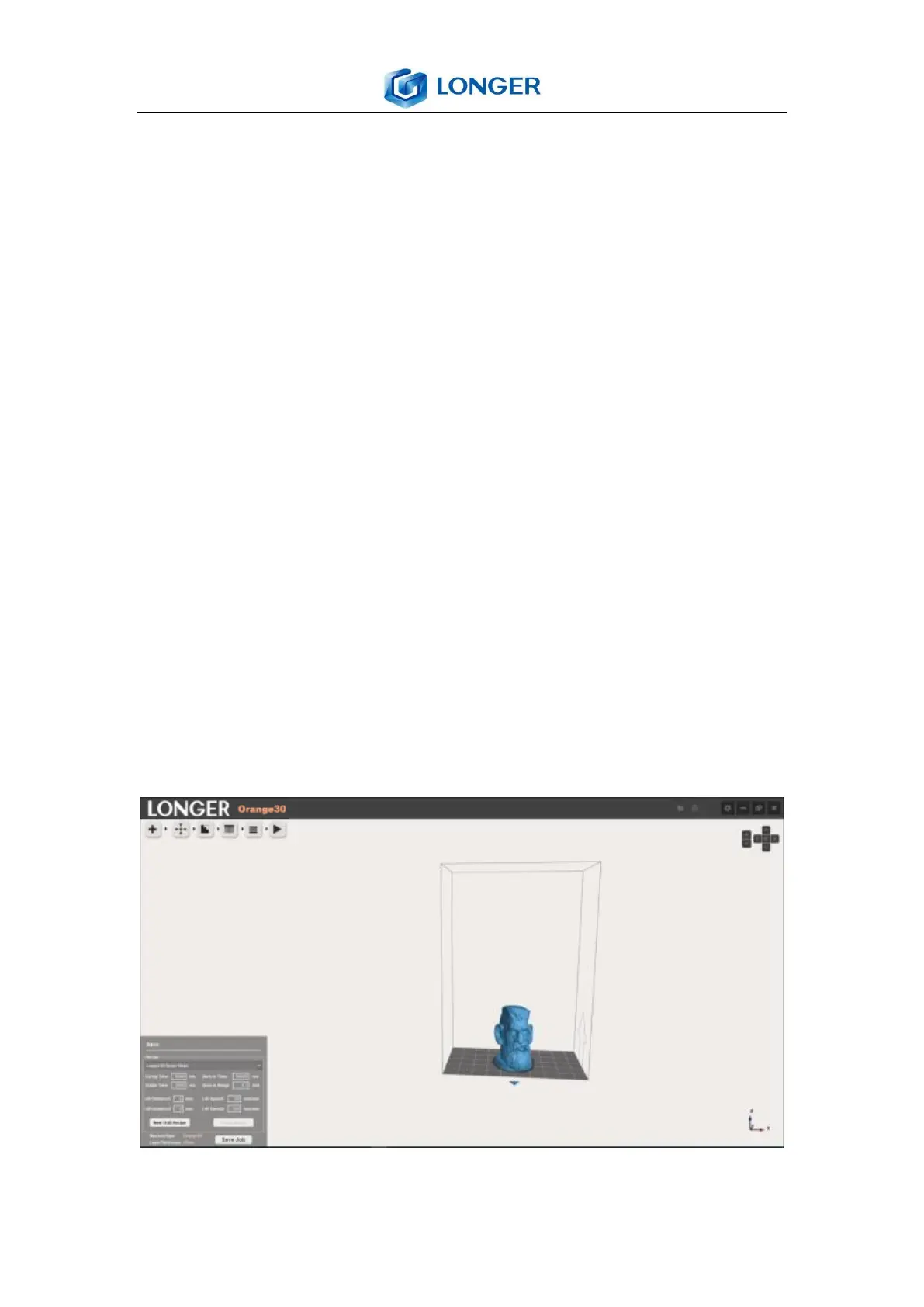
Slice: slice the model with the setting layer thickness, “sliced”
will show when it is completed otherwise is shown “not slice”.
And there is a prompt of “slicing the scene” in the upper right
corner of the software when slice the model.
Slicing Image Preview: preview the image of sliced model by
drag the slider as shown in forth arrow.
Adjust the layer thickness to suitable value by clicking left and
right arrow , such as 50μm, click slice icon to slice the model
by setting layer-thickness. Every layer image can be previewed
in the window by dragging the slider in the bottom or input
the number of layer in the blank.
6.10 Generating Job File



 To Next Page