www.longer3d.com 20 info@longer3d.com
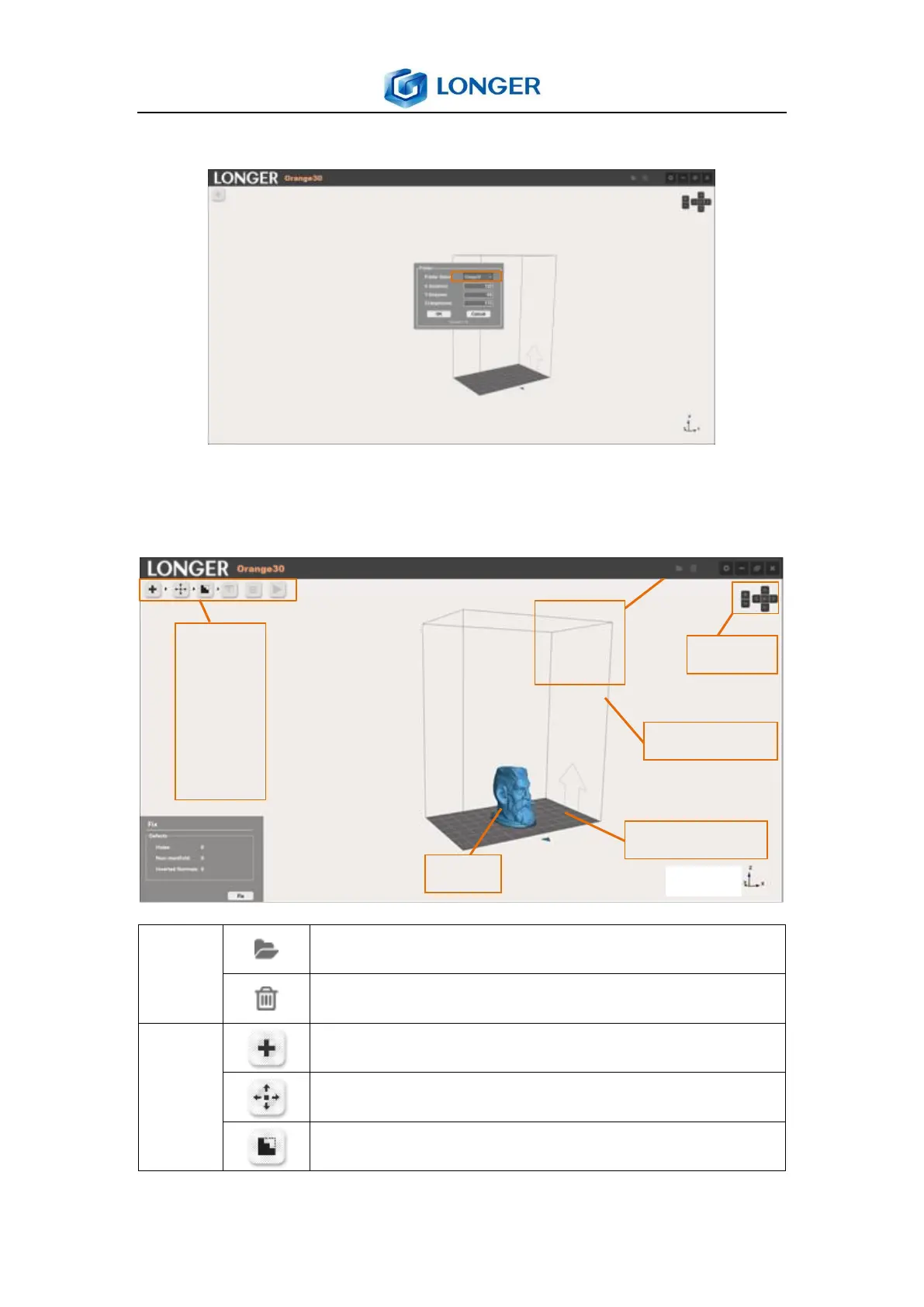
6.4 Main menu
After software installation, click printer setting button to select
Orange30 printer model from the list, then click OK.
Import: import the ZIP or lgs file.
Delete: delete the selected model.
Open: load the stl model.
Edit: translate, rotate, scale the model.
Fix: check and fix the model error.
● Import
● Open
● Edit
● Fix
●
● Slice



 To Next Page