www.longer3d.com 14 info@longer3d.com
5.5 About
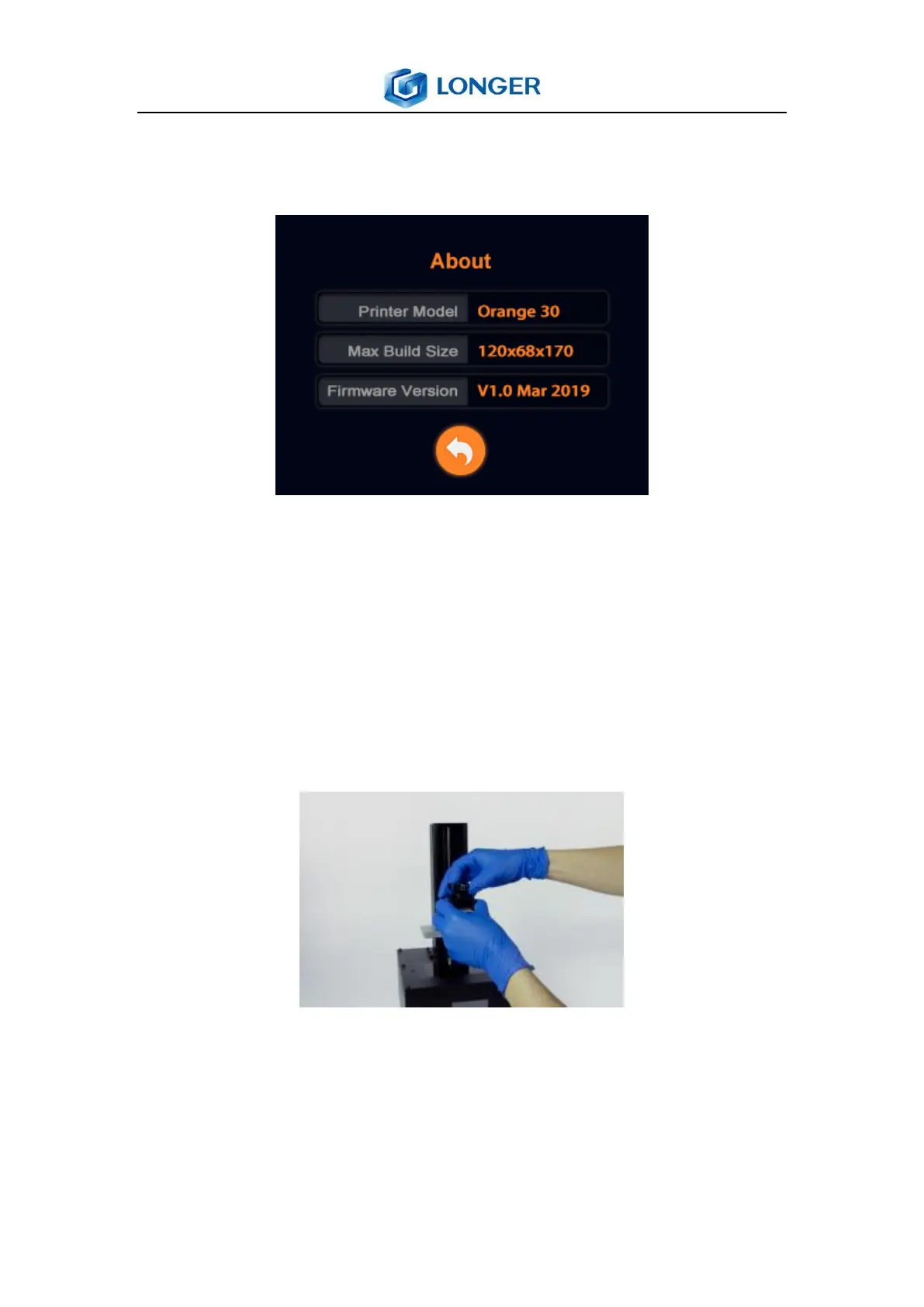
About: the information of the printer
Printer Model: the model number of the printer.
Max Build Size: Maximum size of the printer.
Firmware Version: the version of printer’s firmware.
5.6 Leveling
1) Turn on the printer, move up the Z axis, take out the
building plate, install it as the picture as shown below.
2) Loosen the four leveling fixed screws with hexagon wrench
4mm to make the building plate can move along Z axis freely.



 To Next Page