www.longer3d.com 19 info@longer3d.com
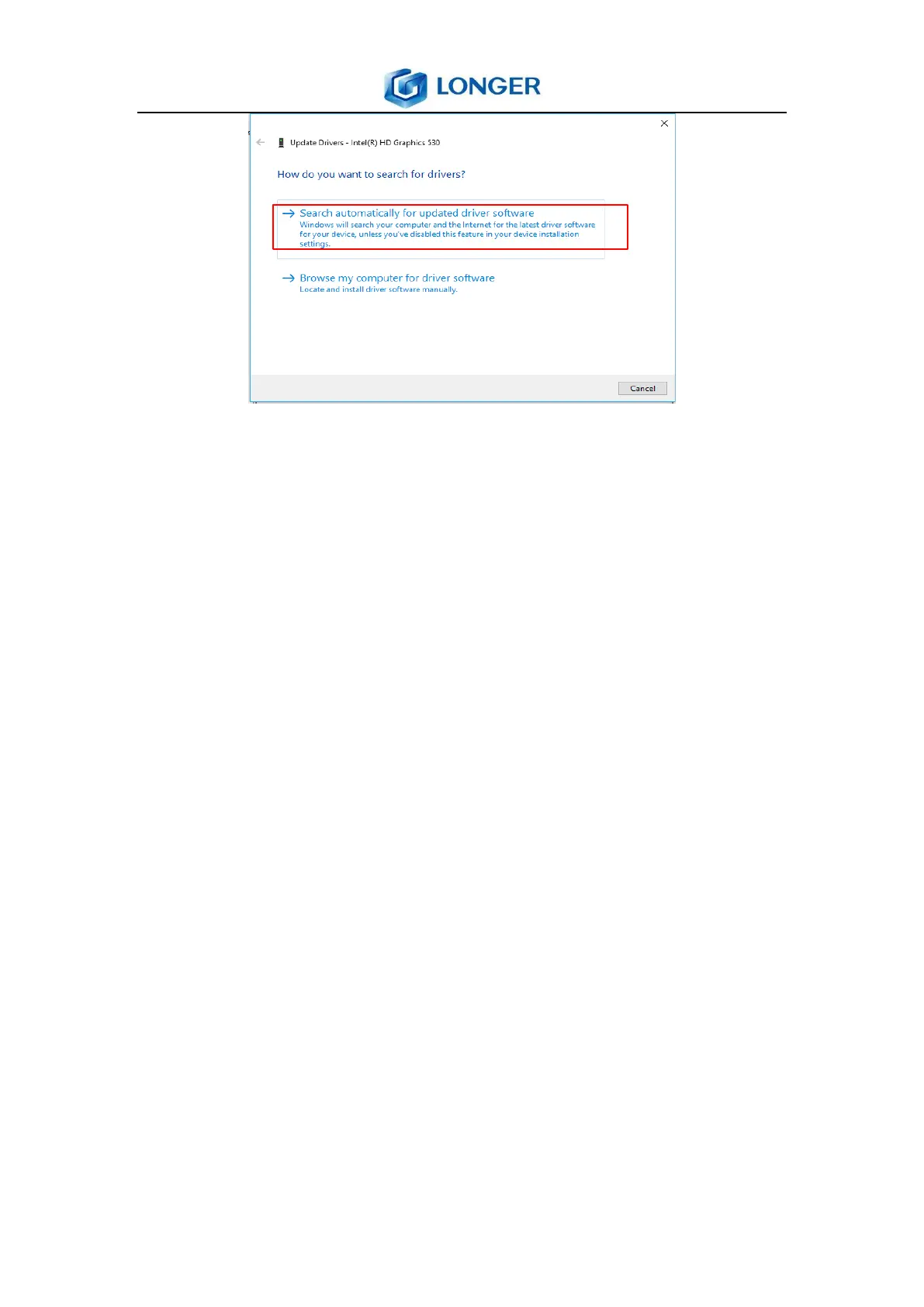
2) Download and install the appropriate graphics driver on the
official website of Intel, the website is :
https://downloadcenter.intel.com/product/80939/Graphics
-Drivers.
Download and install third-party graphics driver detection and
installation software.
6.3 Printing Procedure
1) Open the stl model.
2) Edit the model, such as translate, rotate, scale and clone.
3) Fix the error.
4) Generate support if necessary.
5) Slice the model.
6) Generate a print file and save it to the USB disk.
7) Connect the USB disk to printer.
8) Select the printing file and start to print.
9) Take down the model after completed, clean out the model.



 To Next Page