www.longer3d.com 6 info@longer3d.com
5 Touch Screen Description
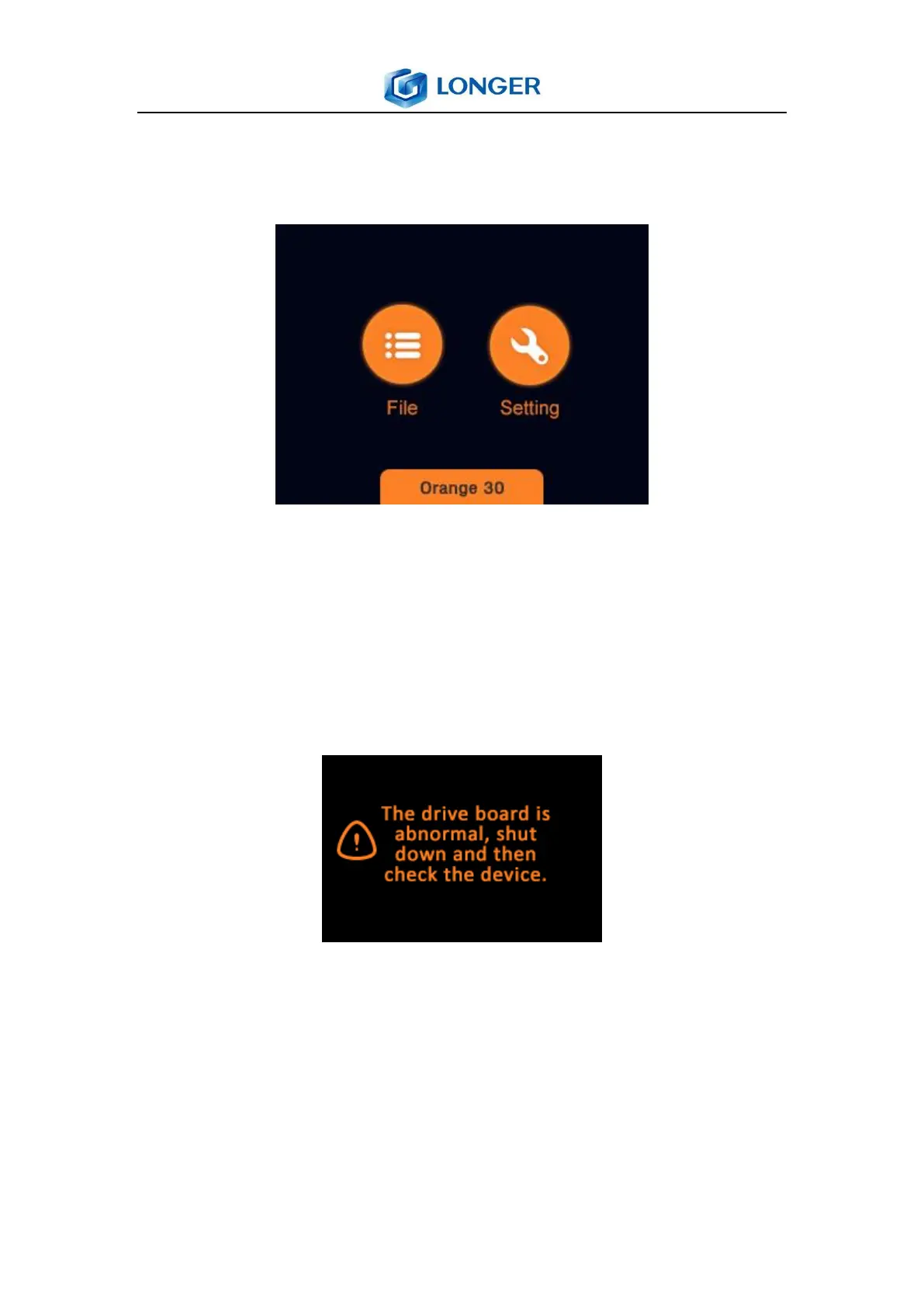
5.1 Main Menu
Home: enter into tools interface which contains “File” and
“Setting”.
File: the list of printing files, and selection of file to print.
Setting: move the Z axis; check LCD and LED; information of
the printer.
Note: After turning on the printer, if the printer board is wired
incorrectly, then a tip will show the drive board is abnormal.
Please turn off the power, disconnect the LCD screen cable,
unpack the printer and check the wiring.



 To Next Page