www.longer3d.com 17 info@longer3d.com
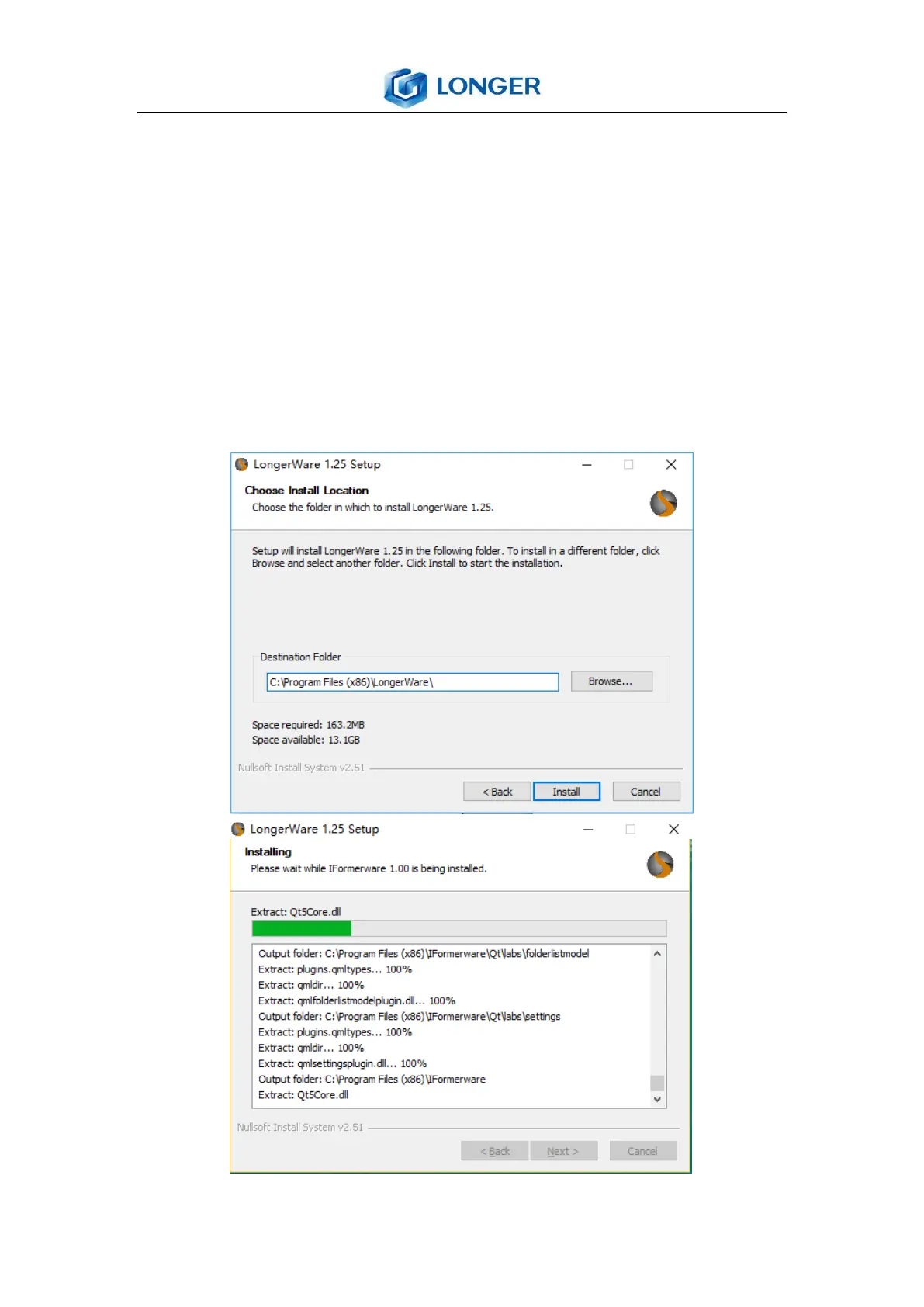
Choose installation location, click “Install” (the default
location is C:\Program File (86)\longerware), the installation
will begin. If there is an anti-virus software blocking program
installed, please select the option of allowing all the
operations of the software installed. To complete the
installation by clicking “Finish”, the slice software will run
and create a shortcut on the desktop.



 To Next Page