www.longer3d.com 24 info@longer3d.com
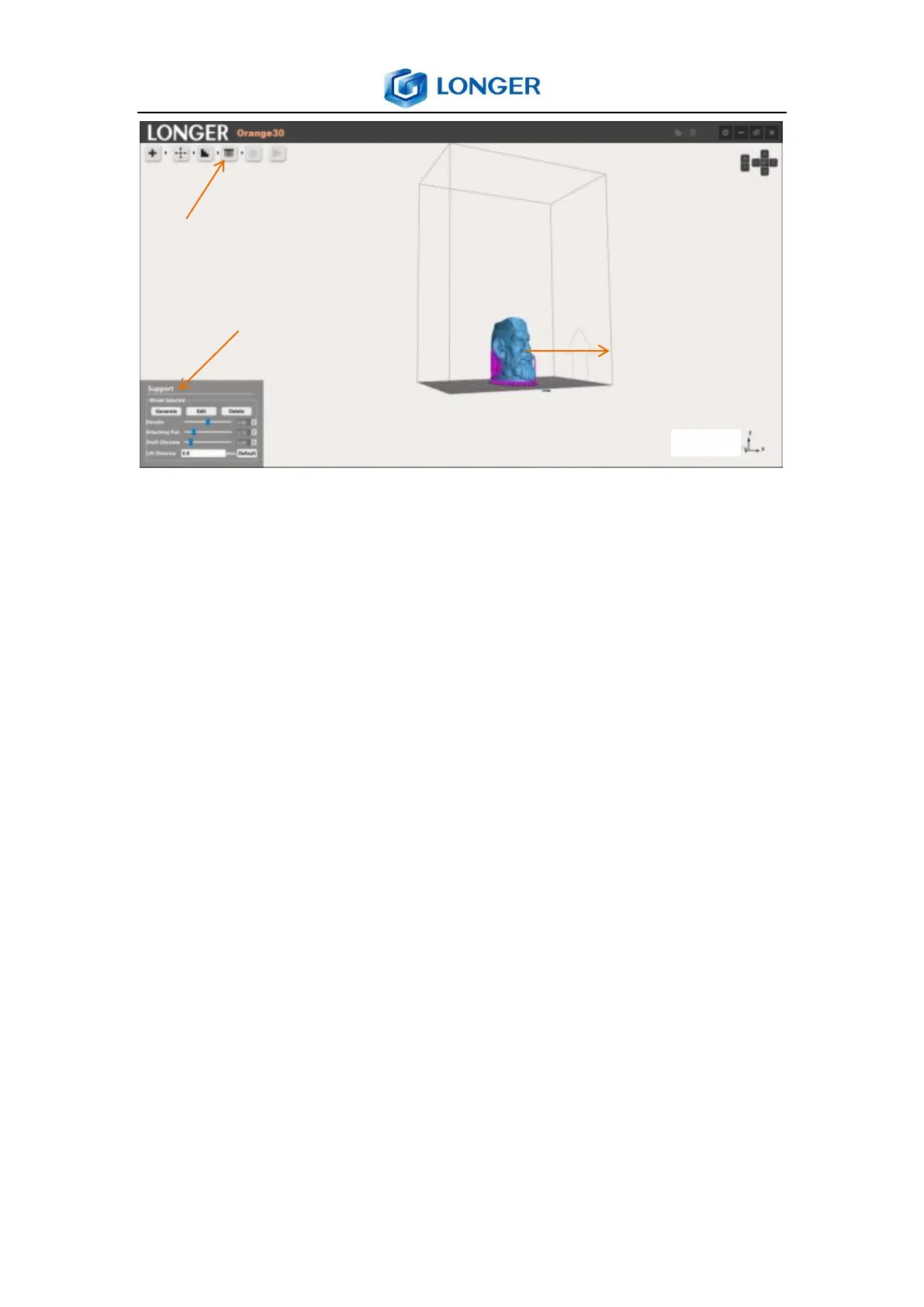
Generate: generate support for the selected model.
Edit: edit the support parameters, the support positions are
showed by purple point. Add support by left click at desired
position of the model; delete support by left click the purple
point. It can rotate the model by holding down the right
mouse, and drag it by holding down the mouse wheel.
Delete: delete the support of selected model.
Density: the density of generating support, the bigger value,
more support will be generated. The suggested value is
between about 1.0.
Attaching Point: the diameter of supports that contact model,
the bigger diameter, the stronger support, but harder to spin
off. The suggested value is about 0.6.



 To Next Page