www.longer3d.com 31 info@longer3d.com
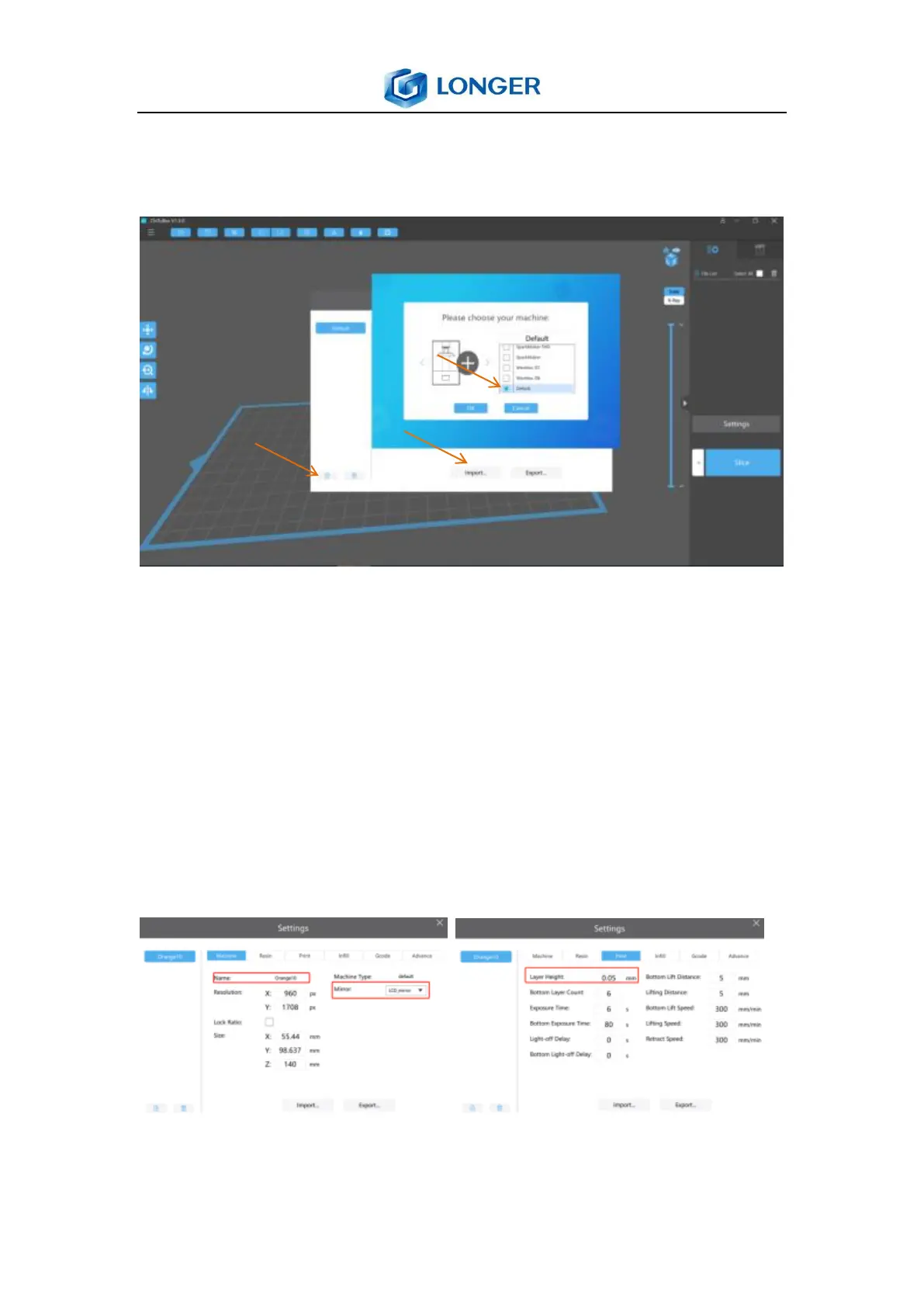
Run the ChiTuBox slicer software and click settings to
configure the printer parameters.
Add a default machine and import _Orange30.cfg file which is
located in C:\Program Files (x86)\LongerWare\config\chitu.
Then it can change the name of machine to Orange30 and
make sure the LCD_mirror is selected in the mirror type. The
printing layer can be set in layer height text, such as 0.025mm,
0.05mm or 0.1mm. Then back to the main menu and slice the
model by the setting layer thickness.



 To Next Page