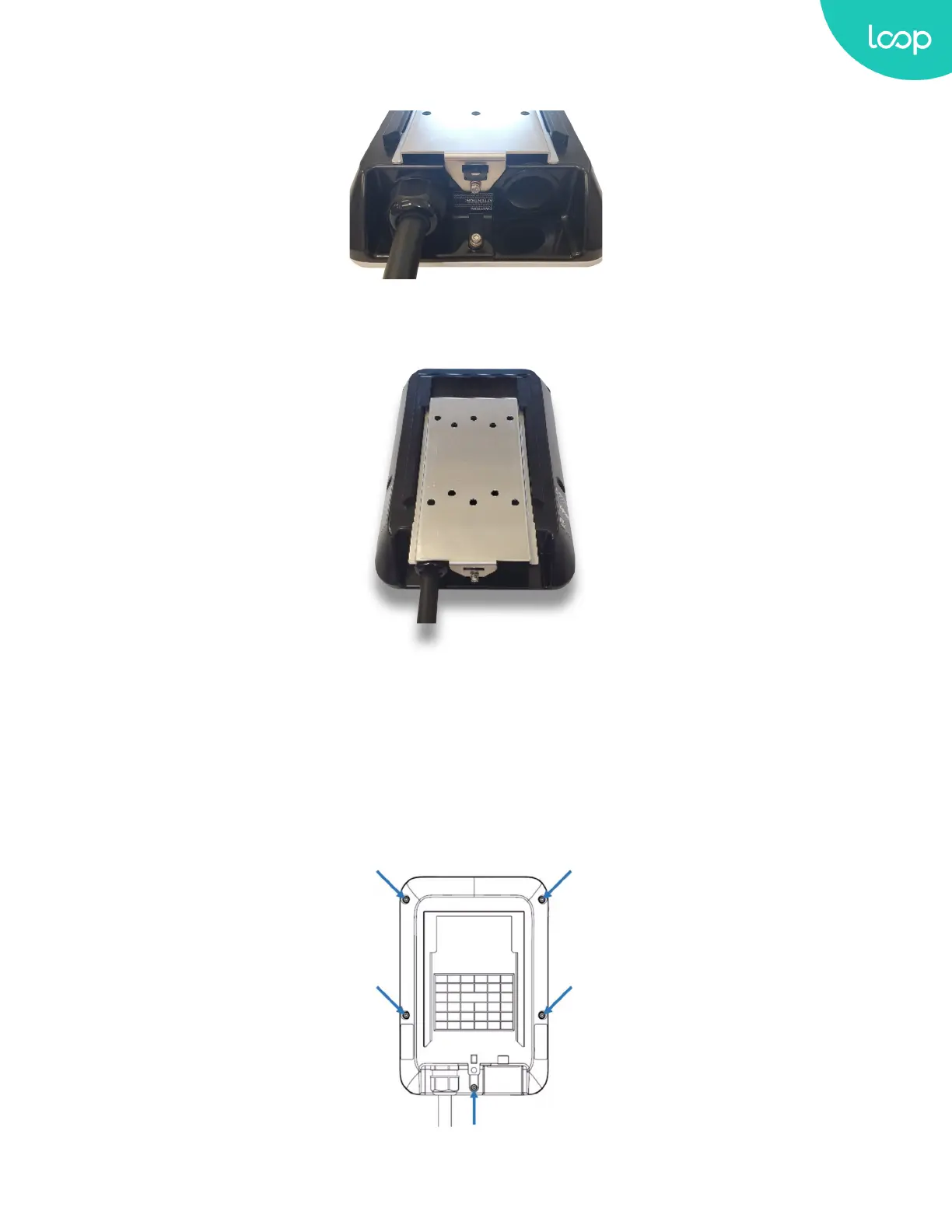
4. Release the bottom T20 screw, then the wall mounting bracket can be removed.
Figure 3-4 Release the T20 screw
Figure 3-5 Remove the Mounting Bracket
5. Place the Charging Station on a at surface, front cover down with protection under the cover to avoid scratching
damage to the cover. Remove the Charging Station front cover by loosening the (5) Torx screws at the rear of the
charging station.
Figure 3-6 Five Torx screw locations to remove the charging station front cover
11
Loop EV-Flex
TM
EVSE
EVS-32A-L2-001 (R-Model)
v.20.9.4
www.evLoop.io


 To Next Page