15
PALESTRA CONFIGURATION
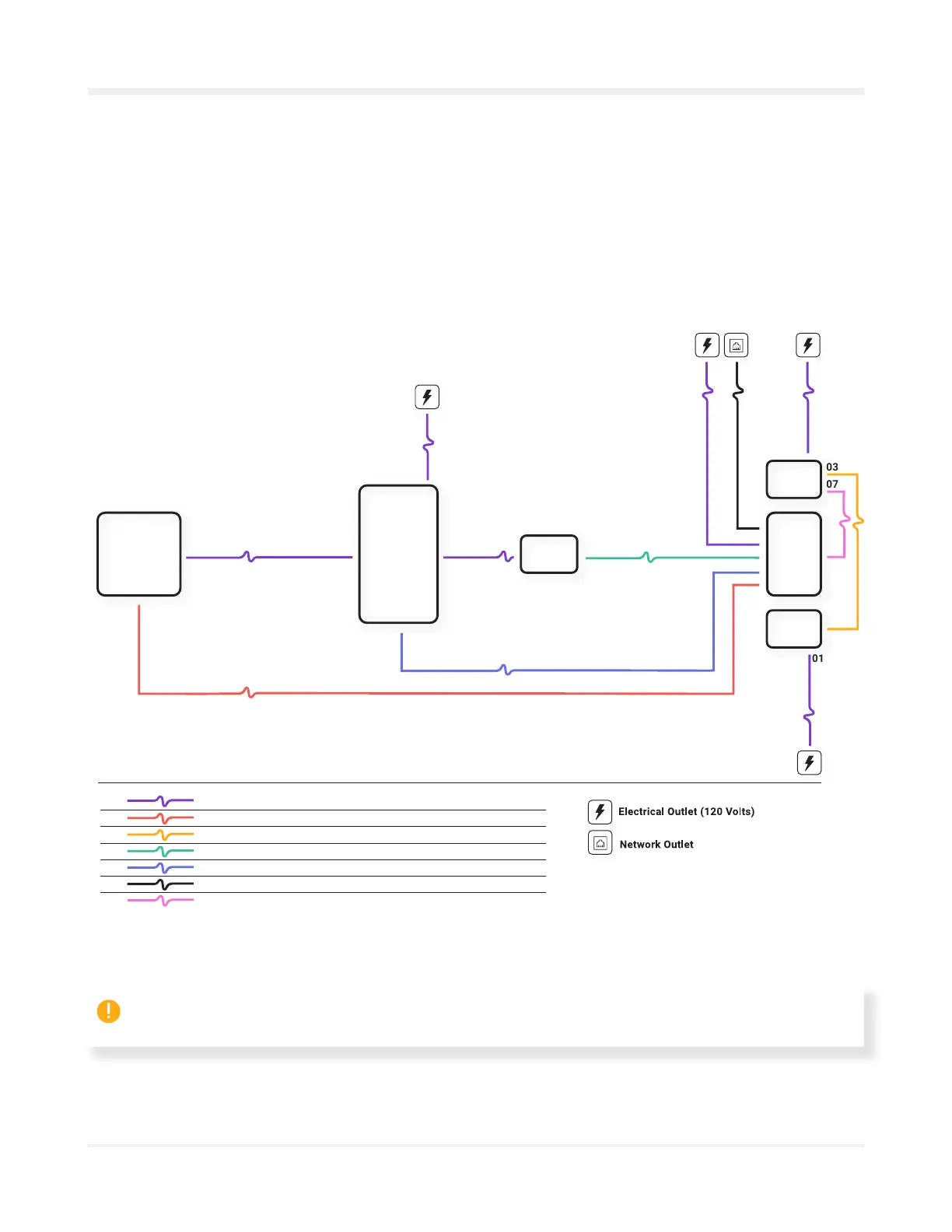
ÜNO wiring diagram
Top view
Use this wiring diagram to connect the projector, light and sound, camera, and Heart modules.
120 Volts cable
HDMI cable
XLR Speakers cable
USB Camera cable
DMX Lighting cable
Network cable
(not included)
DMX cable
Top view
01
02
03
04
05
06
07
10’ (3 m)
65’ (20 m)
25’ (7,5 m)
50’ (15 m)
30’ (10 m)
As required
15’ (4,5 m)
01
01
01
01
01
06
01 04
05
03
07
02
Sound
Heart
Sound
Lighting
Camera
Projector
NOTE : For Palestra installation, open the projector case, unplug all audio cables from the projector’s
“AUDIO OUT” ports, then plug them into the computer’s “AUDIO OUT” ports.



 To Next Page