22
Lift and install the lighting module in place, as follows:
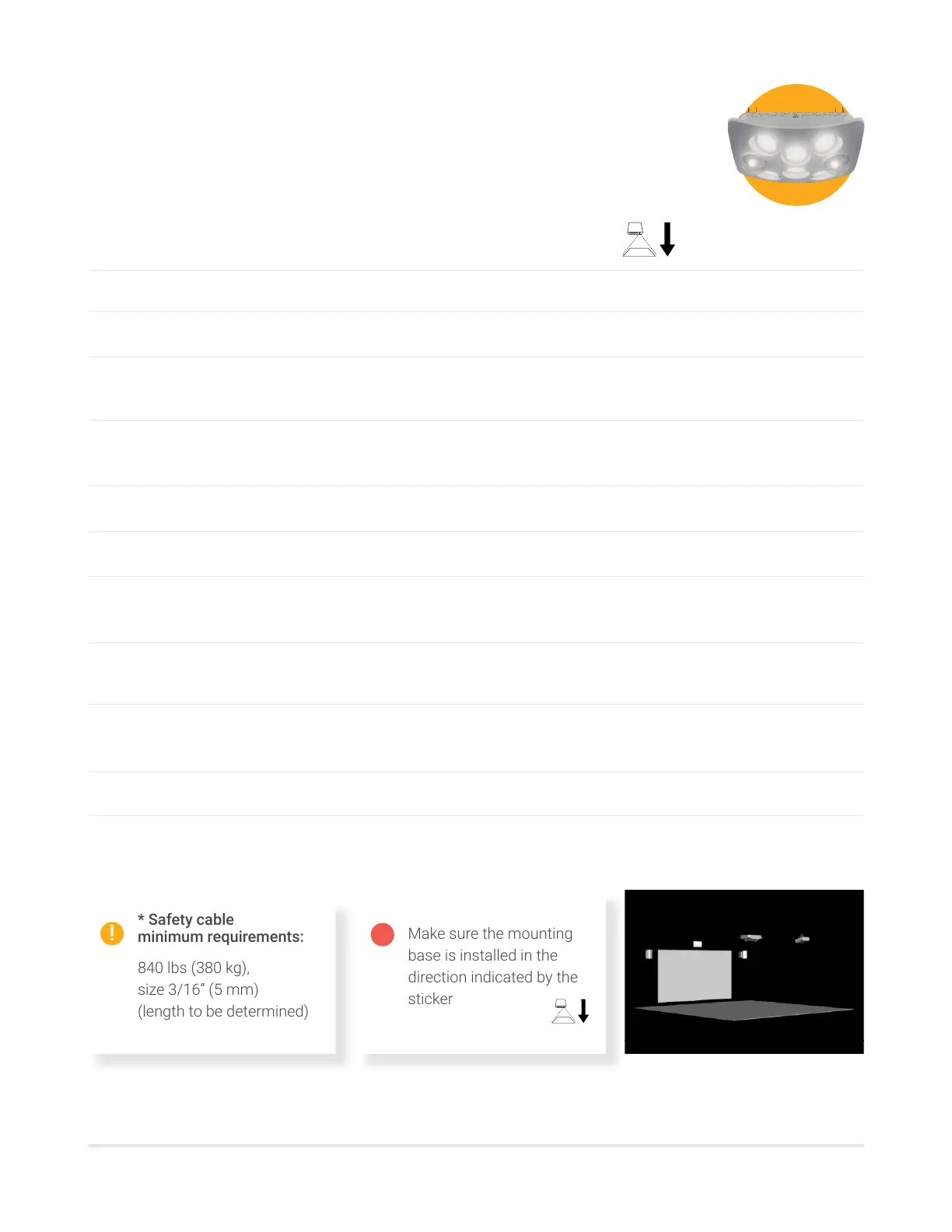
Make sure the base is installed in the direction indicated by the sticker.
Hang the mounting base with the threaded rods, making sure the bolts are doubled.
Screw the mounting base directly to the ceiling using 8 screws appropriate for the structure.
Disconnect and then unscrew the two moving lights from the lighting tray with an 8 mm socket
(so that the weight of the module is under 23 kg [50 lbs] for a safe single-person installation).
Insert the light tray inside the mounting base on side 1 (green) rst and push on side 2 (red) until it locks into
place.
Screw the light tray to the mounting base with the 8 bolts provided with a 13 mm socket.
Screw the moving lights inside the lighting tray and reconnect their respective cables so that they are working.
Unscrew the 6 nuts on each of the projector brackets and tilt the bottom bracket 90 degrees and put back the
bolts and nuts, so the bracket orientation can be adjusted.
Install the speaker brackets on either side of the projection screen at least 8’ (2.4 m) from the ground or above
the projection screen on either side of the Heart module.
Install the speakers on the brackets by sliding the nuts through the eyelets downwards.
Then tighten the nuts with a 13 mm socket.
Set the angle of the brackets, and tighten the nuts.
Connect speakers to the power outlet with the 10’ (3 m) IEC cables.
06
07
08
10
11
12
09
02
03
05
04
INSTALLATION RIGGING - PALESTRA (D)
Lighting module
01
Make sure the mounting
base is installed in the
direction indicated by the
sticker
A
* Safety cable
minimum requirements:
840 lbs (380 kg),
size 3/16” (5 mm)
(length to be determined)



 To Next Page