27
Using the projector’s (vertical) lens adjuster, lower the image as far as possible.
02
PROJECTOR ALIGNMENT (I)
01
Projector alignment procedure
05
09
03
06
04
08
07
Center the image within the markings using the (horizontal) lens adjuster.
Lock the lens adjuster.
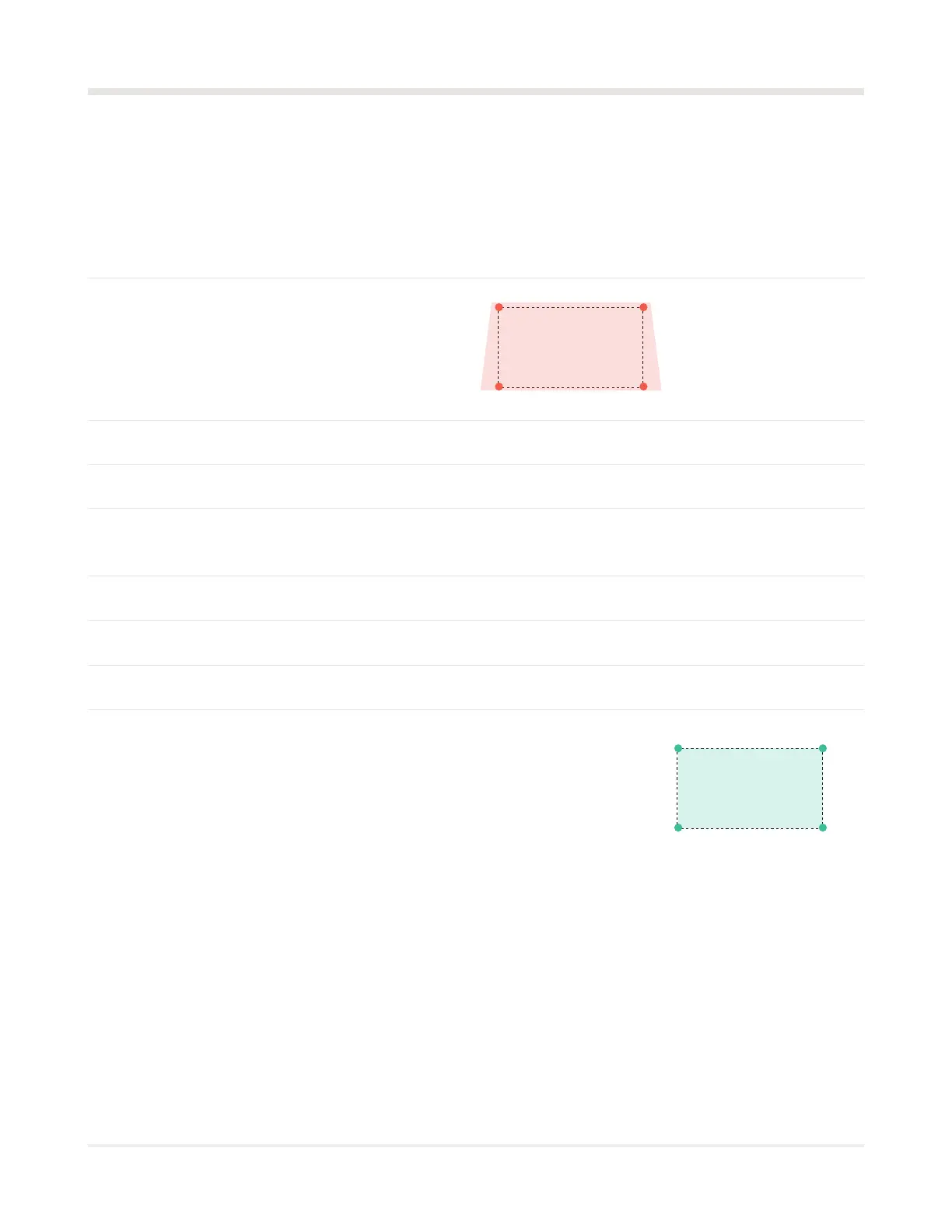
Adjust the zoom to cover all four corners with a 10” (20 cm) overhang. This overhang allows users
to reposition the projector over time without having to physically access it.
Set the focus to the center of the image.
Tilt the projector to adjust the screen only as a last resort.
Stabilize and secure all angle adjusters on the projector module.
Physically guide the projector module until
it is at a 90° angle to the wall, then use the
4 screws on the bracket to stop the rod
from rotating.
Map the projected image to your 4 markers using the quick corner
adjustment feature.
To do this, use the projector remote, press the “Geometry” button, select
“Quick corner”, and adjust the corners of the marks on the wall
(19’ [5,8 m] wide by 10’ 7” [3,3 m] high).



 To Next Page