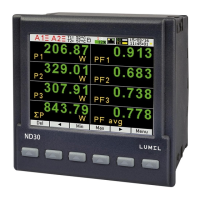
ND30PNET-09 - User's Manual
16
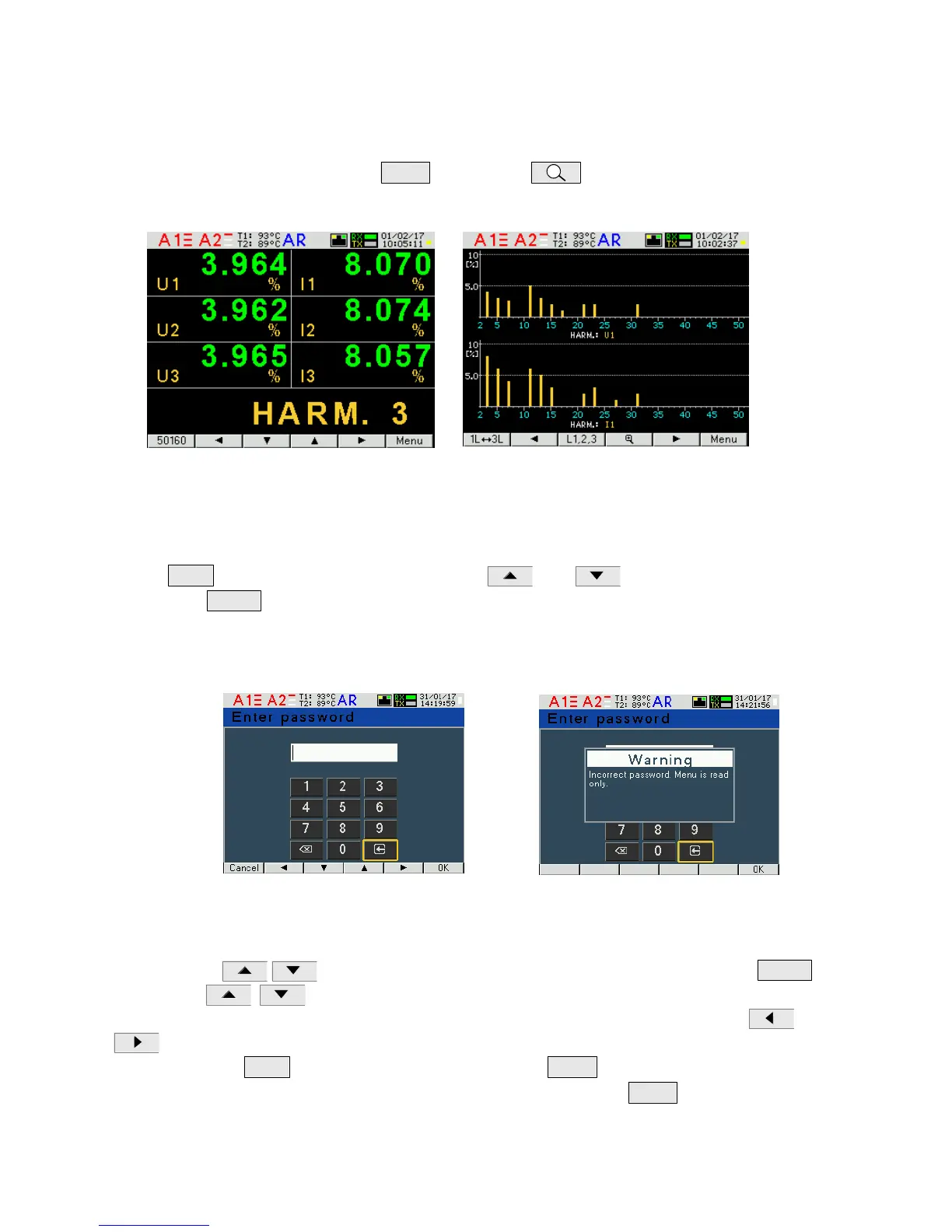
Page 12 shows a bar graph of harmonics: voltages at the top, the currents in the bottom of the
screes for individual phases. Page 12 shows bar charts of harmonics. Phases of the displayed
harmonics are selected using button
is used to select the harmonics
group: harm
2
- harm
26
, harm
27
- harm
52
or harm
2
– harm
51
.
Fig.13, Screens 11 and 12 - visualization of harmonics
7.2 Parameters
In this group the parameters of the meter are set. In order to enter the Parameter group press the
button
for about 3 seconds, and then with or select the Parameters and
confirm with
. Access to configuration of parameters is protected by a password, if it has
been introduced and is different from zero. When the password is 0000, the password prompt is
bypassed. If the password is incorrect, the following message is displayed: "Invalid password.
Read-only menu." Then the user can view the parameters, but introducing changes is blocked.
Fig.14, Screens for entering a password
When the password is correct or no password has been entered, we can set the values acc. to
Table 2. Using we select a parameter and confirm using the button
.
Then using we choose the parameter feature or set the desired values of the
parameter, i.e. the position of decimal digit can be selected with or, value of the digit with or
. The active position is indicated by the cursor. The set feature or value of a parameter must
be confirmed with
or canceled by pressing the button
.
In order to exit the Parameter procedure the user must press the button


 To Next Page
 Loading...