English - 32
3. Press [] or [] to perform the modification.
4. Press [MENU] to exit the image OSD menu and return to spotlight
mode.
7.18 I would like to play the slides (Slide Show)
7.18.1 Setting delay time
1. Press [MENU] on the remote control or control panel to activate the
setting menu.
2. Press [], [], [], or [] to select [Setting].
3. Press [ENTER] to activate.
4. Press [] or [] to the [Storage] menu.
5. Press [] to find [Delay].
6. Press [] or [] to select the delay time between [0.5 sec/1 sec/
3 sec/5 sec/10 sec/Manual].
7. Press [MENU] to exit.
7.18.2 Playing/Pausing/Stopping the slide show
<Note> Upper limit: The maximum size of single photo is 7 MB.
If you use the remote control or the control panel
1. Press [MENU] to activate the setting menu.
2. Press [], [], [], or [] to select [Slide Show].
3. Press [ENTER] to play.
4. Press [ENTER] again to pause/play.
5. Press [MENU] to exit.
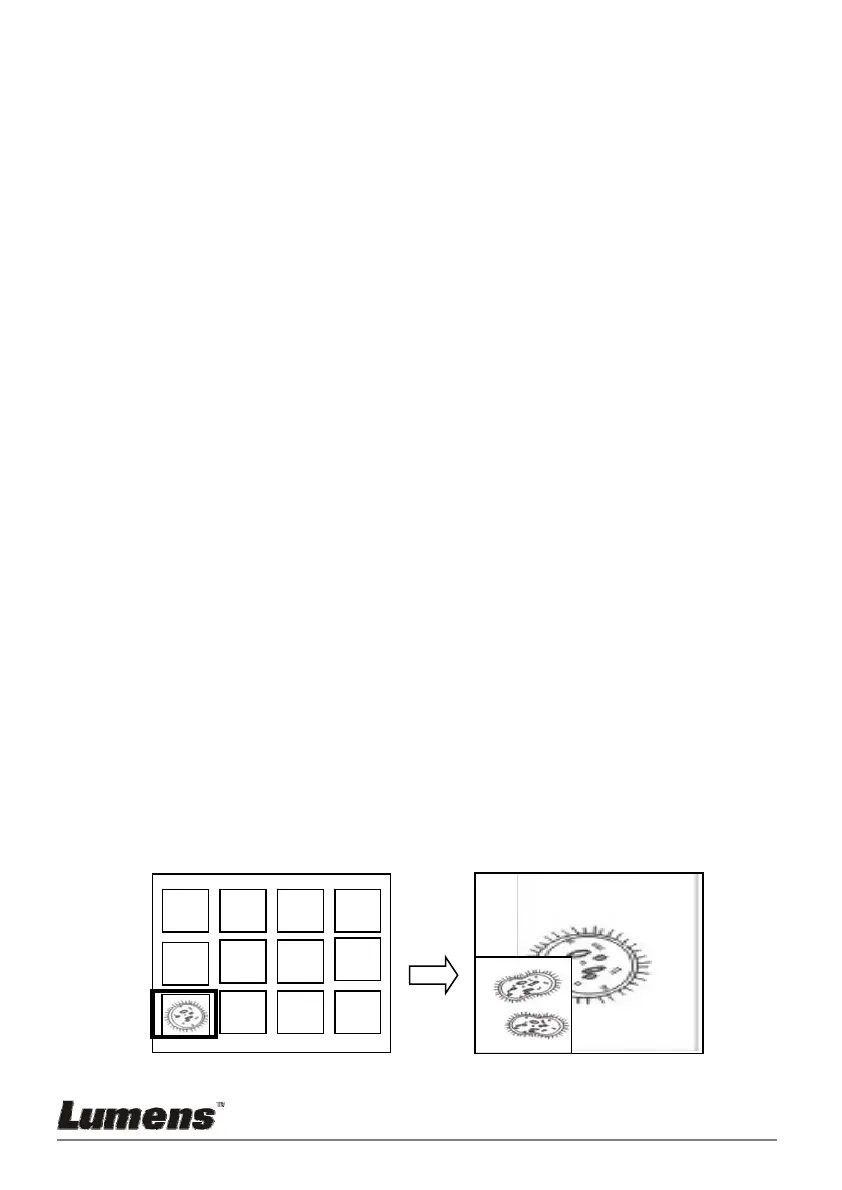
7.19 I would like to compare images (compare live images
with stored image files (PIP))
This function will compare and contrast a live image with a stored image.
Stored imageLive image
C1
C5
C2
C6
C10 C11 C12
C3
C7
C4
C8



 To Next Page