English - 33
Remote control:
1. Press [Playback] to activate the Playback image thumbnails.
2. Press [], [], [], or [] to select the file to be compared.
3. Press [PIP] to execute image comparison.
4. Press [], [], [], or [] to move the live image.
5. Repeat Steps 1 - 3 to change other image files.
6. Press [MENU] to exit.
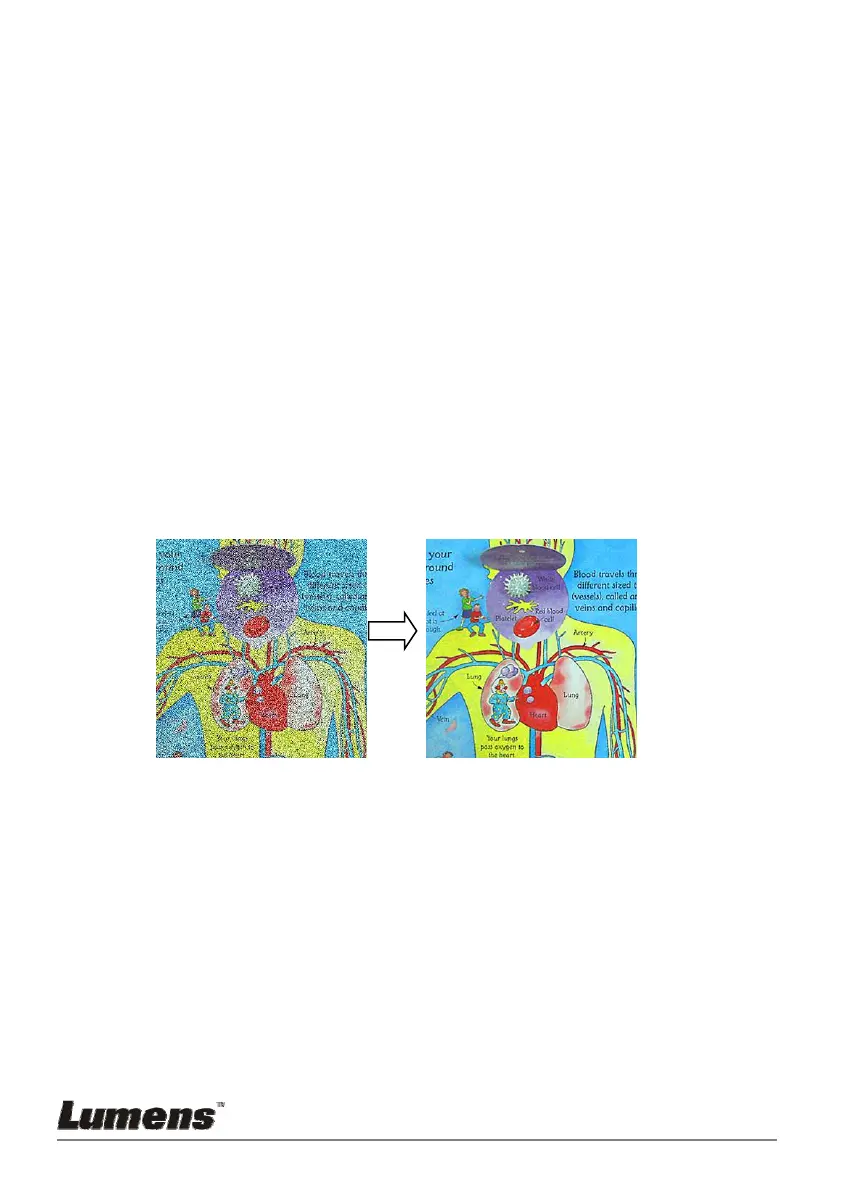
7.20 I would like to reduce the image noise (Projector
Type)
1. This function enables Document Camera to automatically clear image
noise. The noise is especially obvious when Document Camera is
connected to a DLP projector. You can set the DLP projector to
improve the image quality.
2. If there is special noise when VGA out is connected, please set DLP
option to improve the image quality.
2.1. Press [MENU] on the remote control or control panel to activate
the setting menu.
2.2. Press [], [], [], or [] to select [Setting].
2.3. Press [ENTER] to activate.
2.4. Press [] or [] to select [Control].
2.5. Press [] to [Projector Type].
2.6. Press [] or [] to select [LCD/DLP].
2.7. Press [MENU] to exit.



 To Next Page
 Loading...









