24
Luxor Linking Setup
Linking allows for a single point of control for sites that require
multiple Luxor ZDs or Luxor ZDCs. Primary and Satellite controllers
are linked using a Cat5 connection. A linking system can contain a
total of nine Satellite controllers.
Primary Controller- Luxor installed with Facepack. Linking rmware
is required for both Facepack and Chassis
Satellite Controller- No Facepack installed. Linking rmware is
required for Chassis
Note: Prior to running a Linking system, verify Primary and Satellite
Luxors have the latest version of linking rmware for both the
Facepack and Chassis.
Updating to Luxor Linking
From Luxor ZD and Luxor ZDC product pages, download the latest
Facepack and Chassis Luxor Linking firmware onto an SD Card.
Update Facepack firmware
Update Chassis firmware
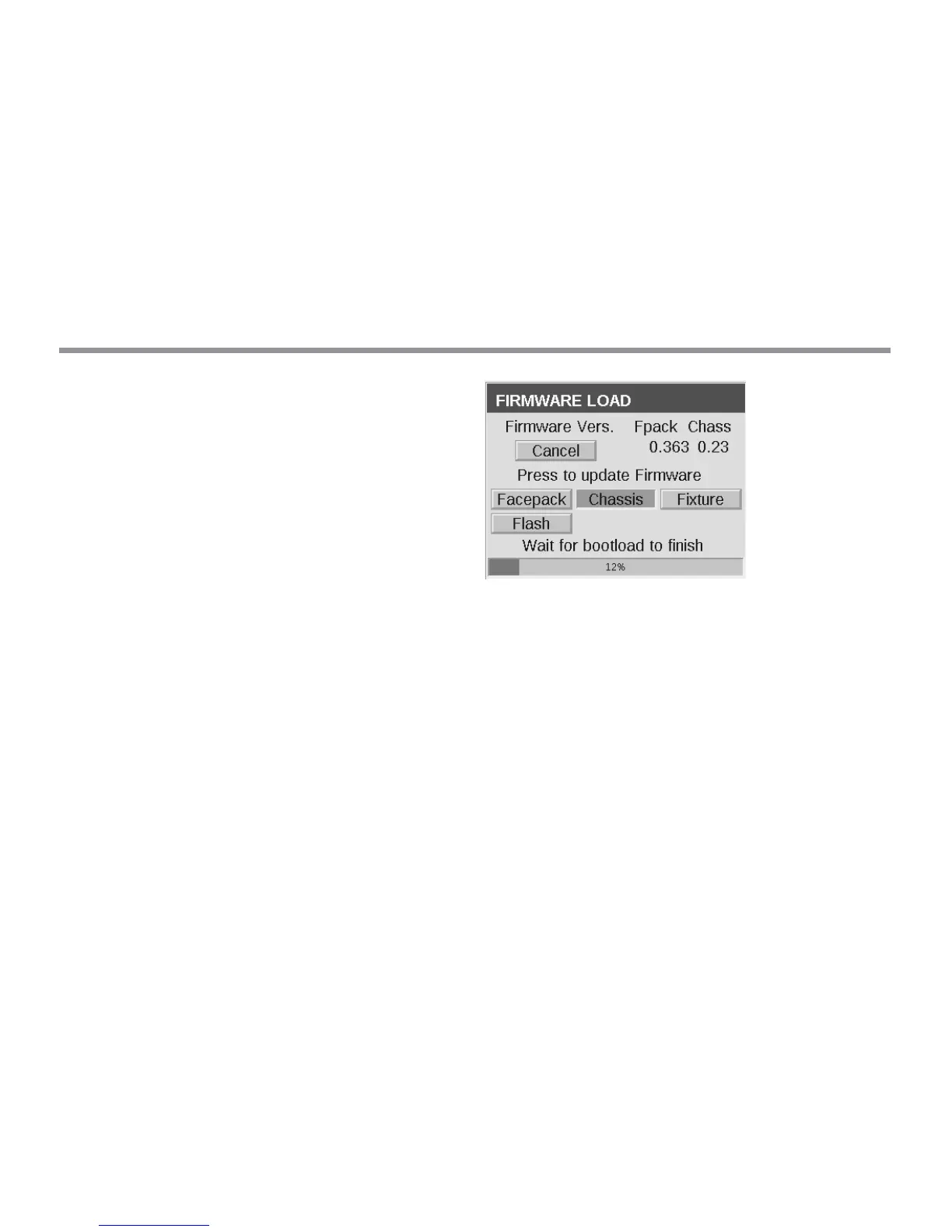
Chassis firmware updates take about 15 minutes. The Progress Bar,
shown at the bottom of Facepack, indicates the progress of the
firmware update. Do not unplug power or Cat5 connections while
firmware updates are in process.
Note: More information on updating firmware can be found under
Care and Maintenance - Firmware Updates


 To Next Page