Version 2.06 February 2017
Page 16 of 44
4.2.5 Color selection
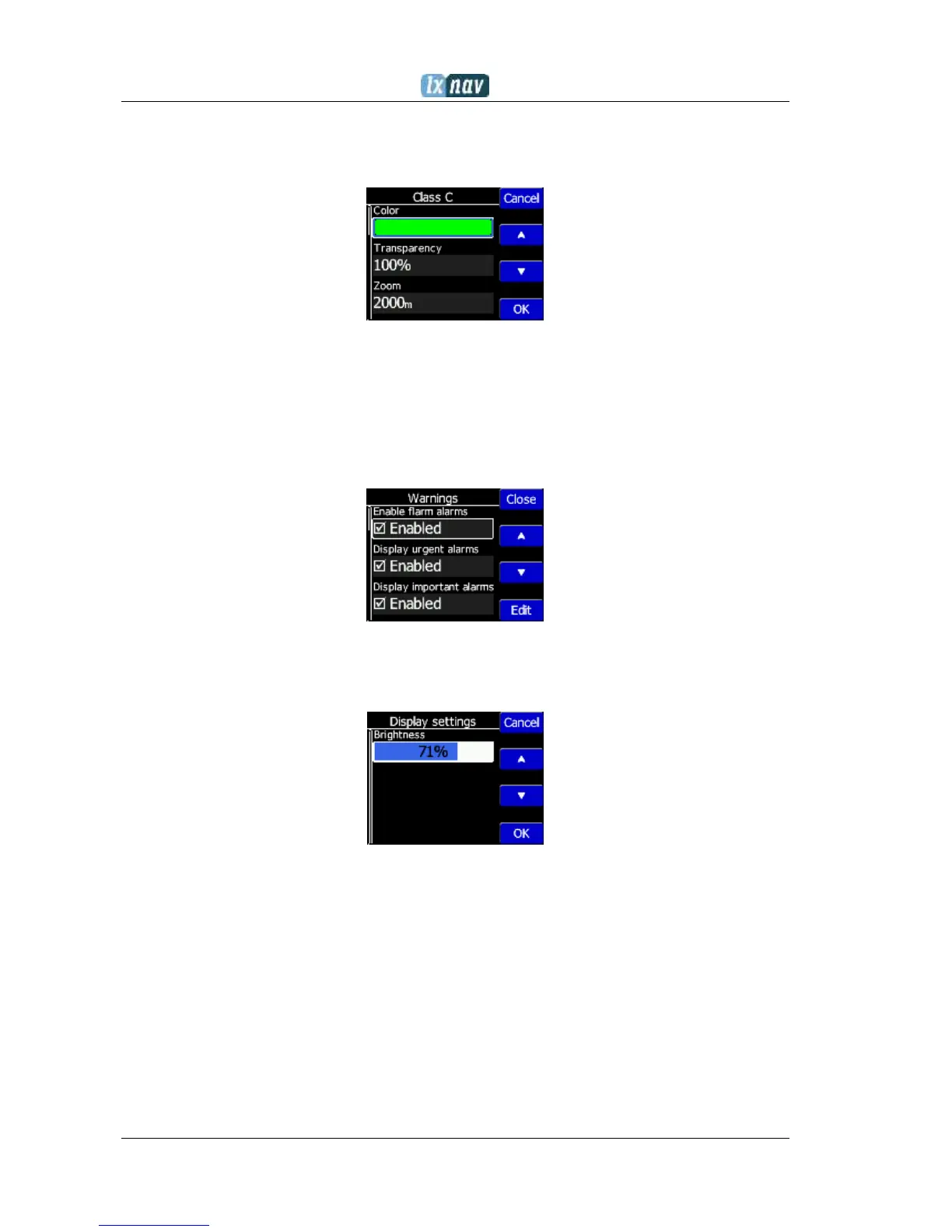
Color selection boxes, are used to select a color from a list of predefined colors. Use the
up/down buttons to select the appropriate color.
4.2.6 Checkbox and Checkbox List
A checkbox enables or disables a particular parameter. Press EDIT button to toggle the
value. If an option is enabled a check mark will be shown, otherwise an empty rectangle will
be displayed.
4.2.7 Slider selector
Some values like volume and brightness are displayed as a slider
With Edit you can activate slider control, then up/down buttons you can select the
preferred value and confirm it with the Ok push button.
4.3 Normal operation
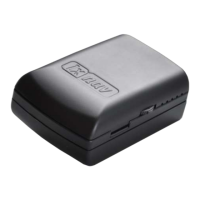
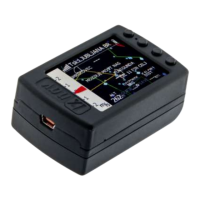
During normal operation mode, the user can use the NANO
3
as a flight recorder, simple
navigation, vario system and Flarm radar display. There are four pages (information page,
waypoint page, task page, setup page and flarm radar). You can read more about pages in
Ch.5.1. If the screensaver function is enabled, the screen will go off after the set time period
in seconds. When the screen saver is on, the pilot can still see the indicated status of the
NANO
3
by monitoring the five LEDs. The first LED blinks when the NANO
3
is powered on. The
second LED blinks when the GPS status is ok. The third LED blinks when flight recording has
started. The fourth blue LED blinks when the Bluetooth module is switched on.


 To Next Page