Version 2.06 February 2017
Page 24 of 44
Final glide calculations will be available in version 3.0
5.3 Info screen
On the info screen, is available data about GPS, Battery and Flight recorder status
5.4 Flarm screen
Is visible only when the Nano3 detects a flarm connected to the external port. Selection of
flarm targets and zooming is then available. If the Nano3 is connected to PowerFlarm, it is
also able to show PCAS traffic.
5.5 Waypoint screen
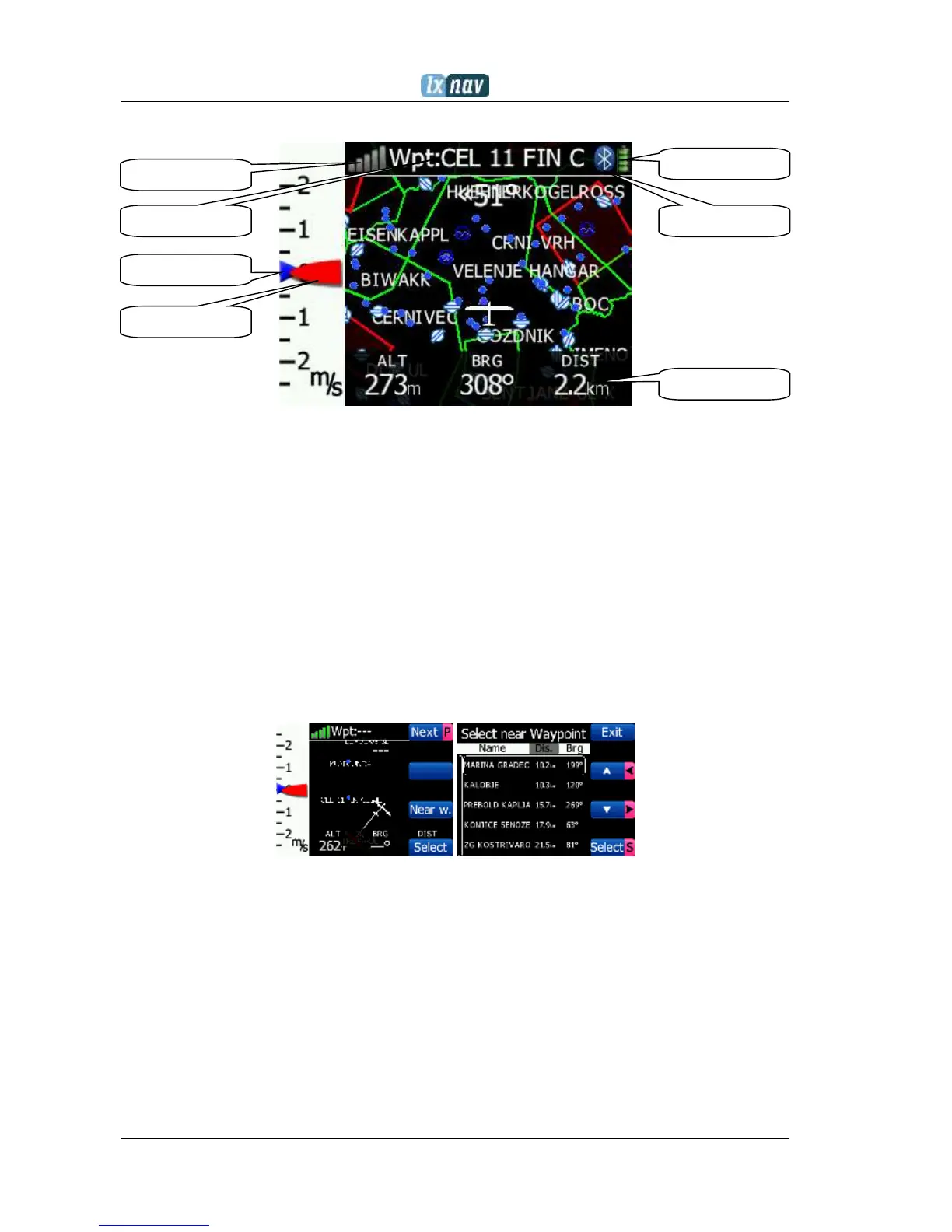
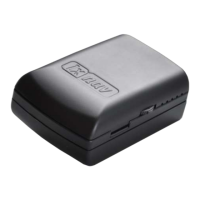
In this screen, the pilot can navigate to a selected waypoint, Select waypoint from opened
CUP file, or select landable waypoint from near list Near.
5.6 Task screen
In this screen user can navigate to waypoints from a task, switching between them, edit task
points and their zones. More on Ch. 7.1.2


 To Next Page