Version 2.06 February 2017
Page 27 of 44
5.7.5 Warnings
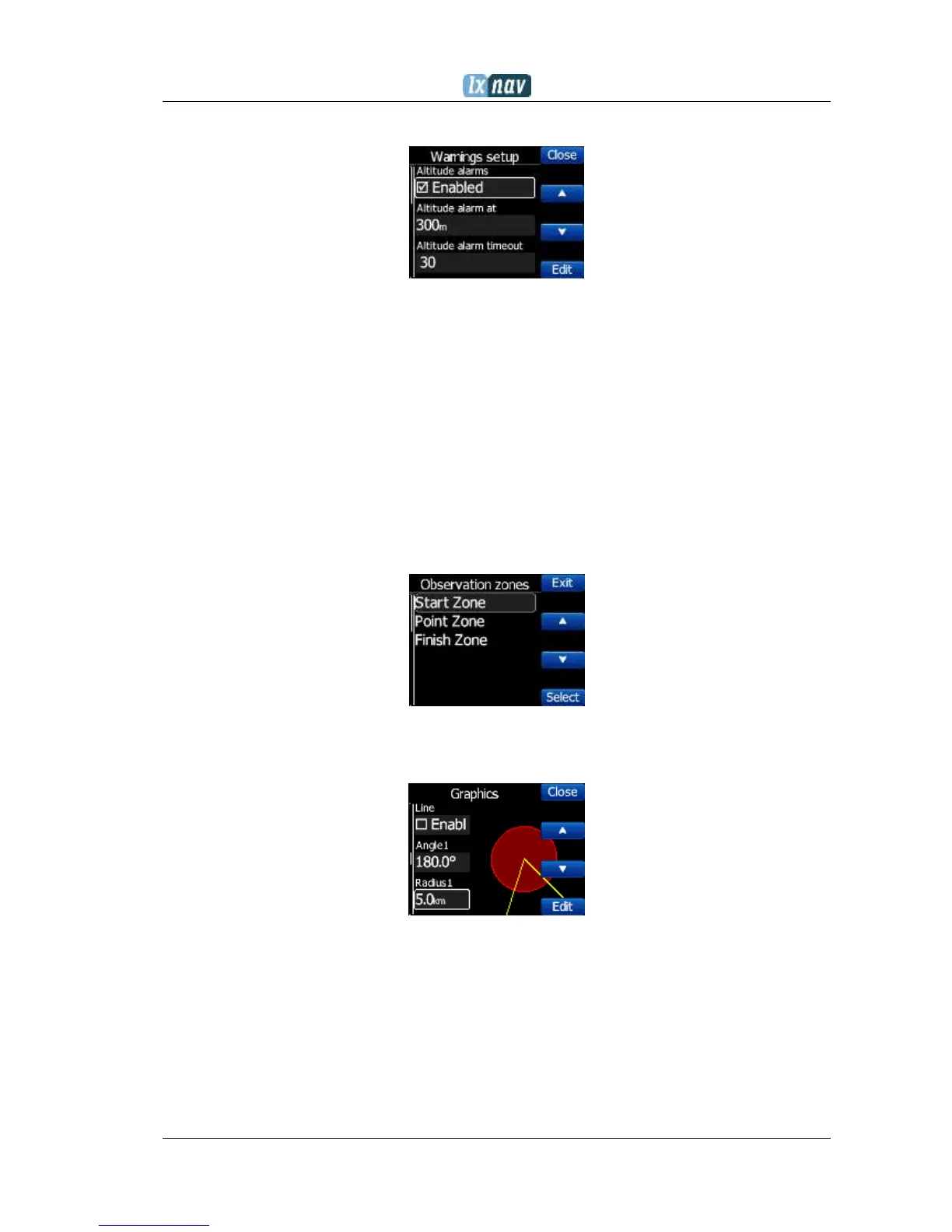
altitude warnings, flarm warnings and their conditions can be setup under this menu.
The flarm warnings are classified into three levels (See Flarm manual for details on
www.flarm.com)
First level (Low) approximately 18 seconds before predicted collision
Second level (Important) approximately 13 seconds before predicted collision
Third level (Urgent) approximately 8 seconds before predicted collision.
5.7.6 Obs. Zones
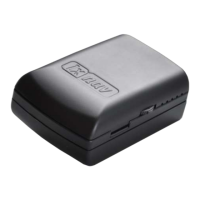
This menu defines the default observation zone geometry. The following items can be
chosen: start zone, turn point zone and finish zone.
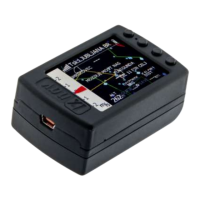
Each type of observation zone is defined with two angles, two radii and mean bearing
(Angle12). These parameters enable the creation of any known zone geometry separately
for start, turn point and finish.
Using parameters in the zone dialogue it is possible to describe all types of observation
zones. Angle12 defines the orientation of the observation zone. Available values for
Direction are:
Symmetric: This is the most common selection for turn point.
Fixed: This is mostly used for assigned areas.
Next: will orient the observation zone in direction of the outgoing leg. This is usually
used for start.
Prev: will orient the zone in direction of the incoming leg and is usually used for the
finish.


 To Next Page