Version 2.06 February 2017
Page 19 of 44
4.8 Connecting to a computer
Before connecting the NANO
3
to a computer, you must turn it off.
Connect it to a computer using the supplied USB cable or any other standard USB-A to mini-
USB cable. The NANO
3
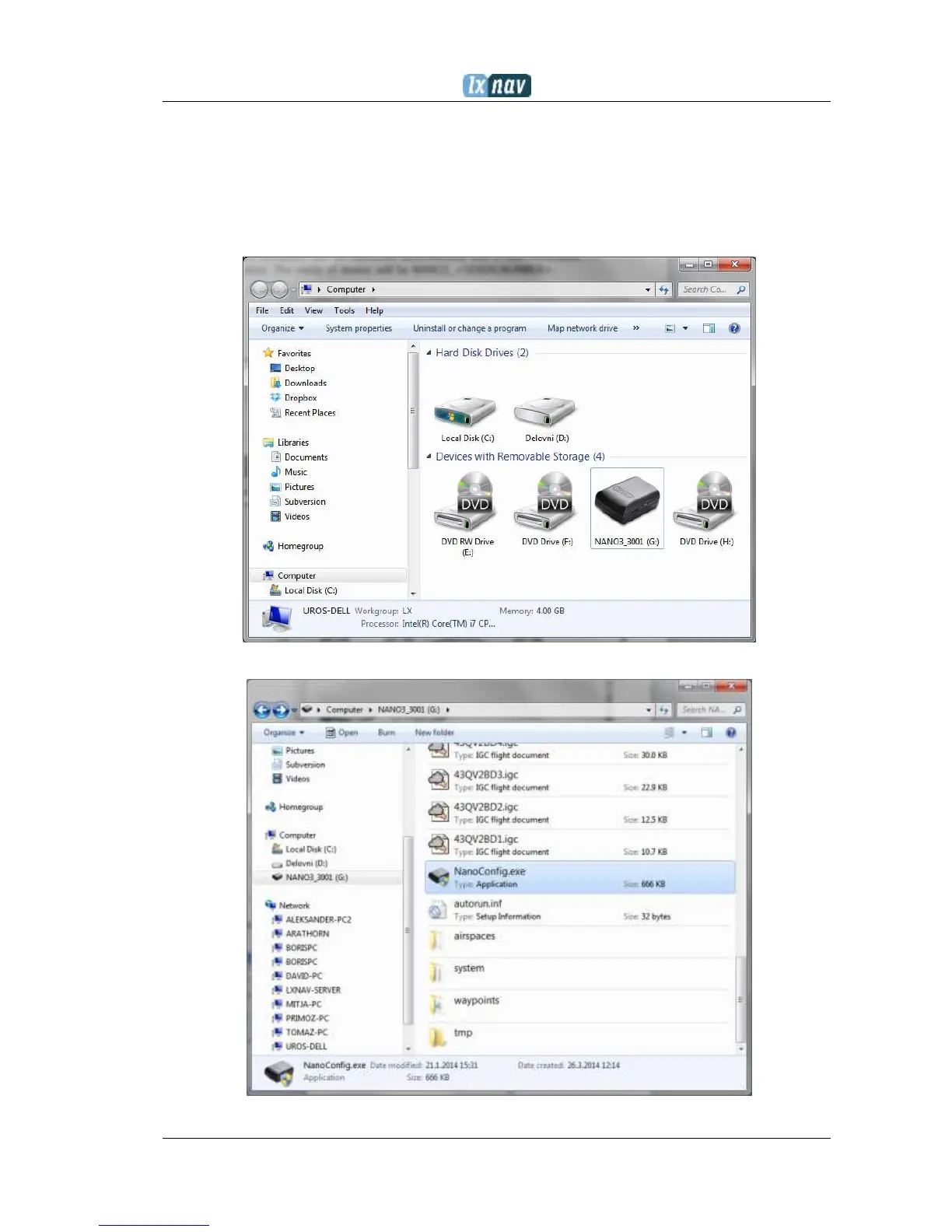
flight computer will be identified automatically and a new removable
storage device will be indicated. The name of the device will be NANO3_<SERIALNUMBER>.
Open this device to see its content.


 To Next Page