Version 2.06 February 2017
Page 20 of 44
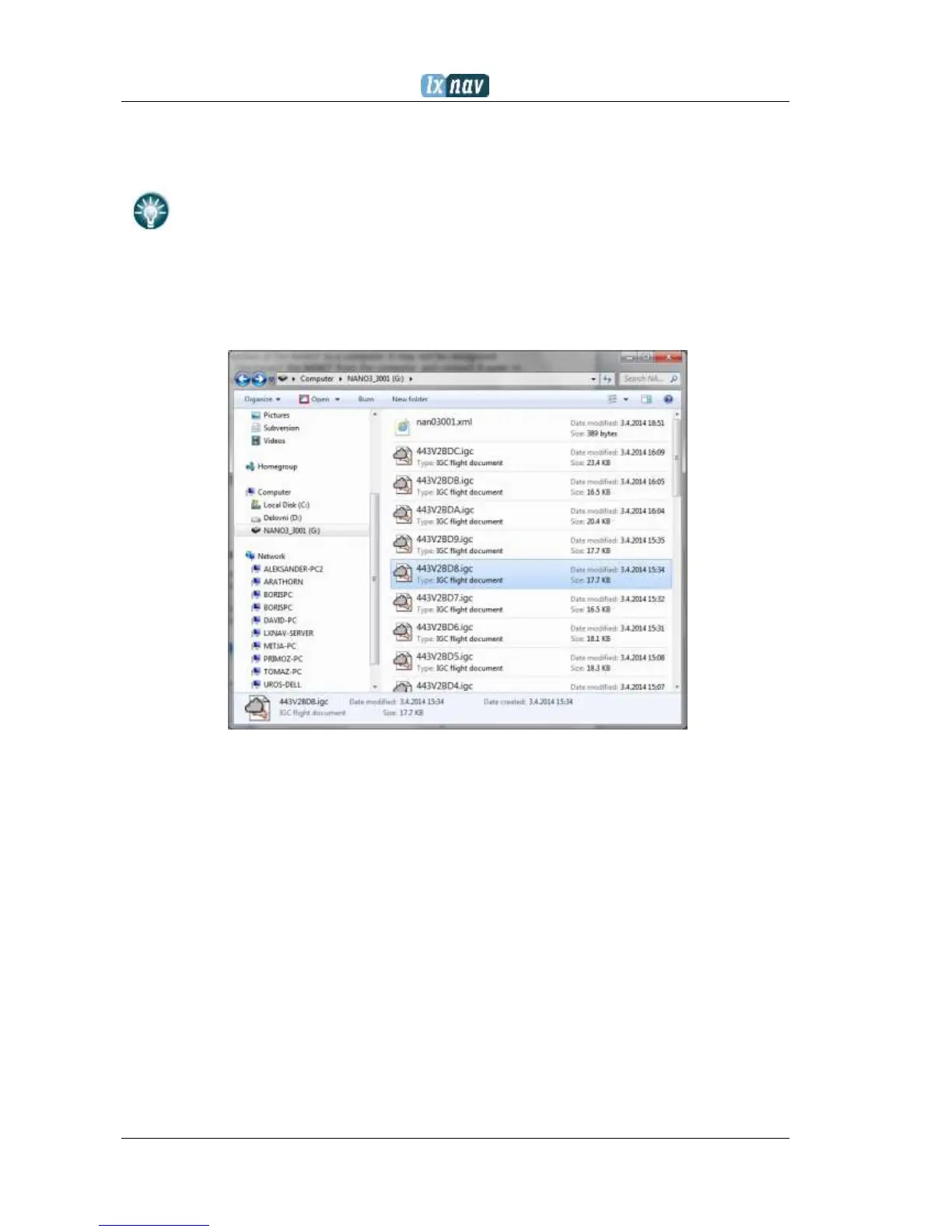
In the root folder you will find the flights created by the NANO
3
and the NanoConfig
program. The NanoConfig program will run only on Microsoft Windows operating systems.
Double click to run it.
On the first connection of the NANO
3
to a computer, it may not be recognized
immediately. Disconnect the NANO
3
from the computer and connect it again in
order for it to be recognized.
4.9 Downloading flights
Turn off the NANO
3
and connect it to a computer using a USB cable. Navigate to the root
folder of the NANO
3
and use your preferred method of copying files.
Flights are stored in files with the IGC standard filename. If you find it difficult to decode this
standard, we recommended that you switch to detailed view to see the date of the file.
In detailed view, the file date and time shows the landing time of the glider.
Flights can also be downloaded using the NanoConfig for Android devices. More details are in
Ch.7.4.
4.10 Bluetooth pairing
In order to connect to the NANO
3
via Bluetooth you have to search on a PDA for Bluetooth
enabled devices in range. (See chapter 7.2.2.5 to enable Bluetooth) The NANO
3
will be
identified as LXNAV-NANO3-<SERIALNUMBER>. Click PAIR or CONNECT to connect to the
NANO
3
. A security pin must be entered. The pin code for the NANO
3
is 1234 and cannot be
changed.
4.11 Storing Nano
The NANO
3
must be stored in a dry environment with temperature lower than 25°C (77° F).
If the NANO
3
will not be used for an extended time, it is recommended that you charge the
battery to 50% beforehand.


 To Next Page