Version 2.06 February 2017
Page 31 of 44
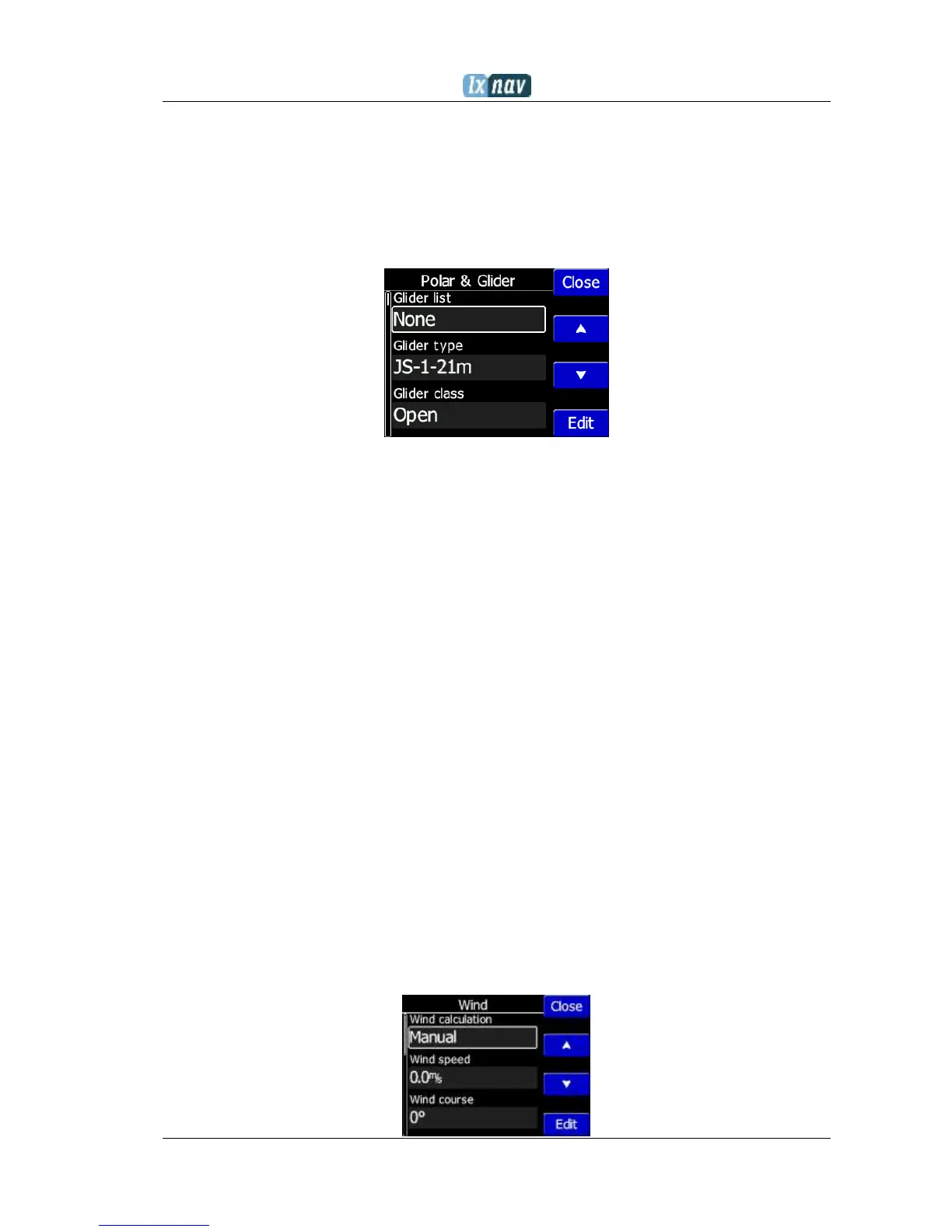
5.7.11 Polar & Glider
The Polar and Glider section allows you to load and edit a set of parameters for your glider’s
polar. You can select from a pre-defined list of nearly every common glider or make your
own polar.
Select a Glider from the List: presents you with an alphabetical list of all the common
gliders and associated polar data. All glider data will be copied from the chosen polar.
You can modify the polar by changing coefficients a, b and c. A polar is defined as a
quadratic equation with the parameters a, b, and c.
Use the SeeYou program (Tools->Polar) to calculate coefficients a, b and c for a given
glider’s polar. The program requires three sink points entered at selected speeds (e.g.: 100
km/h, 130 km/h, and 150 km/h). The program will calculate the values of a, b and c, which
should be noted and entered into the NANO
3
.
Class: Options for Touring, Ultralight, World, Twin-seater, Club, 18-meter, 15-meter,
Open, Standard and Unknown are available.
A, b, c: Options can be adjusted or entered for a non-listed glider.
Reference load (wing loading) value represents the value at which the polar was
measured.
Reference weight corresponds to the weight value at which the polar was
measured.
Maximum takeoff weight is the maximum take-off weight allowed for the glider.
It is not used in the calculation; it is just a reminder to the pilot of the maximum
take-off weight. Empty weight is weight of the glider without the pilot and ballast.
Pilot weight is the weight of the pilot with parachute and baggage.
Co Pilot Weight is the weight of the co-pilot with parachute and baggage.
5.7.12 Wind
In this section the user can define wind calculation method. Select Manual to adjust
manually wind speed and wind course. In automatic mode, this will be done automatically
by the NANO
3
based on GPS data.


 To Next Page