Version 2.06 February 2017
Page 41 of 44
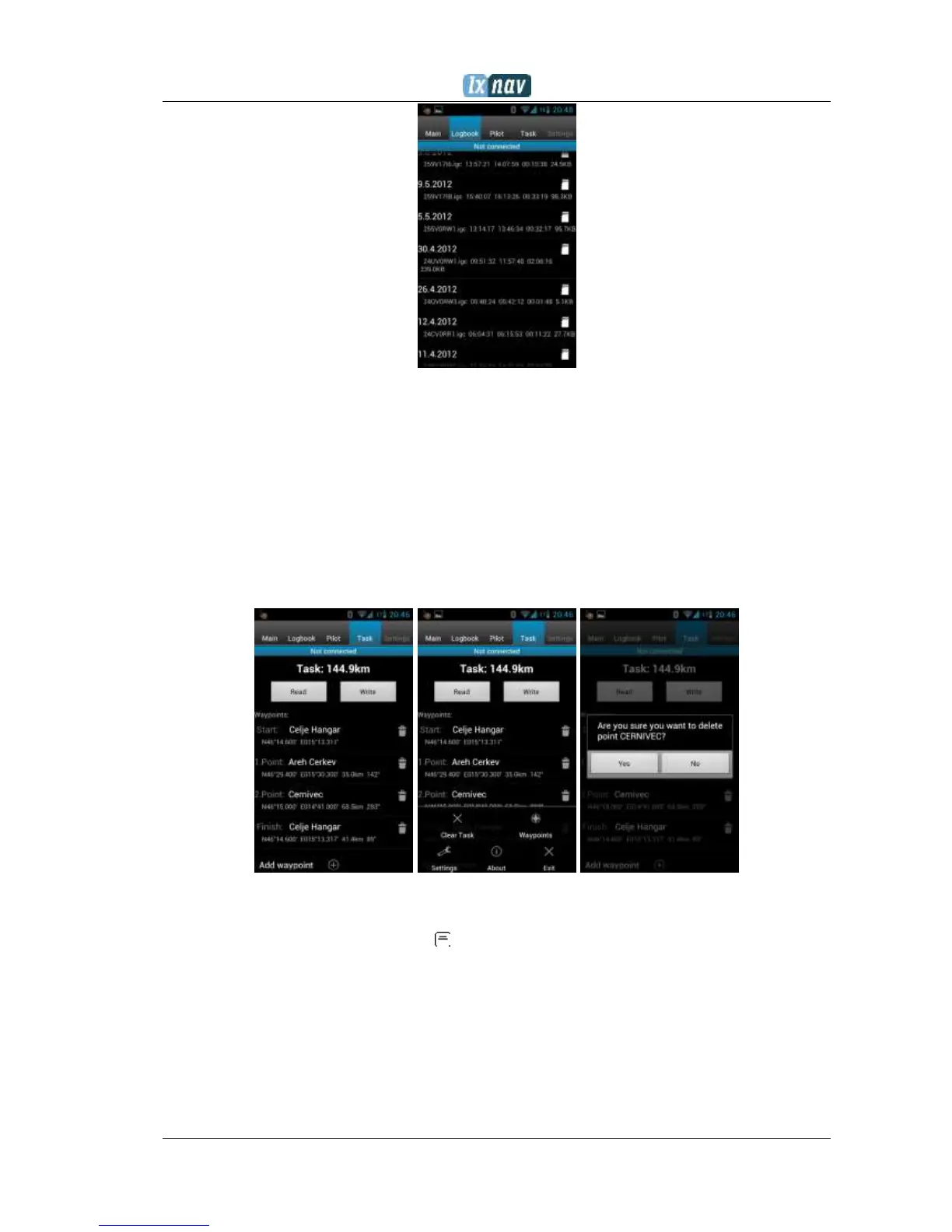
After downloading of the logbook data is finished, a short press on the desired flight will
start the download process. If the flight size is big, the download may take more than
minute. Flights are downloaded into the NanoConfig folder. With a long press on the flight,
the downloaded flight can be shared with other applications installed on your smart phone
(Gmail, SeeYou, OLC (not available) , Google Docs, Facebook).
7.4.4 Editing pilot info
The Pilot tab can be used to edit information about the glider and crew.
7.4.5 Editing task for declaration
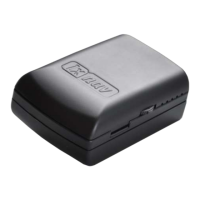
Editing the task is very simple. First is necessary to choose a waypoint file in the CUP
(SeeYou) format. To select the CUP file, use the MENU button. On some devices you must
press for a long time to menu button . Press the Add waypoint button to add the waypoint
to the last position. A long press on the waypoint will give us an option to insert a waypoint.
On the right hand side of waypoint name is the trash box. Press the trash box to delete the
waypoint from the list. After a task has been entered, it can be transferred to the NANO
3
by
pressing the Write button.
7.4.6 Configuring NANO
3
In this tab the recording interval, automatic power off, and NMEA settings can be
configured.


 To Next Page