OPERATOR’S STATION
Form # 169304 28 Model Year - 2009
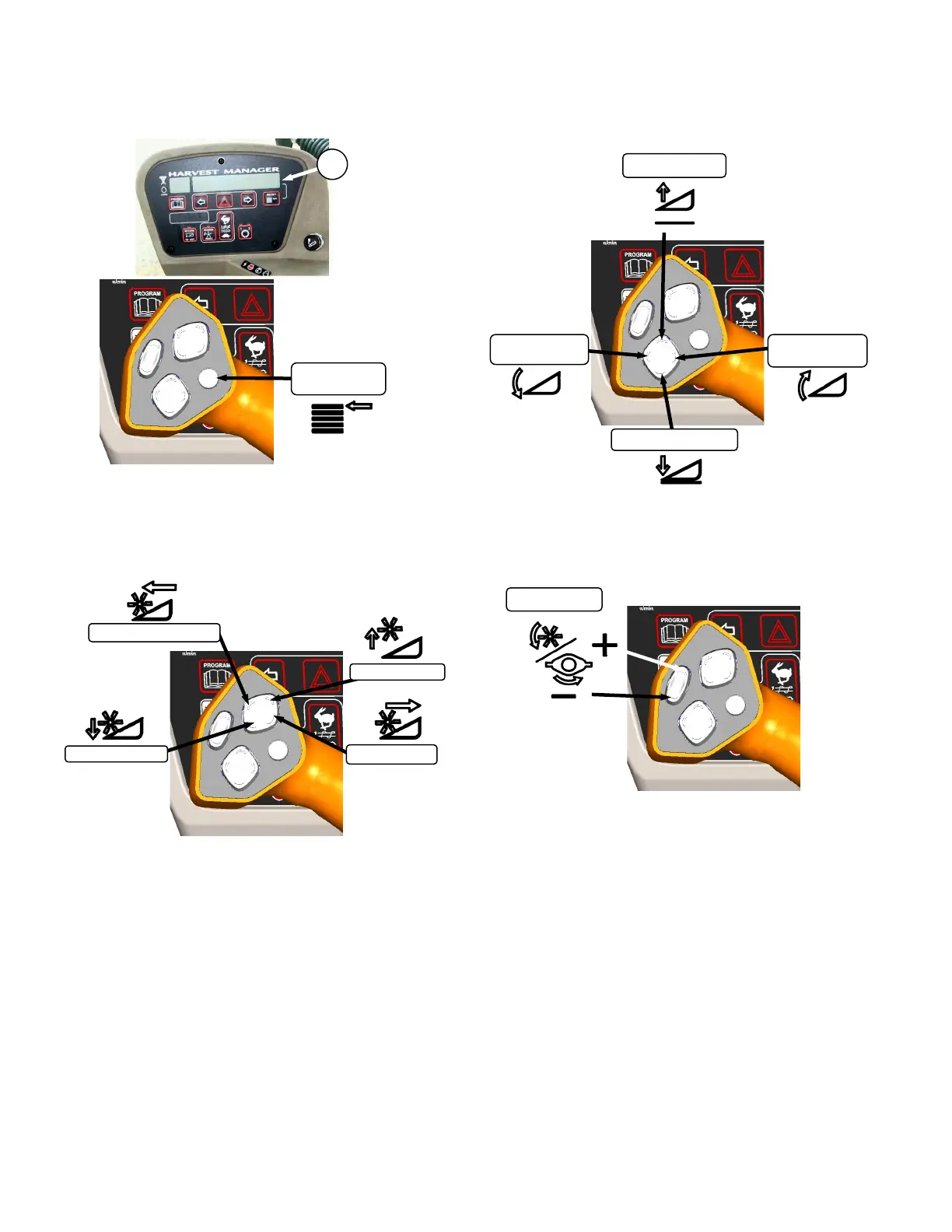
5.17.2.1 Display Selector Switch
Selects and displays the settings in the CDM (B)
top line read-out for each of the header controls.
Press switch to scroll through settings.
5.17.2.2 Reel Position Switches
NOTE
Reel position switches work only on
draper headers.
Press and hold switch at location shown to move
reel.
Release switch at desired position.
5.17.2.3 Header Position Switches
Press and hold switch at location shown to move
header.
Release switch at desired position.
5.17.2.4 Reel Speed Switches
Press and hold switch at location shown to
change reel or disc speed.
Release switch at desired speed.
Auger Header
Auger speed automatically adjusts when reel
speed is changed.
Draper Header
Reel speed is limited in INDEX HEADER
SPEED mode.



 To Next Page