147762 17 Revision C
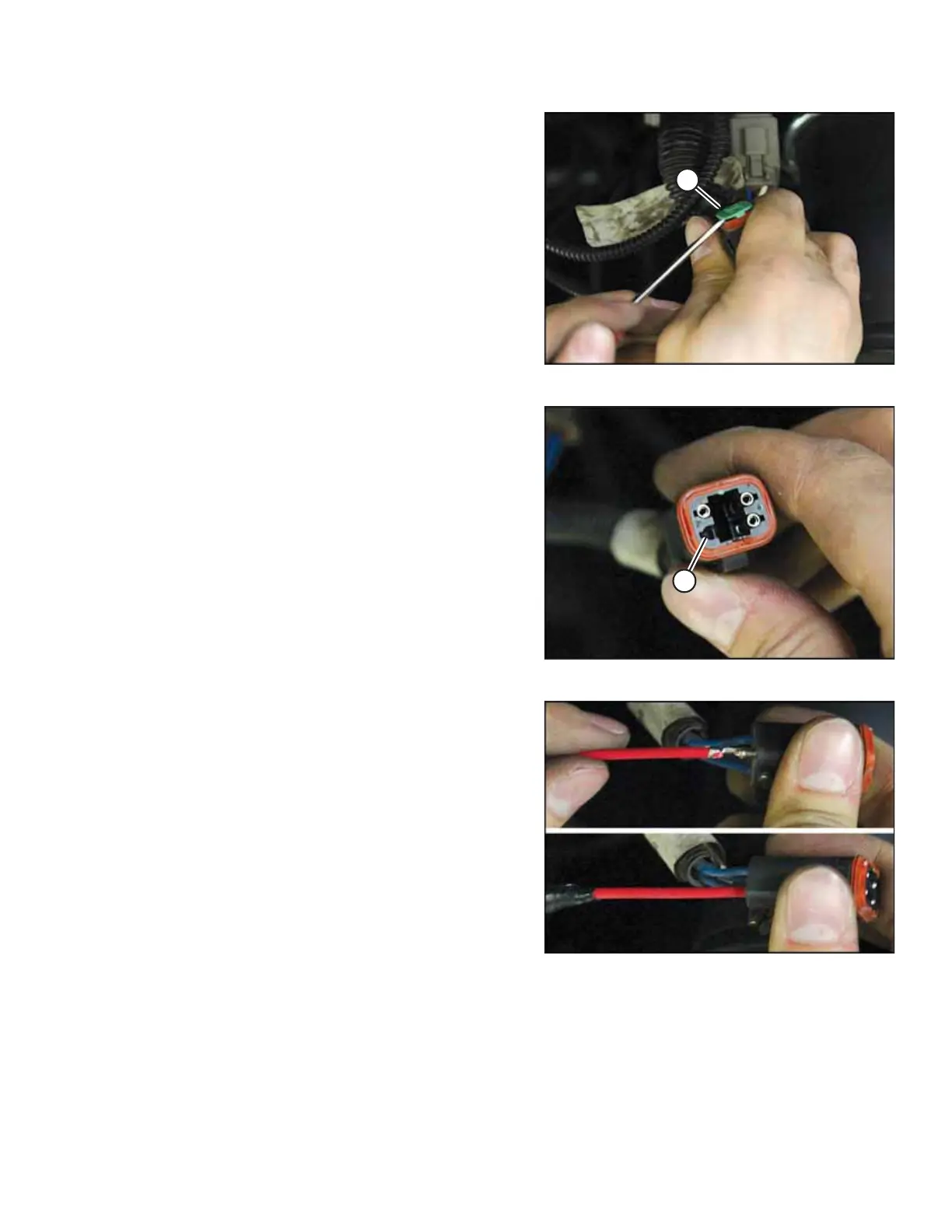
Figure 3.24: C3B Connector
6. On the other end of the connector that was disconnected
in Step 19, page 14, C3B, remove terminal lock (A).
Figure 3.25: C3B Connector
7. Remove the plug from position 4 (A) on the connector.
Figure 3.26: Deutsch Socket and C3B Connector
8. In place of the plug, insert the Deutsch socket from the
auxiliary lighting chassis harness into position 4 on
connector C3B.
INSTALLATION INSTRUCTIONS



 To Next Page