MovieClip 453
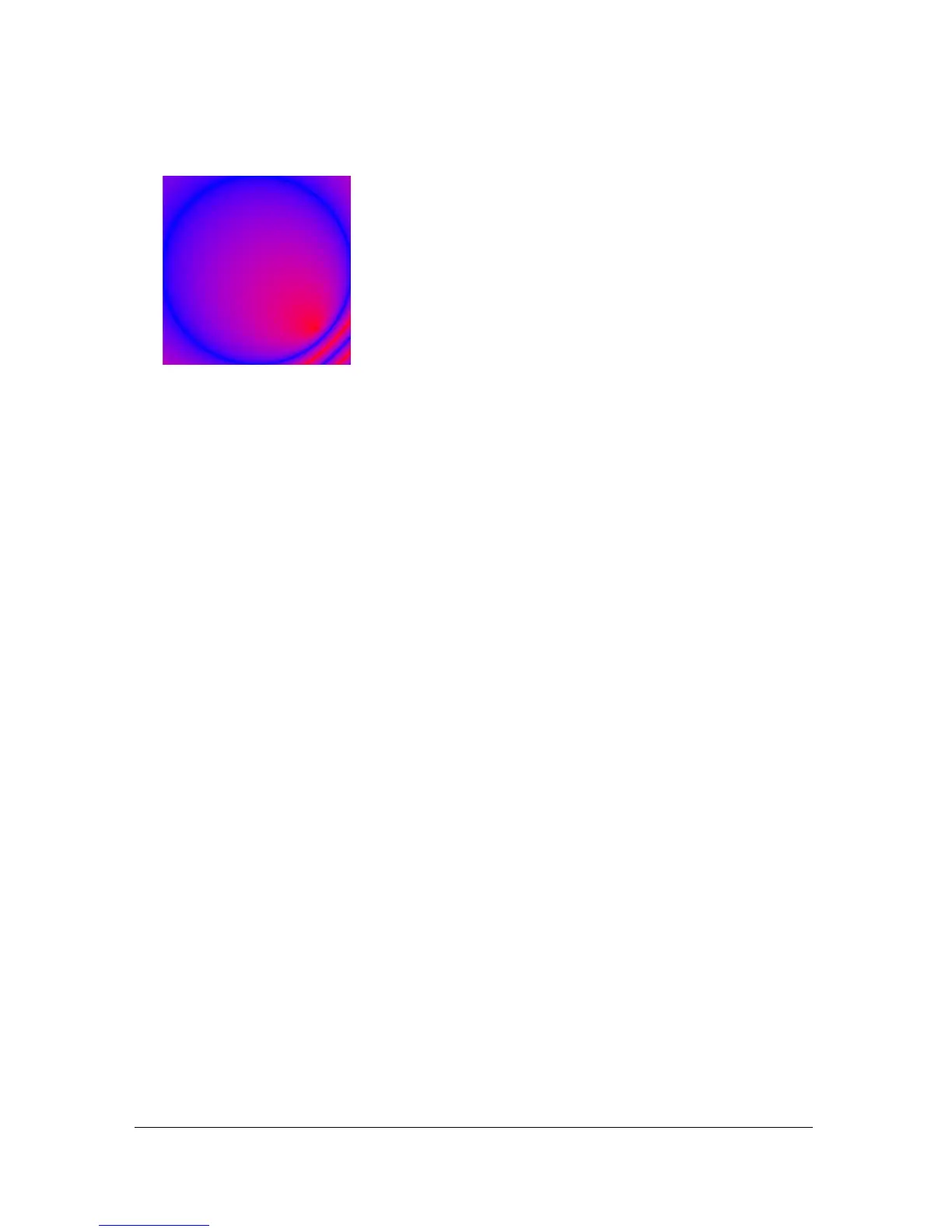
This code draws the following image on the screen:
See also
beginFill (MovieClip.beginFill method), endFill (MovieClip.endFill method),
lineStyle (MovieClip.lineStyle method), lineTo (MovieClip.lineTo method),
moveTo (MovieClip.moveTo method)
clear (MovieClip.clear method)
public clear() : Void
Removes all the graphics created during runtime by using the movie clip draw methods,
including line styles specified with
MovieClip.lineStyle(). Shapes and lines that are
manually drawn during authoring time (with the Flash drawing tools) are unaffected.
Availability: ActionScript 1.0; Flash Lite 2.0
Example
The following example draws a box on the Stage. When the user clicks the box graphic, it
removes the graphic from the Stage.
this.createEmptyMovieClip("box_mc", this.getNextHighestDepth());
box_mc.onRelease = function() {
this.clear();
};
drawBox(box_mc, 10, 10, 320, 240);
function drawBox(mc:MovieClip, x:Number, y:Number, w:Number, h:Number):Void
{
mc.lineStyle(0);
mc.beginFill(0xEEEEEE);
mc.moveTo(x, y);
mc.lineTo(x+w, y);
mc.lineTo(x+w, y+h);
mc.lineTo(x, y+h);
mc.lineTo(x, y);
mc.endFill();
}



 To Next Page