ID Card Printer – User Manual
- 11 -
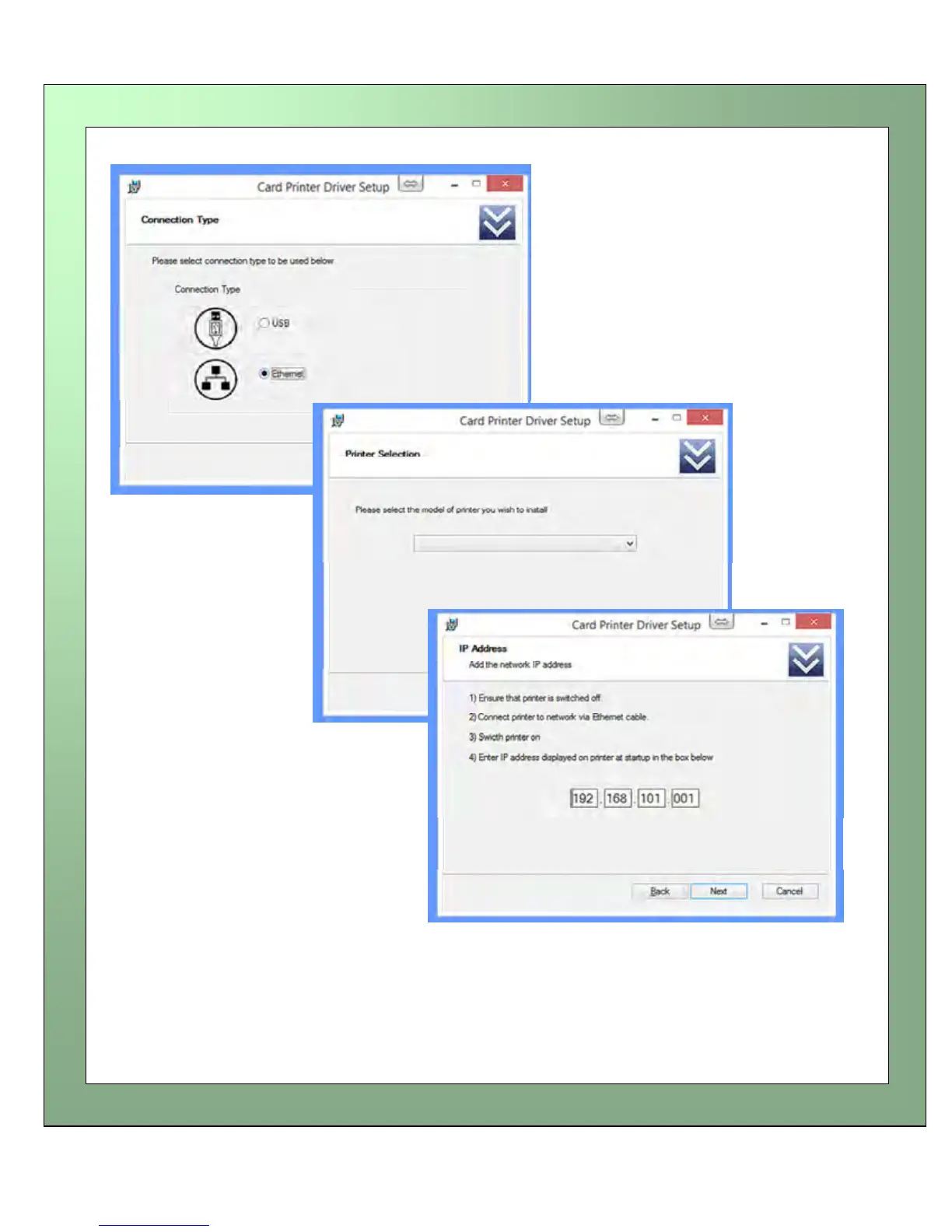
Choose to install the Driver for
Ethernet operation
follow the on-screen instructions
Enter the model of the
Printer
Enter the IP Address of
the Printer
NOTE: The Rio Pro is designed to retrieve a “Dynamic” IP Address.
“Static” mode and IP Address configuration can be updated using the
ID Printer Support Utility.















 To Next Page