ID Card Printer – User Manual
- 14 -
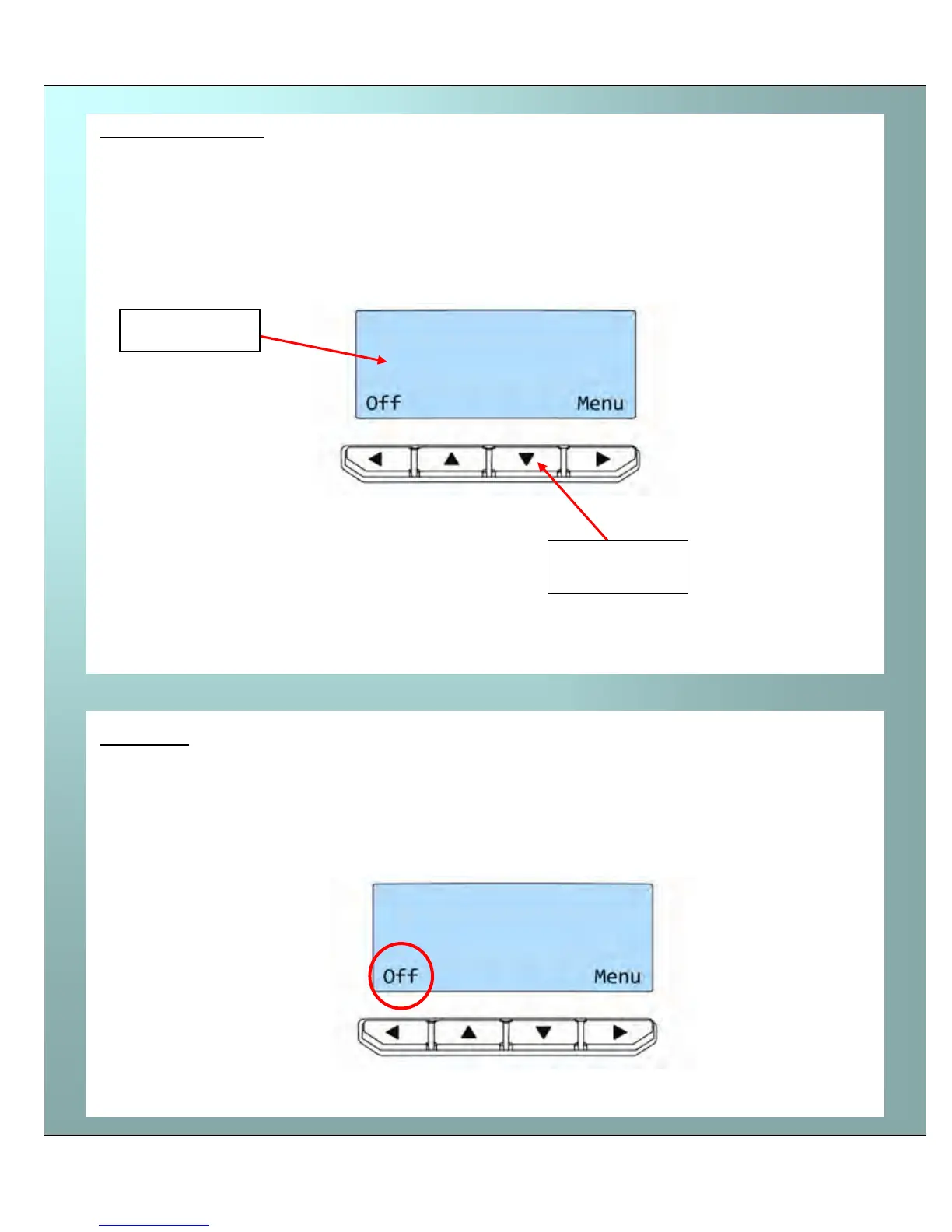
The front display panel has a text display and 4 push buttons. These buttons act as ‘soft’ buttons –
i.e. their function varies depending on the text displayed immediately above each button.
The menu options for the soft buttons are explained in the following pages…
Switches the printer OFF.
To switch the printer back ON again - press any button.
Front display panel
Off button
Text Displa
Menu select
Buttons















 To Next Page