ID Card Printer – User Manual
- 8 -
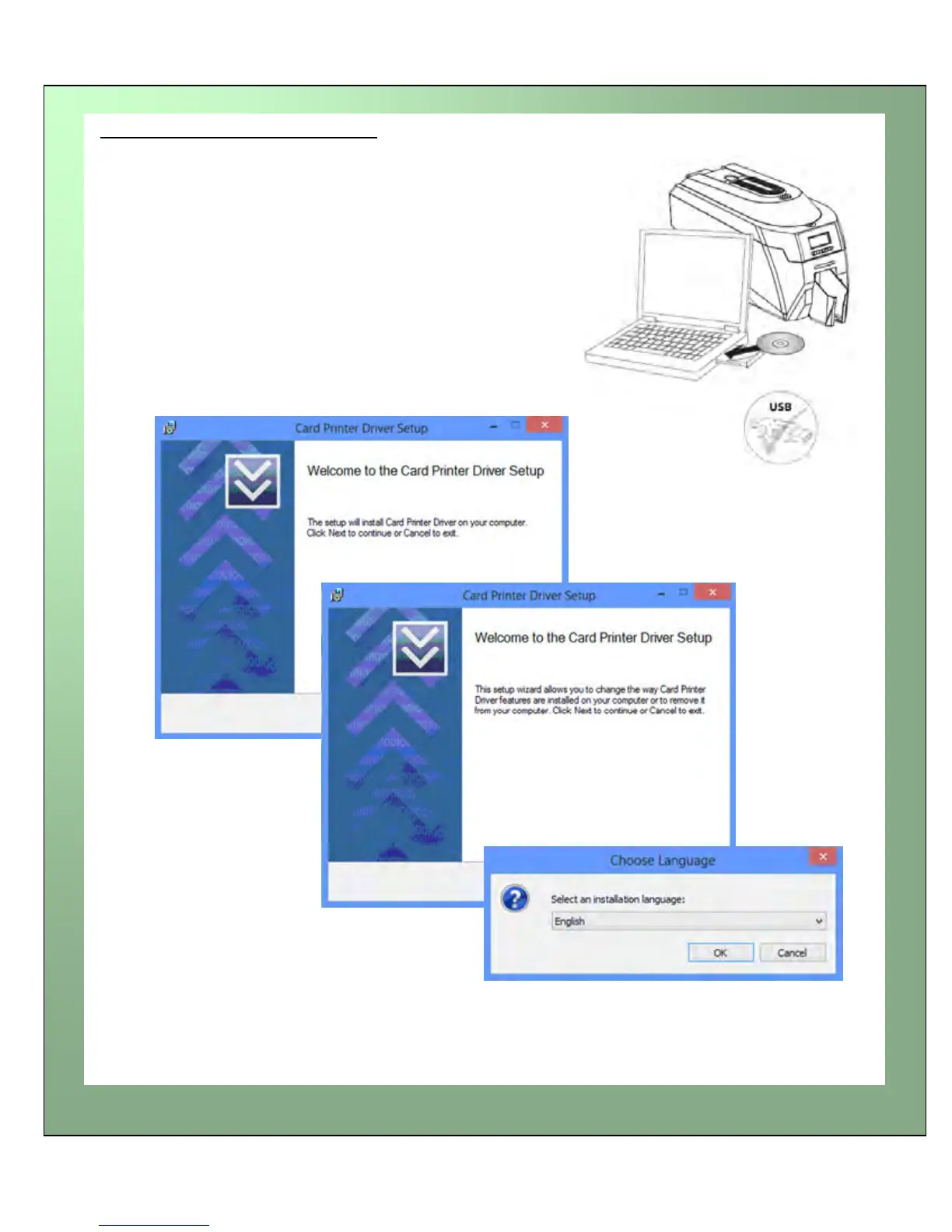
1. Load the driver CD ROM into the PC.
Note : If the CD does not run automatically,
click the start button, then click on “run”. Type
“D:\autorun”, where D is the drive letter for
your CD drive, then press the return key.
2. Now follow the on screen instructions to
install the printer Driver (please see below):
Load the Driver CD in to your PC















 To Next Page