ID Card Printer – User Manual
- 5 -
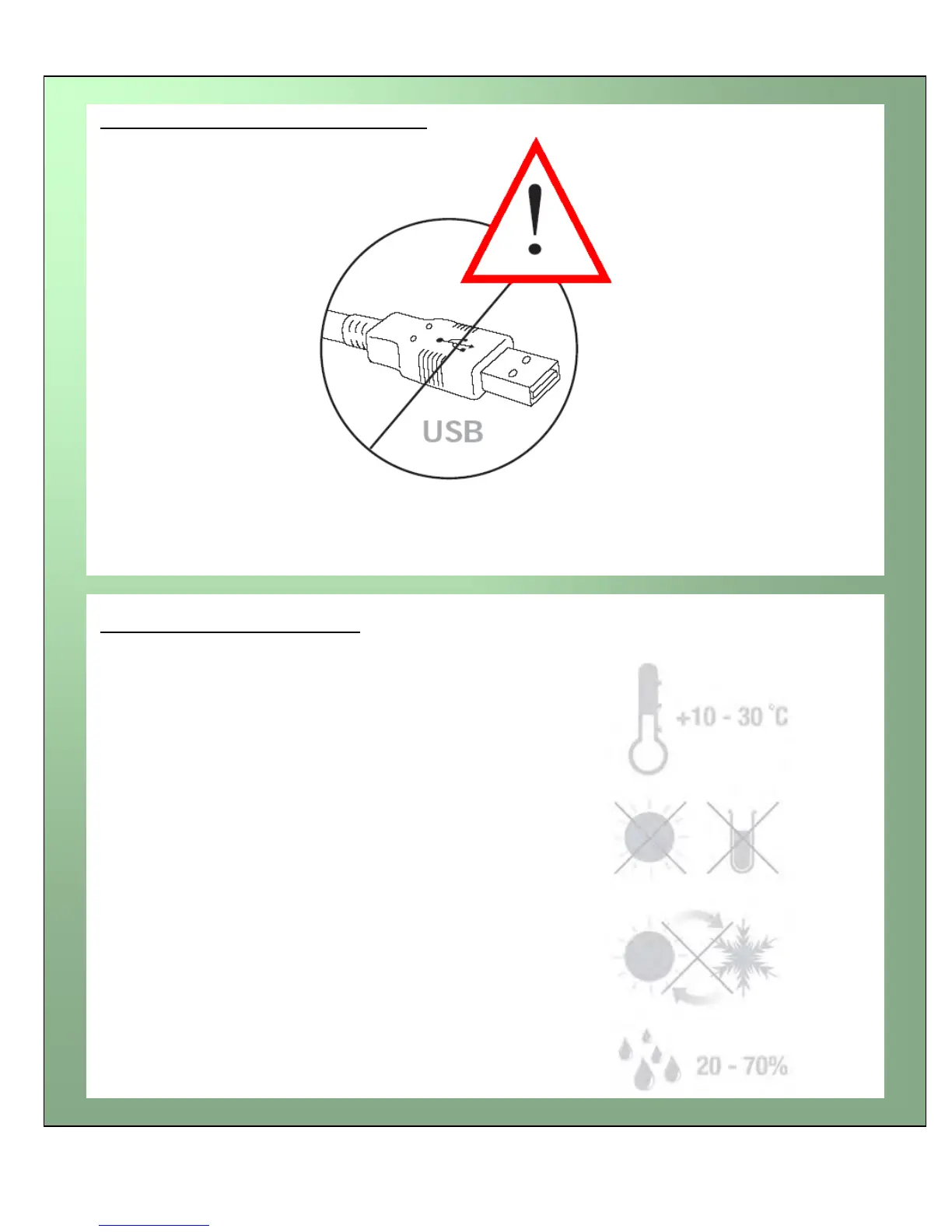
It is important to install the printer’s Driver CDROM first, before connecting the USB cable between
your PC and ID Card Printer.
Normal office environment with:
A properly grounded power supply
Ambient temperature +10 to 30
o
C (50 to 86
o
F)
Protection from direct sunlight and chemicals
Protection from abrupt temperature changes
Relative humidity 20 - 70%
Sufficient space for:
- opening the top cover
- cable access at the rear
IMPORTANT – do not connect USB yet
Printer location requirements:















 To Next Page