ID Card Printer – User Manual
- 17 -
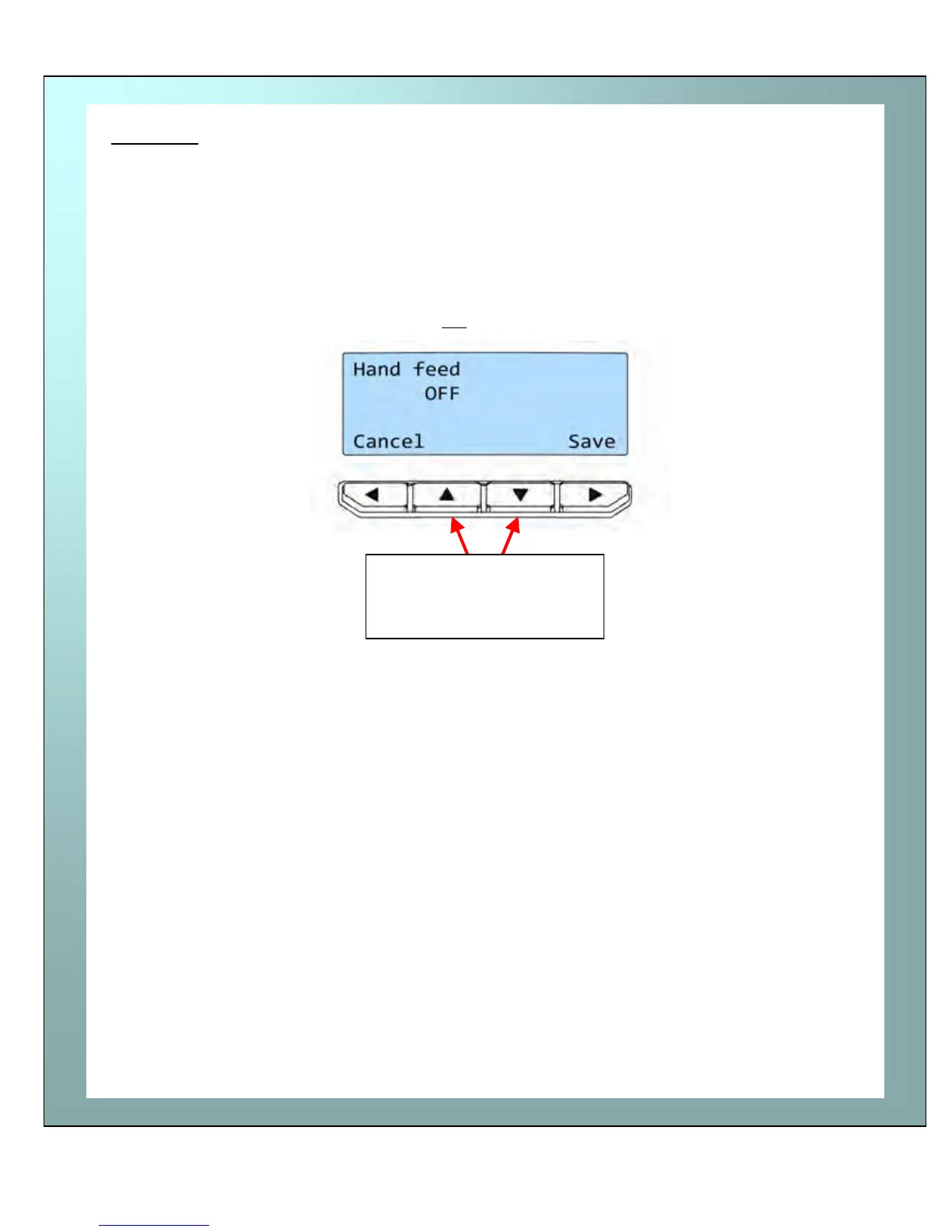
Hand feed
Hand feed -
This feature enables you to select whether cards should be fed into the printer
from the Card hopper (at the rear of the printer), or by hand (one-at-a-time) from
the front of the printer. There are 2 settings:-
OFF - This is the default setting. Cards will be fed automatically from the carrd
hopper.
ON - At the start of each print the printer will request you to feed a card
through the card feed slot in the front of the printer.
Note: Cards will not
be fed from the card hopper.
When Hand Feed mode is set to “ON” the printer will prompt you when it is time to
place a card through the card feed slot in the front of the printer.
Once the desired mode is selected, press the “Save” button
Λ V
Use the arrow keys to
toggle the mode between
ON and OFF















 To Next Page