ID Card Printer – User Manual
- 27 -
For users with a single-sided ID Card Printer, a double-sided upgrade kit can be purchased from your
ID Card Printer’s.
With this simple drop-in kit you can change your single-sided printer into a double-sided printer
and be printing double-sided (Duplex) cards in seconds!
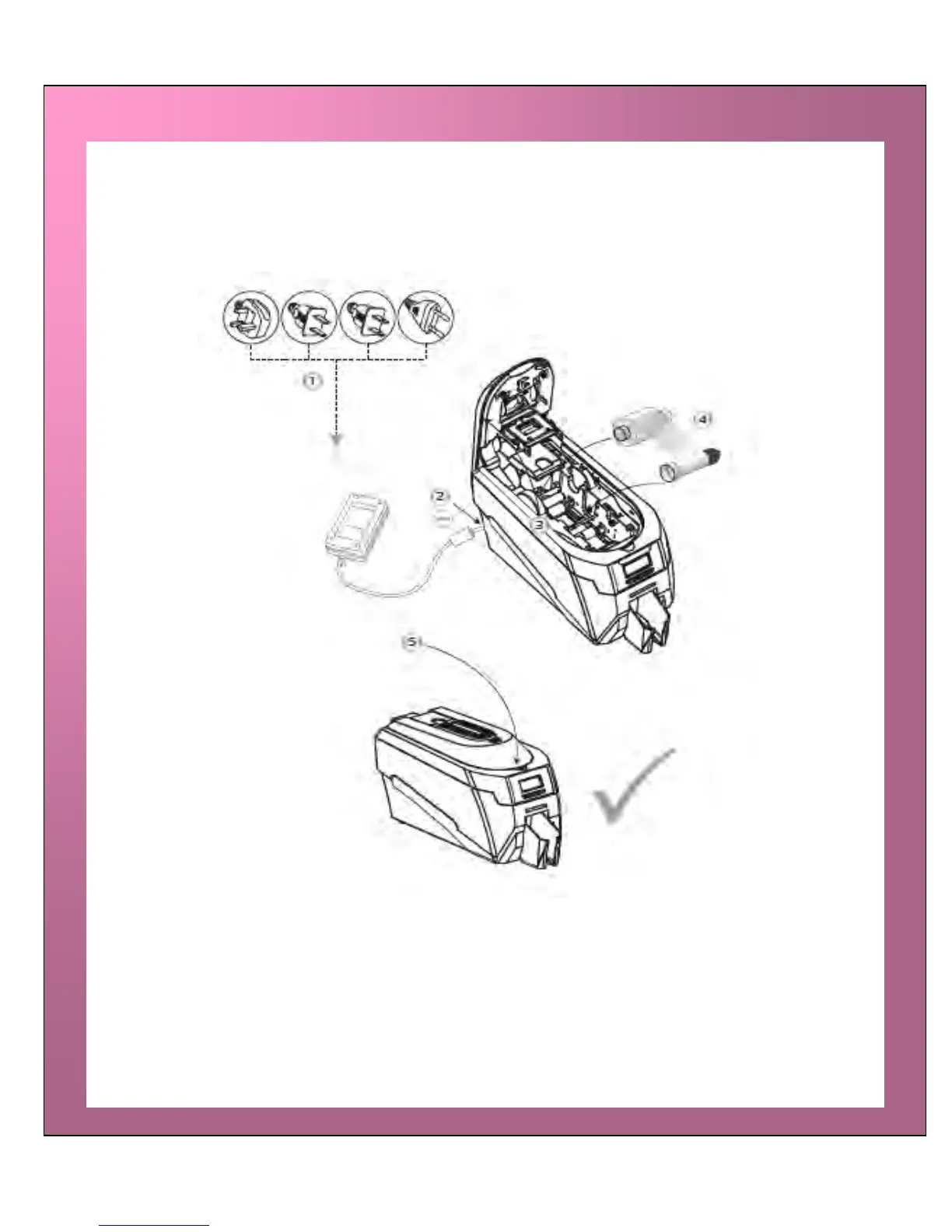
STEP 1 - Connect Power Unit to Mains supply.
STEP 2 - Plug Supply Lead into Printer.
STEP 3 - Open the lid and remove any dye film that may have been previously installed
(this can be used again after the upgrade has been completed).
STEP 4 - Load the special dye film supplied with the Upgrade Kit.
STEP 5 - Close the lid.
The display now shows “Duo”. Start duplex printing!
UPGRADING TO DOUBLE-SIDED:















 To Next Page