ID Card Printer – User Manual
- 19 -
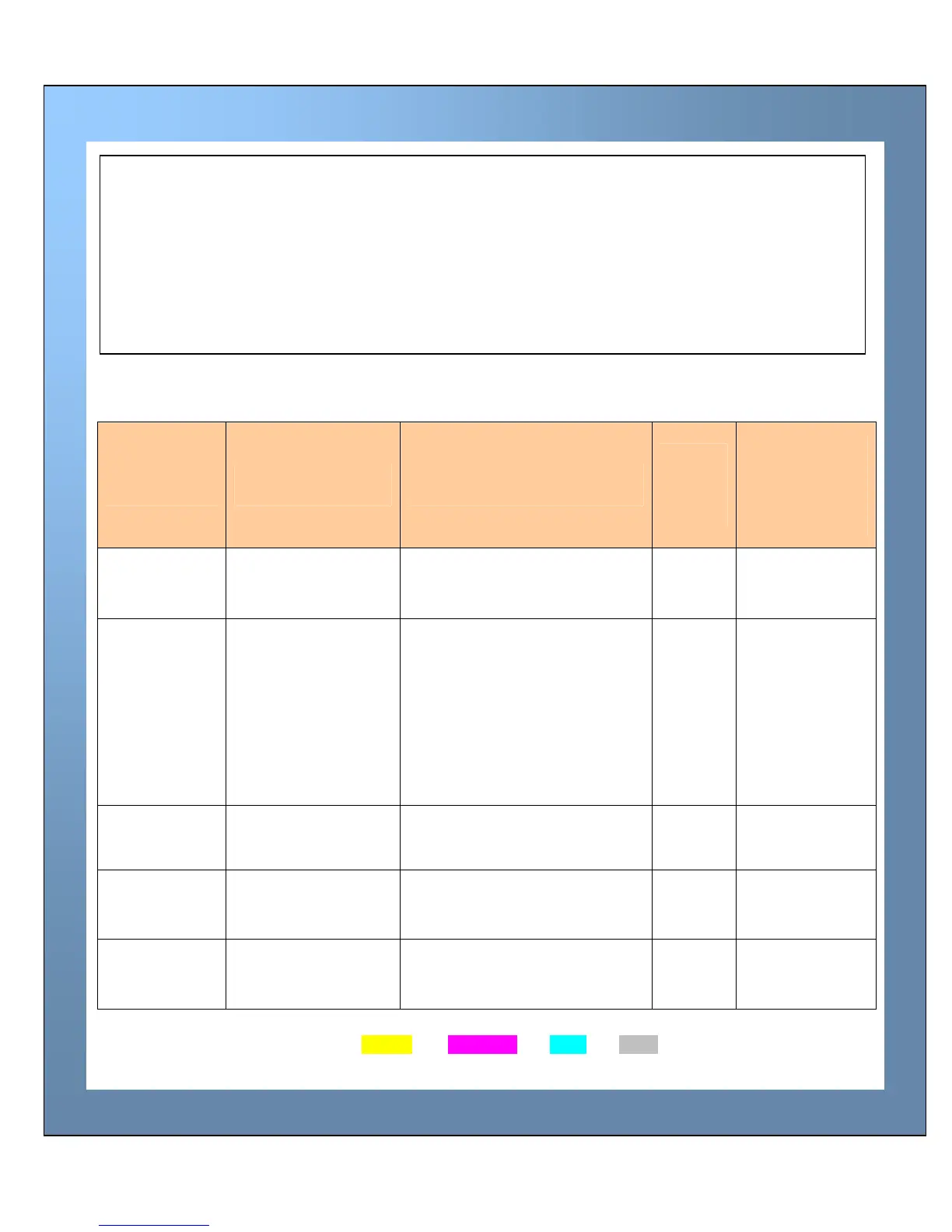
The table below is a guide to selecting the best dye-film to use for any intended application.
* Ribbon Panel Layout Key: Y=yellow, M=magenta, C=cyan, K=resin, O=overcoat (No Colour)
Note:
300YMCKO dye-film is generally the appropriate choice for colour printing with both
single-sided and double-sided (duplex) printers.
250YMCKOK dye-film, for duplex models only, is more economic when printing in colour
on the front side and black on the rear.
1000K & 600KO dye-film – where cost is critical, monochrome printing is a fraction of the
cost of colour printing.
CHOOSING THE RIGHT DYE-FILM RIBBON
ID Card
Printer type
Type of images
you want to print
Cards per
ribbon
Ribbon
Panel
Layout
*
Part Number
2 digit
** = supplier
code
Single-sided
& Duplex
Colour (1 side only) 300 (printing on 1 side only) YMCKO **300YMCKO
Single-sided
Monochrome:
Black
Red
Blue
Green
Gold
Silver
White
Scratch
1000 (printing on 1 side only) K
**1000K-n
(n = colour)
Single-sided Black + Overcoat 600 (printing on 1 side only) KO **600KO
Duplex
Colour front &
Black back
250 (printing on 2 sides) YMCKOK **250YMCKOK
Duplex
Colour front &
colour back
150 (printing on 2 sides) YMCKO **300YMCKO















 To Next Page