ID Card Printer – User Manual
- 18 -
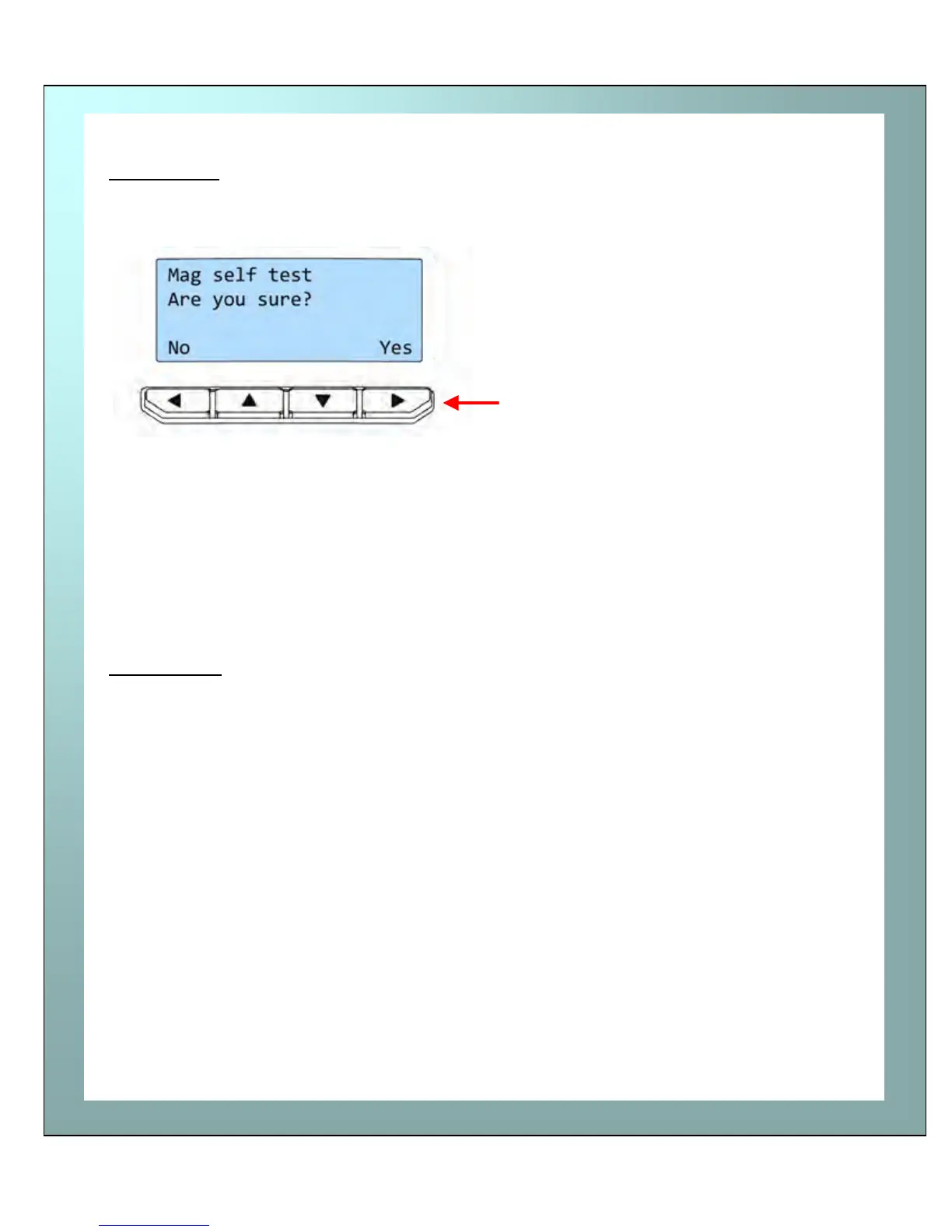
Mag self test
Reset printer
Mag self test
-
Reset printer
-
Mag self test – select “Yes” on this
option if you wish to verify the magnetic
operation of the printer.
You will be asked to confirm that you wish
to encode and print a test card.
If you select “Yes”, the printer will feed a
card from the hopper, encode the
magnetic stripe and print an internally
generated test image on it.
NOTE: if your printer does NOT have a magnetic encoder fitted, it will be unable to
conduct this test, and will instead display the message :- “Mag not fitted!”
Reset printer will force the printer to re-initialise (the same effect would be seen if
the printer’s DC Power cable were removed and re-fitted).















 To Next Page