Electronic Fluxmeter EF 14
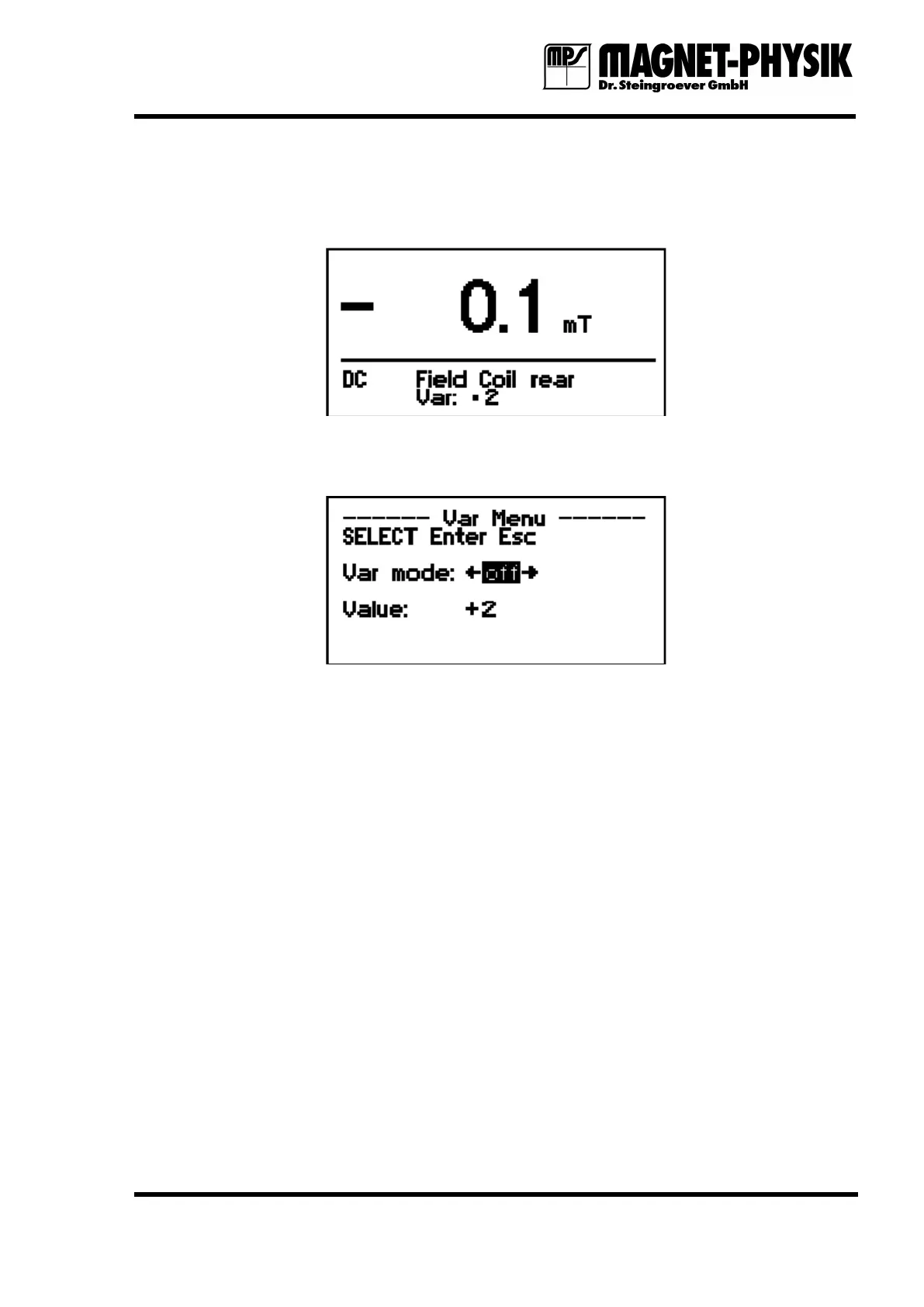
The measured value is converted using the numerical value before it is displayed or send via the
interface. If the Var. function is active, this is shown instead of the coil constant in the
measuring display.
Fig. 4.10.2: Display in measuring operation, function Var. switched on
If “off” is selected for Var mode, the function is disabled (normal operation).
Fig. 4.10.3: Switching off Var.
4.11 Measuring Data Memory
The EF 14 has a data memory that allows to store up to 100 measurements. The stored values
remain in the memory even if the instrument is switched off.
To store measurements, the instrument must be in measuring operation. Any menu must be
active.
Press Enter to store the displayed measurement. In the upper left corner of the display first the
number of the memory is shown and next to this the stored value.
By pressing Enter repeatedly you can store further measurements. A new measurement is
appended at the end of the memory list.
Previously stored values can be called up from the memory using the arrow keys (←, →). You
can, independently from the current position in the memory list, append a new measurement to
the end of the list using Enter. This value is then displayed.
To delete a measurement you must select it first with the arrow keys. Then press shortly Delete
to erase the shown value. If you keep the Delete key pressed for a longer time, further values
are deleted until you release the key.
If the deleted value was not at the end of the memory list, it is replaced by the value from the
following memory location. Following values move accordingly.


 To Next Page