Electronic Fluxmeter EF 14
In the Contrast menu you can adapt the contrast of the LC display to the ambient lighting
conditions. Use the right arrow key (→) to achieve more contrast. Use the left arrow key (←) to
achieve less contrast.
4.12.5 RS 232
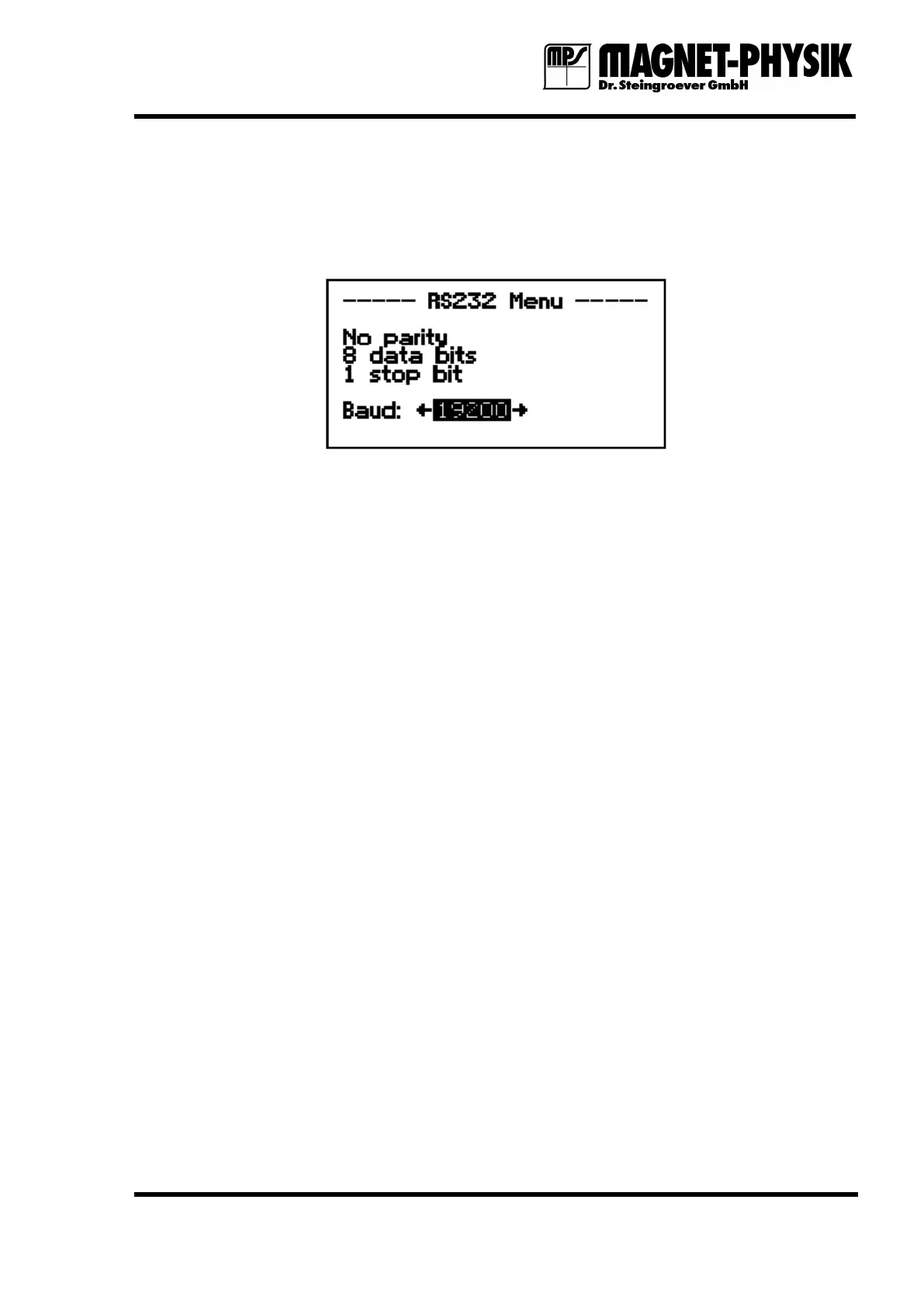
Fig. 4.12.5.1: RS 232 menu
The transfer speed (baud rate) for the interface can be set in the RS 232 menu. Make sure that
the same baud rate is set on the PC that will communicate with the EF 14. The other
communication parameters are fixed: 8 data bits, 1 stop bit, no parity bit. The EF 14 does not
support handshaking.
The interface can be accessed via the 9 pin Sub-D connector on the rear panel. The pin
configuration is given in chapter 7.2.
4.12.6 Send Data
If Send Data is chosen in the Mode menu, the EF 14 starts to send continuously measurements
from the computer interface. This is carried out in the same way as with the #NMEAS and
#MULTI interface commands (see chapter 6.3.1), if NMEAS is set to 0 and MULTI is set to 1. If
Send Data is active, the menu entry changes to Stop Sending. This can be chosen to stop the
data output.
4.12.7 Set Local
As soon as the EF 14 receives a write command at the computer interface it turns into remote
mode and the keypad is locked. The Set Local function is the only one that can be carried out
from the keypad in this mode. It enables the full keypad operation again. Set Local has the
same effect as sending #LOCAL to the interface.


 To Next Page