Electronic Fluxmeter EF 14
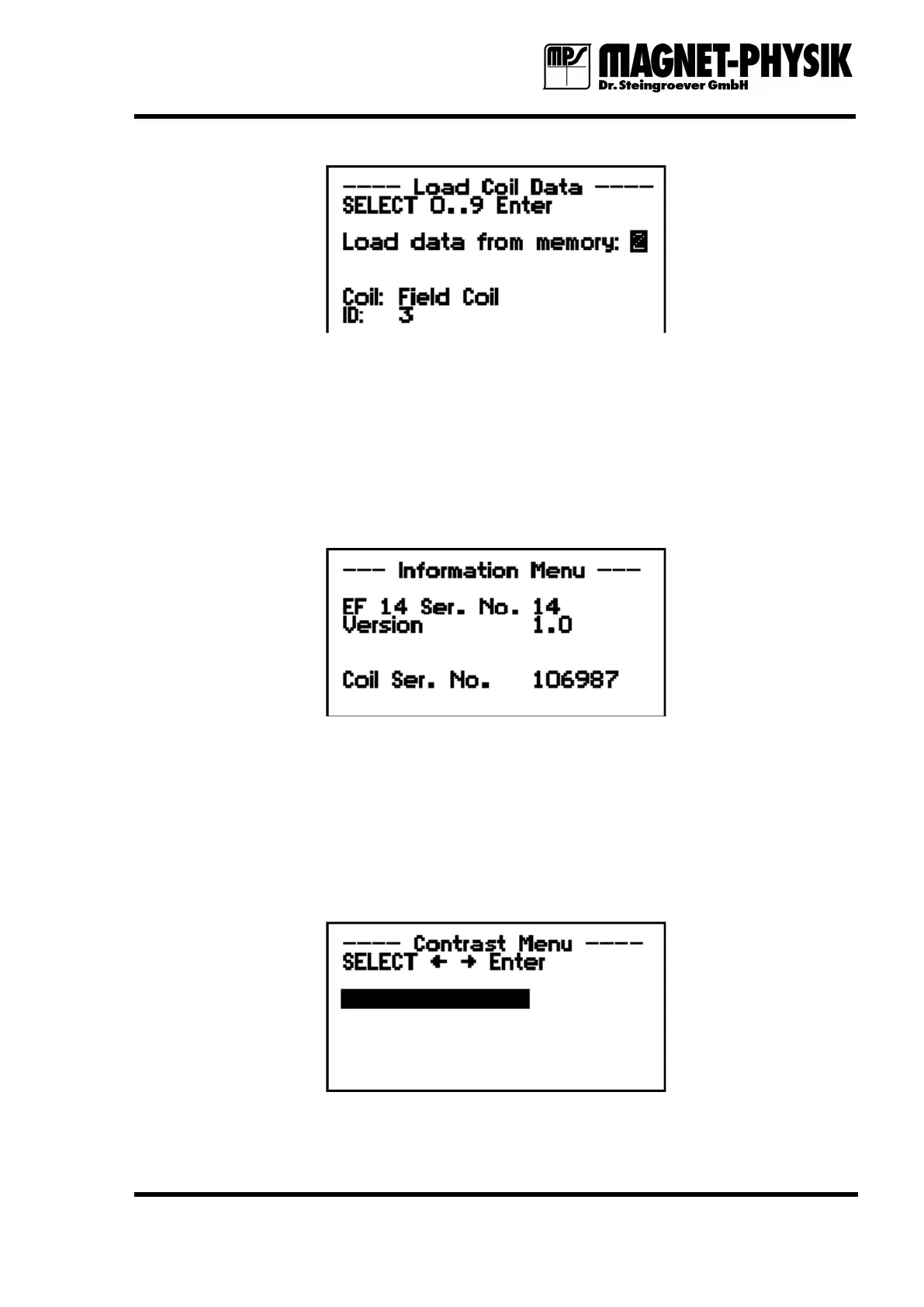
Fig. 4.12.2.1: Load Coil menu
The menu Load Coil allows loading sets of coil parameters that were previously saved using
Save Coil. The number of the memory (0 – 9) is selected with the respective numerical key.
Then the coil type and identification number (ID) are shown.
If you confirm the selection with Enter, you get back to the Mode menu. Instead of Enter you
can press Mode to start the measuring operation directly.
4.12.3 Information
Fig. 4.4.1: Information menu
The Information menu shows the serial number of your EF 14. It must be the same as the
serial number than on the label on the rear panel of the instrument. The version number of the
instrument software is displayed below the Serial number.
If the serial number of the connected measuring coil is available in the data memory of the coil,
it will also be shown.
4.12.4 Contrast
Fig. 4.12.4.1: Contrast Menu


 To Next Page