Battery Charger Instruction Manual – December 2015
4
195-50362-0010: Battery Charger w/AC Power Adapter for
BT126-0 battery
195-50362-0020: Battery Charger w/DC Power Adapter for
BT126-0 battery
195-50362-0030: Battery Charger w/parallel cable for BT126-0
battery
Battery Charger Instruction Manual – December 2015
9
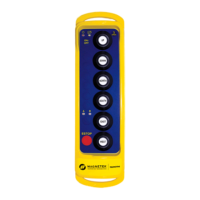
Figure 3
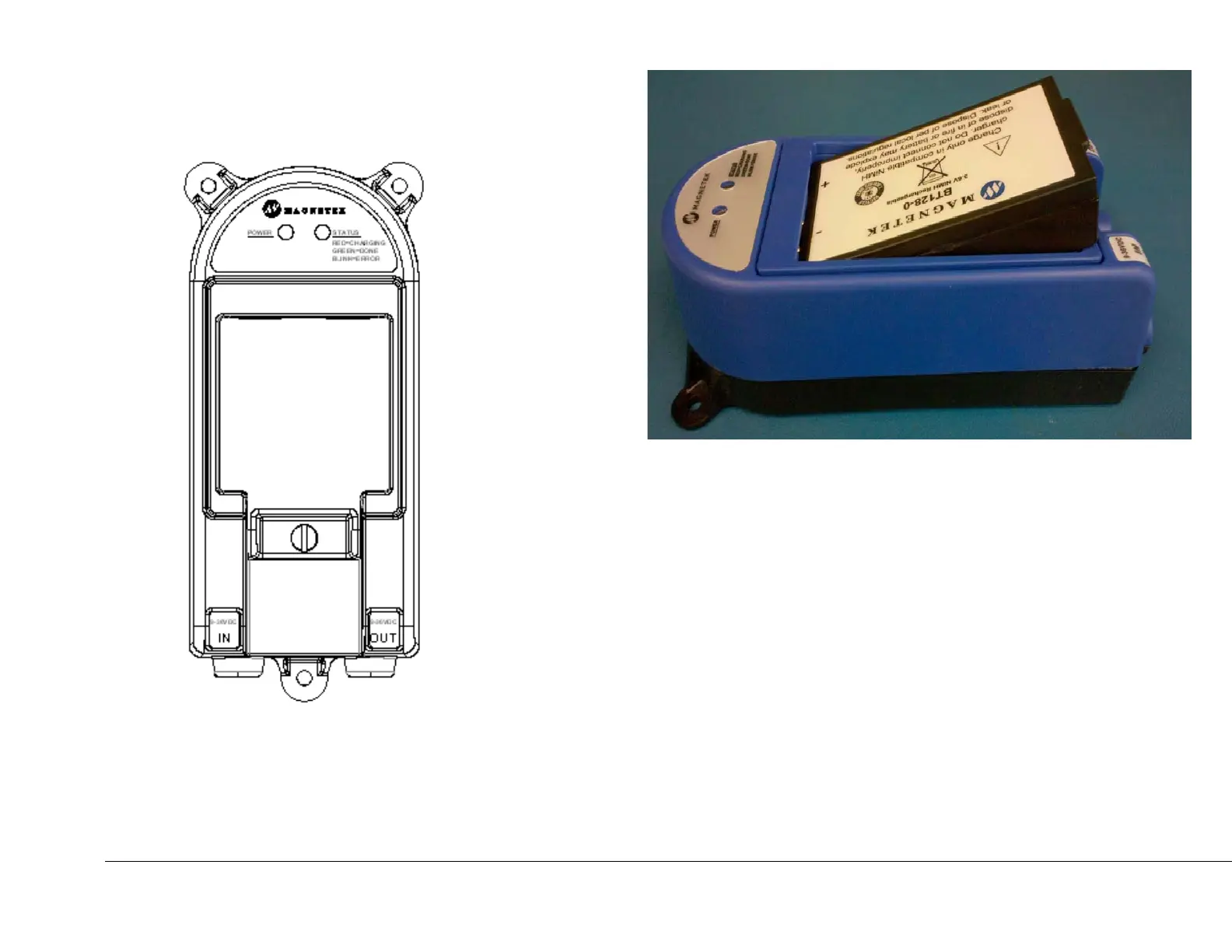
3. Once in place, the Status LED will turn RED, indicating the
battery is charging.
4. When the battery is fully charged, the Status LED will turn
GREEN. The battery will be charged within 3 hours.
5. If an error has occurred with the charging process, the
Status LED will flash RED. Remove the battery from the
charger and try again. (See Table 1.0 for more
troubleshooting instructions)
6. For best battery performance, avoid charging the battery
pack for more than 24 hours at a time.
NOTE: All new rechargeable battery packs must be charged
before usage.



 To Next Page