Chapter 1 - Basic info
29
Chapter 3 - Preparing the battery and compact flash card
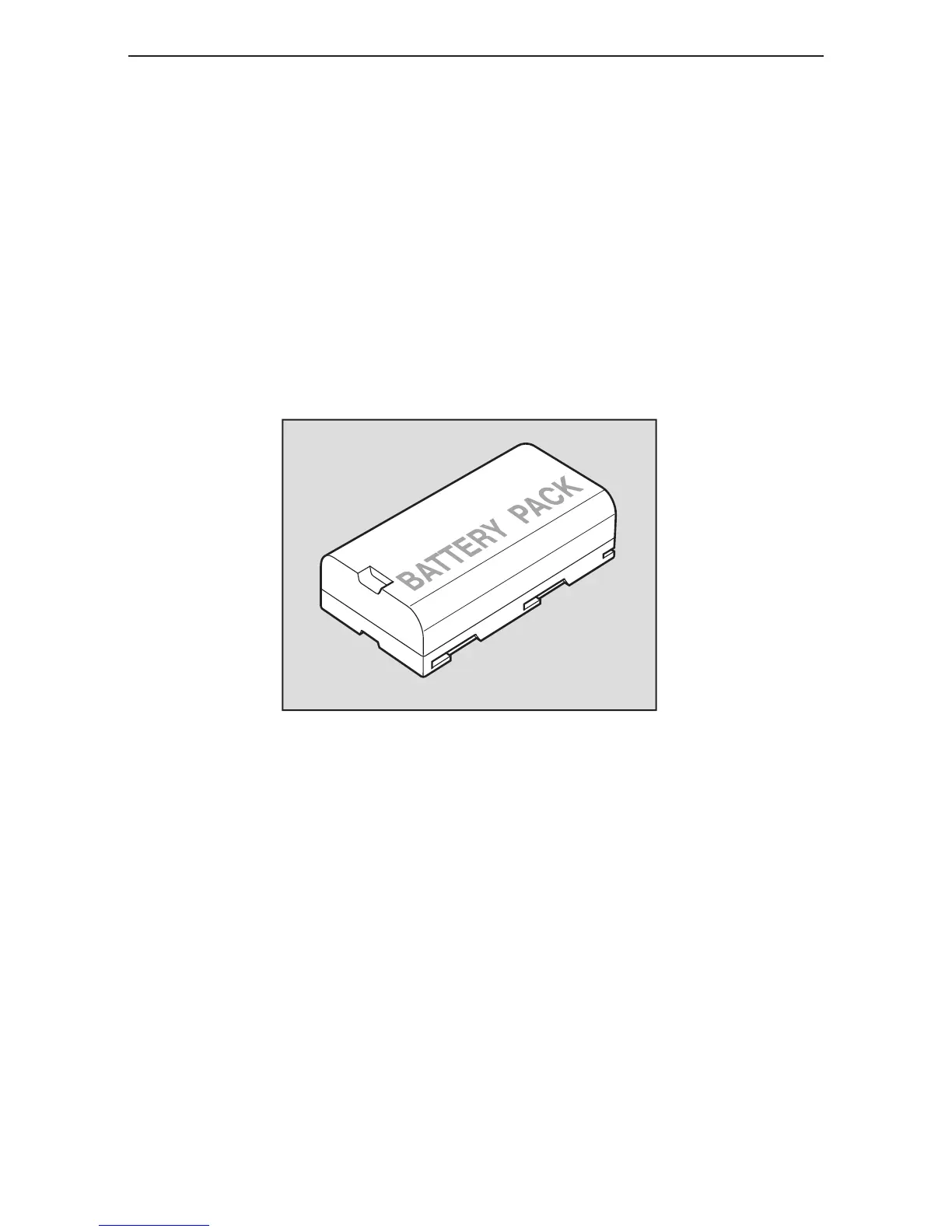
diGital back battery power status
Charging begins when the lithium ion battery is attached to the Haenel charger and the indicator
light turns on. The indicator light begins to blink when the battery is 95% charged. Charging is
complete when the indicator light turns off.
When charging the battery for the first time, be sure to charge the battery for 12 hours regardless
of the indicator light turning off.
The battery should not be left in the charger when the charger is not connected to a power
source. If a battery is left in an unpowered charger, the red indicator light on the charger and
the green indicator light on the power supply are illuminated on the charger, giving the false
impression that the battery is being charged. If the battery is not removed from the charger, the
battery will be discharged.



 To Next Page